
7 Best Educational Games for Kids to Play in 2025
Discover the best educational games for kids in 2025. Our curated list covers top apps, games, and platforms to make learning fun and effective for all ages.
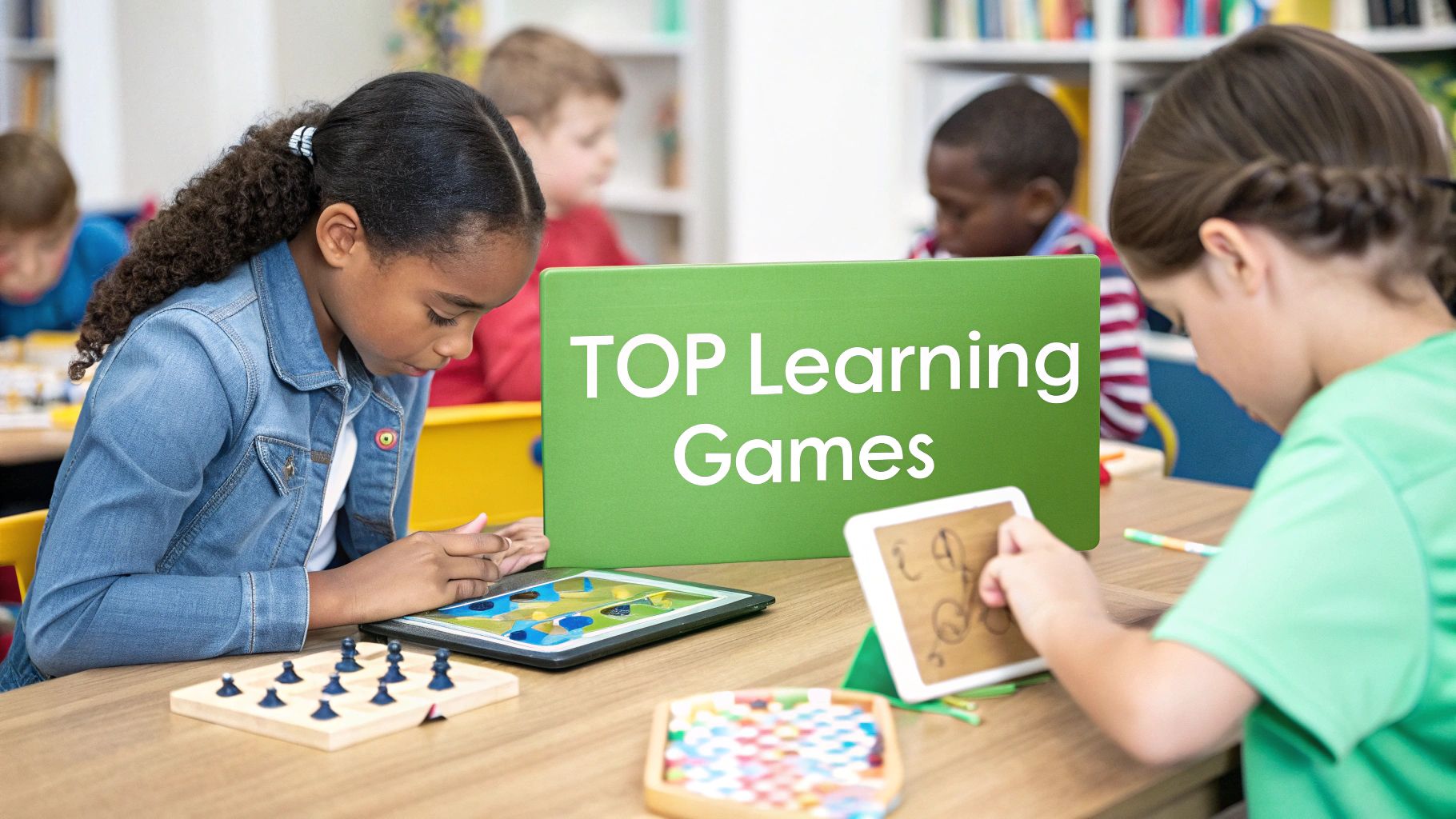
In a world where screens are everywhere, finding the right balance between fun and learning is a top priority for parents. The challenge isn't just managing screen time, but making it count. What if your child's playtime could also be a powerful tool for building skills in geography, math, reading, and problem-solving? The good news is, it can.
The best educational games for kids are designed to do just that-transforming passive viewing into active, engaging learning experiences. This guide moves beyond simple app store browsing to give you a curated look at the top platforms and games that truly deliver on their educational promise. We have done the research for you, compiling a definitive list of resources that blend entertainment with meaningful skill development.
This article provides a detailed roundup to help you make informed choices. For each platform reviewed, you will find direct links, key features, target age ranges, and screenshots to see the games in action. We'll explore a variety of options, from immersive 3D adventures and hands-on STEM kits to trusted, ad-free content hubs. Our goal is to help you find the perfect fit to spark your child's curiosity and support their growth in 2025 and beyond.
1. EarthChasers
Best For: Immersive 3D Geography Exploration
EarthChasers stands out as one of the best educational games for kids by transforming geography from a static subject into a dynamic, 3D adventure. Instead of just memorizing maps, players are dropped into stunningly detailed, interactive environments powered by Google Maps. This immersive approach allows children to virtually explore global landmarks, bustling cities, and remote natural wonders, creating a powerful and lasting connection to the world around them.
The platform’s strength lies in its ability to cater to various learning styles and interests through diverse game modes. This structure keeps the experience fresh and continuously challenging, encouraging long-term engagement.
Key Features and Gameplay
EarthChasers offers several core modes that make learning geography an exciting quest:
- Daily Hunt: A new challenge every day that tests players' abilities to identify a specific location based on visual clues. This mode is excellent for building observational skills and daily learning habits.
- Cities & Countries: Classic modes where players must pinpoint locations on a map. These are perfect for reinforcing fundamental geographic knowledge in a gamified, pressure-free setting.
- Natural Wonders: This mode focuses specifically on Earth's most breathtaking natural formations, from mountain ranges to iconic coastlines, fostering an appreciation for environmental science and geology.
- Community Maps: A unique feature allowing users to create and share their own custom maps and challenges. This fosters a collaborative learning environment and provides an endless stream of new content.
Why It Excels as an Educational Tool
EarthChasers is more than just a game; it is a comprehensive learning platform. Its weekly leaderboards introduce a layer of friendly competition that motivates players to improve their scores and deepen their knowledge. The 3D exploration is particularly effective for visual learners, as it provides spatial context that traditional 2D maps cannot offer. For parents and educators, it serves as a powerful tool to spark curiosity about different cultures, ecosystems, and global interconnectedness. If you want to explore more about how games can enhance geography skills, you can learn more about educational geography games on EarthChasers' blog.
| Feature | Description | Ideal Use Case |
|---|---|---|
| 3D Interactive Maps | Utilizes Google Maps for a fully immersive, street-level exploration experience. | Visual learners; virtual field trips. |
| Multiple Game Modes | Includes Daily Hunt, Cities, Countries, and Natural Wonders. | Keeping content varied and engaging. |
| Weekly Leaderboards | Players compete for high scores, fostering motivation and repeat play. | Students who thrive on competition. |
| Community Content | Users can create and play custom maps, expanding the game infinitely. | Collaborative classroom projects; creative learners. |
Access: The core game is free to play directly on the website. An optional Pro version is available for users who want to access advanced features and an ad-free experience.
Pros:
- Highly engaging 3D gameplay makes learning feel like an adventure.
- Diverse game modes prevent repetitiveness and appeal to different interests.
- Community-driven content provides a limitless source of new challenges.
Cons:
- Occasional technical issues may arise with map loading or Google Maps integration.
- Access to all features requires a paid Pro subscription.
Website: https://earthchasers.com
2. Amazon – Educational Games and Learning Toys
While not a game publisher itself, Amazon serves as the ultimate marketplace for physical educational games, making it an indispensable resource for parents. Its sheer volume of products, from intricate coding robots to classic Montessori wooden toys, ensures you can find the perfect hands-on learning tool for any child.
Amazon's primary strength lies in its powerful filtering and vast repository of user-generated content. You can sift through thousands of the best educational games for kids by age, subject matter (like STEM or language arts), brand, and price. This makes it easy to compare similar products from different manufacturers side-by-side without leaving the site.
Pro Tip: Use the customer Q&A section on a product page. You can often find parents asking very specific questions about durability, age-appropriateness, and whether a game holds a child's attention, providing insights you won't find in the official description.
Key Platform Features
| Feature | Description | Benefit for Parents |
|---|---|---|
| Extensive User Reviews | Millions of reviews with photos and videos from real buyers. | Gauge the true quality, durability, and educational value before purchasing. |
| Powerful Filtering | Sort by age range, customer rating, brand, and Prime eligibility. | Quickly narrow down the massive selection to the most relevant options. |
| "Amazon's Choice" Badge | A label given to highly-rated, well-priced products. | Acts as a quick signal for vetted, popular, and reliable choices. |
| Fast, Reliable Shipping | Prime members benefit from fast, often free, shipping. | Get educational materials delivered quickly when you need them. |
Pros and Cons
Pros:
- Unmatched Selection: Access to an enormous range of brands and price points.
- Competitive Pricing: Frequent deals and the ability to easily compare prices.
- Reliable Logistics: Strong buyer protection, easy returns, and fast shipping.
Cons:
- Overwhelming Choice: The vast catalog can be difficult to navigate without specific keywords.
- Varying Quality: Requires careful vetting of sellers and reading reviews to avoid subpar products.
For parents who prefer tangible, screen-free learning experiences, Amazon is the most comprehensive and convenient one-stop shop available.
Website: https://www.amazon.com/learning-toys/b?node=165793011
3. Apple App Store – Kids/Education Apps
For families integrated into the Apple ecosystem, the App Store is a premier destination for digital educational content. It serves as a highly curated and secure marketplace for downloading thousands of learning apps and games directly to an iPhone or iPad, emphasizing strong privacy standards and user-friendly parental controls.
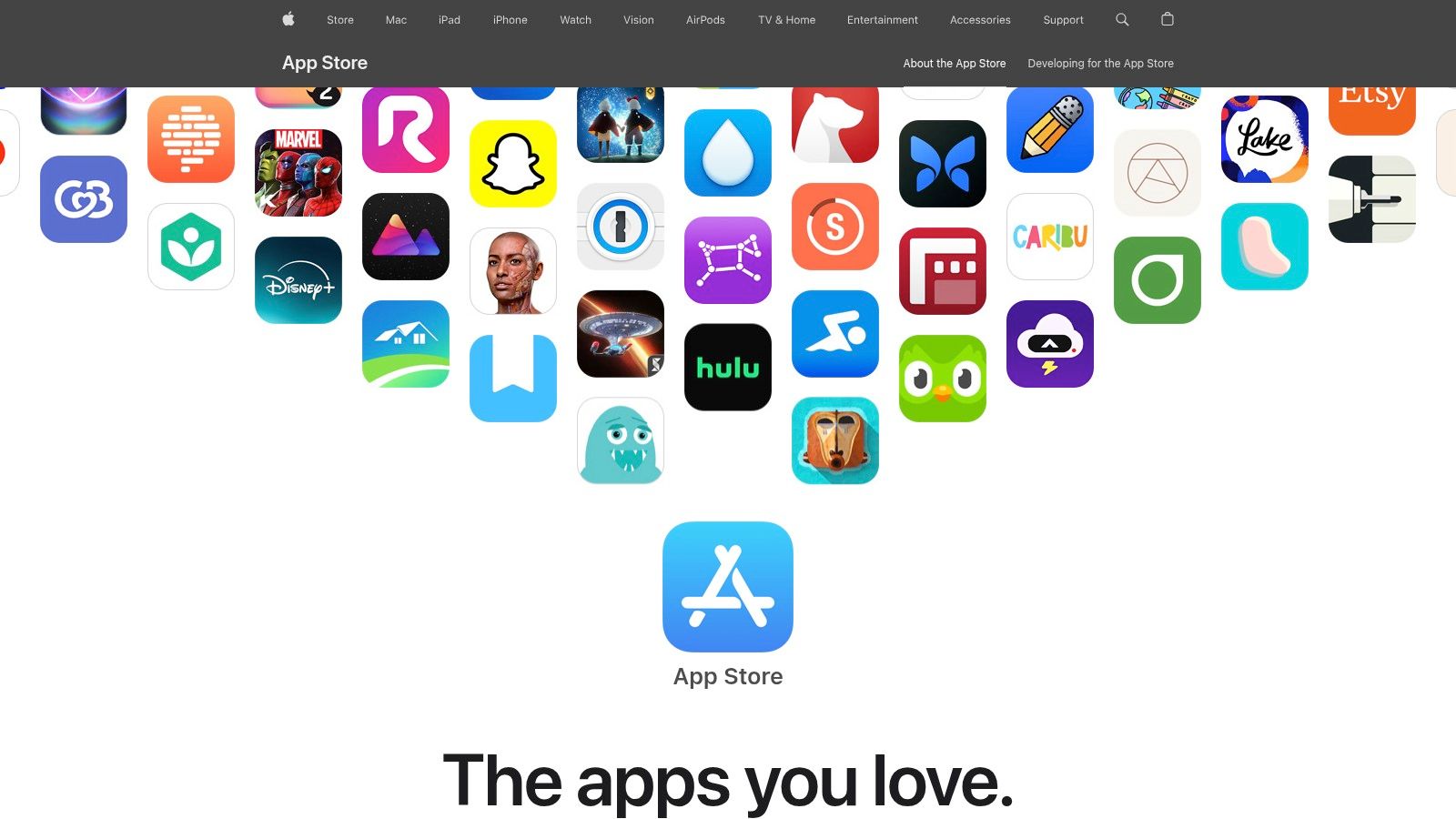
The App Store's key advantage is its strict curation and safety-first approach, especially within the "Kids" category. Apple's guidelines prohibit third-party advertising and analytics in kids' apps, creating a safer digital environment. This focus allows parents to confidently browse some of the best educational games for kids from top developers like Toca Boca, LEGO, and HOMER, knowing their child's data is protected.
Pro Tip: Look for apps featured in the App Store's editorial collections like "Apps We Love" or themed roundups. These hand-picked lists are a great way to discover high-quality, lesser-known educational gems that have been vetted by Apple's team for their creativity and learning value.
Key Platform Features
| Feature | Description | Benefit for Parents |
|---|---|---|
| Strict Privacy & Safety | Apps in the Kids Category cannot include third-party ads or analytics. | Provides a safe, focused learning environment free from intrusive advertising and data tracking. |
| Clear Age Ratings | Every app has a clear, developer-provided age rating (e.g., 4+, 9-11). | Easily identify age-appropriate content at a glance and set restrictions via Screen Time. |
| Editorial Curation | Apple's editorial team regularly highlights high-quality learning apps. | Simplifies discovery of excellent educational games in a crowded marketplace. |
| Family Sharing | Share eligible app purchases with up to five other family members. | Purchase an app once and allow everyone in the family to use it, saving money. |
Pros and Cons
Pros:
- High-Quality, Curated Content: Access to premium educational brands in a vetted environment.
- Strong Privacy Standards: A safer digital space with strict rules for kids' apps.
- Seamless Ecosystem Integration: Easy purchase management and sharing across Apple devices.
Cons:
- Subscription Models: Many of the best apps require ongoing subscriptions, which can be costly.
- Crowded Marketplace: Discovery can be challenging without relying on editorial features.
For parents seeking high-quality, secure digital learning experiences on iOS devices, the Apple App Store offers a trusted and well-organized platform.
Website: https://apps.apple.com
4. Google Play Store – Kids/Family
As the central hub for Android and Chromebook users, the Google Play Store’s Kids/Family section is an essential resource for finding high-quality digital learning experiences. It curates a vast library of applications, games, and interactive books designed specifically for children, making it easy for parents to discover engaging content for their devices.
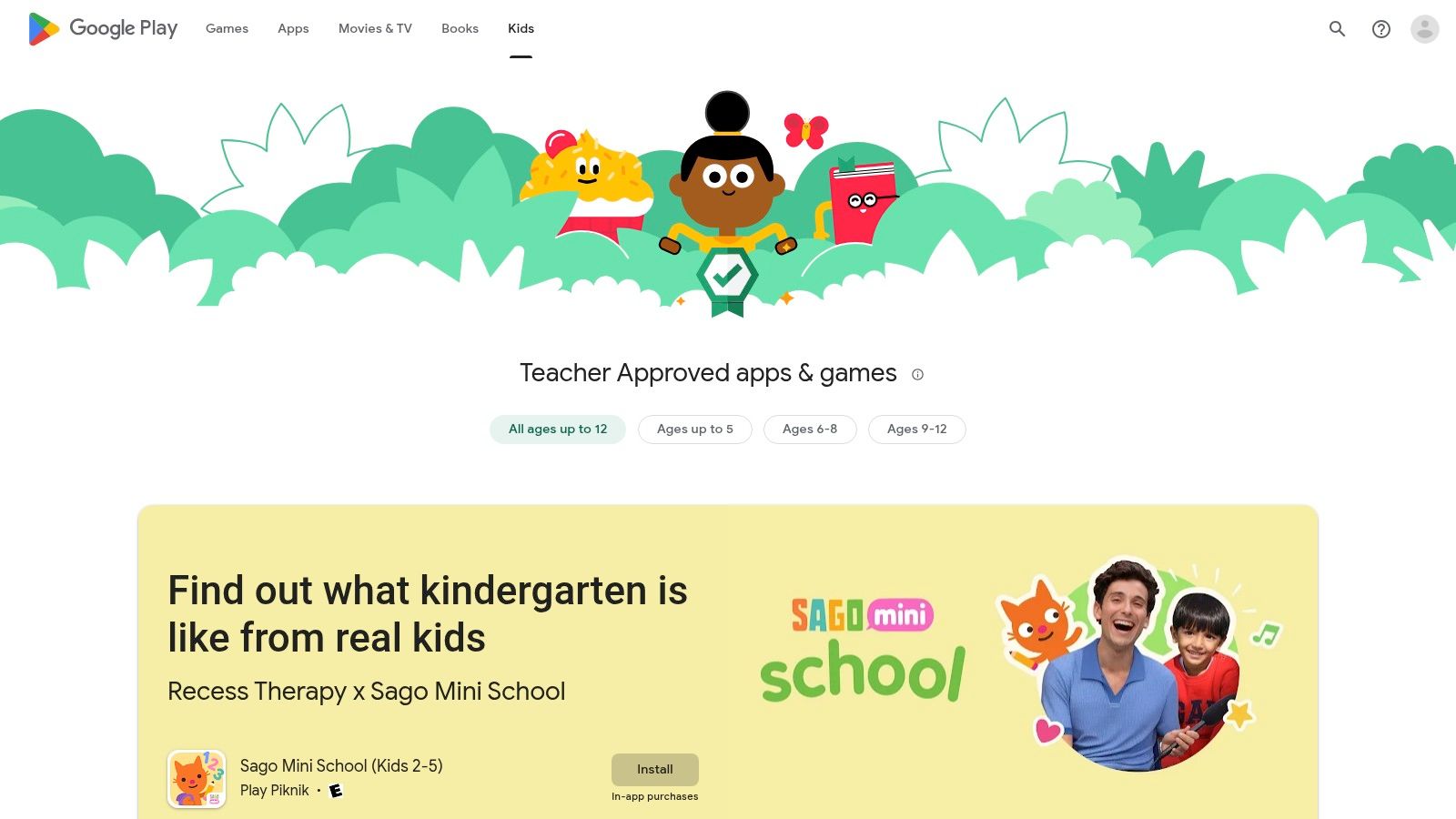
The platform’s standout feature is its "Teacher Approved" program, which adds a layer of trust and credibility. These apps have been vetted by academic experts and teachers against a specific rubric, ensuring they are not only age-appropriate but also educationally sound. This makes it much simpler to find the best educational games for kids without sifting through thousands of unverified options.
Pro Tip: Enable Google Family Link before letting your child browse the store. This allows you to set screen time limits, approve or block app downloads, and manage in-app purchases, giving you complete control over their digital environment.
Key Platform Features
| Feature | Description | Benefit for Parents |
|---|---|---|
| Teacher Approved Badge | A special badge highlighting apps vetted by educators for quality and educational value. | Quickly identify high-quality, credible learning apps without extensive personal research. |
| Family Link Integration | Robust parental controls for managing app installs, screen time, and in-app purchases. | Create a safe and controlled digital space for your child to explore and learn. |
| Kids Tab Browsing | A dedicated interface that filters apps by age group, subject, and popular characters. | Simplifies the discovery process, helping you find relevant content faster. |
| Wide Device Compatibility | Apps are designed to run on a massive range of Android devices and Chromebooks. | Ensures access to educational content on both personal devices and school-issued laptops. |
Pros and Cons
Pros:
- Trustworthy Curation: The "Teacher Approved" badge provides a reliable quality filter.
- Broad Accessibility: Supports a huge ecosystem of affordable devices, including school Chromebooks.
- Instant Access: Downloads and installs are immediate with a standard Google account.
Cons:
- Variable App Quality: Outside of the curated sections, app quality can be inconsistent.
- In-App Purchase Models: Many "free" games rely on frequent prompts for in-app purchases to unlock content.
For families in the Android ecosystem, the Google Play Store offers an unparalleled and well-integrated destination for discovering safe and effective educational apps.
Website: https://play.google.com/store/apps/category/FAMILY
5. Common Sense Media – Curated Best Apps/Games for Kids Lists
Common Sense Media is an independent nonprofit that acts as a trusted research librarian for parents navigating the digital world. Instead of selling games, it offers up-to-date, age-based reviews and expertly curated lists of the best educational games for kids, helping parents make informed decisions before downloading or purchasing an app.
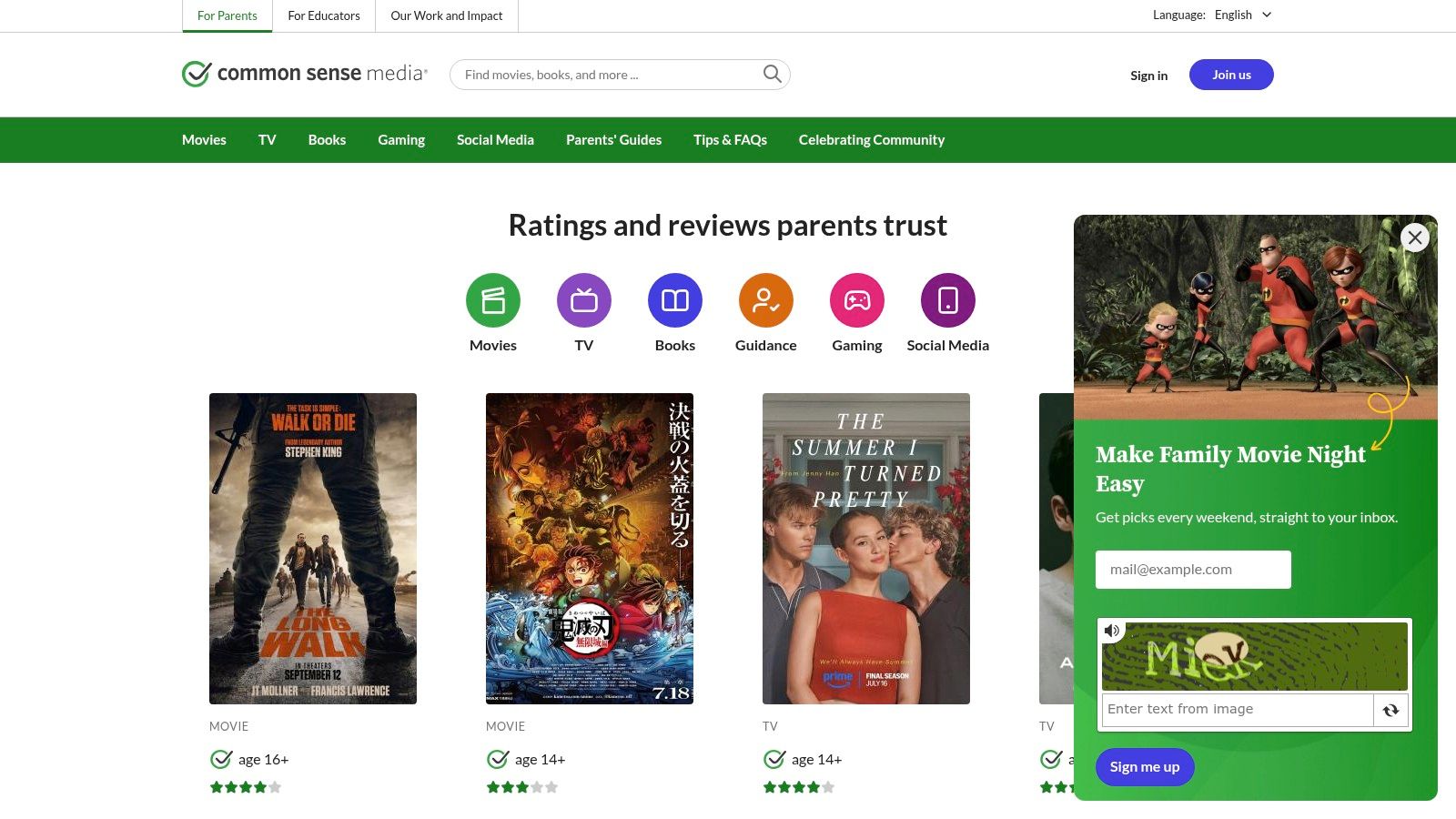
The platform’s strength is its unbiased, rigorous review process conducted by educators and child development experts. It provides detailed assessments of a game's learning value, privacy policies, content appropriateness, and advertising practices, offering a layer of scrutiny that app stores lack. This makes it an essential first stop for parents who prioritize safety and genuine educational merit.
Pro Tip: Look for the "Common Sense Seal" on apps and games. This award is given to titles that meet the highest standards for quality and impact, serving as a quick, reliable indicator of an exceptional educational experience.
Key Platform Features
| Feature | Description | Benefit for Parents |
|---|---|---|
| Detailed Rating Rubrics | Each review scores a game on learning value, ease of play, and more. | Understand exactly what your child will learn and how appropriate the content is. |
| Curated Editorial Lists | Regularly updated lists like "50 Apps All Kids Should Play at Least Once." | Discover high-quality, vetted games without endless scrolling through app stores. |
| Powerful Filtering | Search for games by age, platform (iOS, Android), and subject. | Tailor recommendations to your child’s specific interests and device. |
| Free, Unbiased Access | As a nonprofit, all reviews and lists are free with no commercial agenda. | Get trustworthy, objective advice focused solely on child development. |
Pros and Cons
Pros:
- Trusted, Expert Reviews: Unbiased, educator-led assessments focus on developmental appropriateness.
- Saves Research Time: Surfaces high-quality, vetted picks across multiple platforms.
- Focus on Safety: Prioritizes privacy, positive messaging, and content quality.
Cons:
- Not a Store: Redirects you to external app stores or sites to download or buy.
- Potential Review Delays: The newest releases may not have a review available immediately.
For parents who want to cut through the noise and find truly beneficial digital games, Common Sense Media provides the most reliable, in-depth, and trustworthy guidance available.
Website: https://www.commonsensemedia.org
6. PBS KIDS Games – Free Educational Games Hub
As a trusted leader in educational media, PBS KIDS offers a safe, completely free, and high-quality destination for online learning. Its platform provides a massive library of over 250 curriculum-aligned games featuring beloved characters from shows like Daniel Tiger's Neighborhood, Wild Kratts, and Alma's Way, making it an instant hit with preschool and early elementary children.
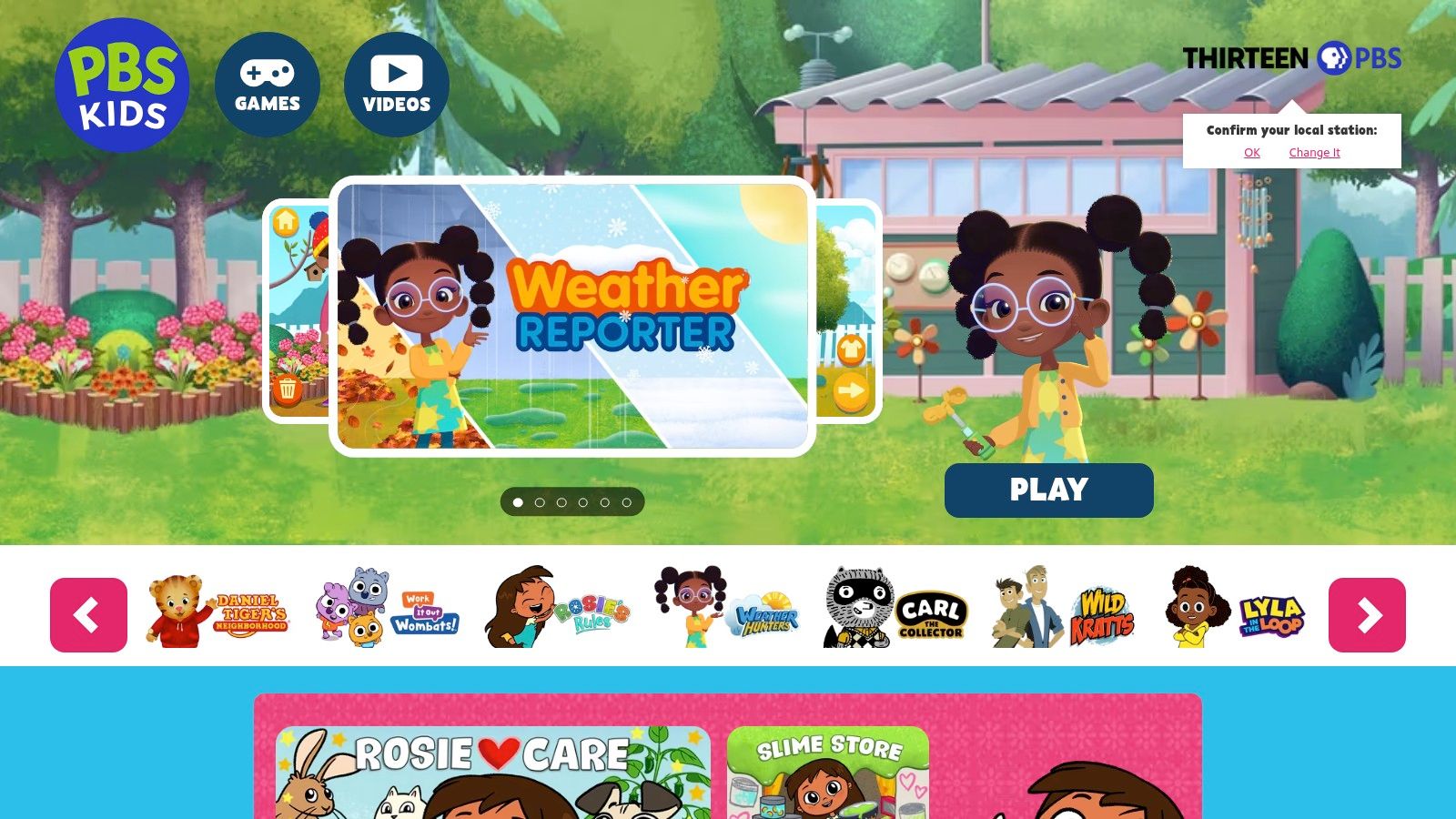
The platform’s core strength is its commitment to providing accessible, ad-free educational content without any hidden costs or subscriptions. Every game is designed by educators to support learning goals in subjects like math, science, reading, and social-emotional skills. This focus on curriculum and safety makes PBS KIDS one of the best educational games for kids when parents want peace of mind. To discover more about how engaging narratives can enhance education, check out these strategies on how to make learning fun.
Pro Tip: Download the PBS KIDS Games app on iOS or Android. Many games can be saved for offline play, which is perfect for keeping kids entertained and learning during travel, appointments, or in areas without internet access.
Key Platform Features
| Feature | Description | Benefit for Parents |
|---|---|---|
| 250+ Free Games | A large, diverse catalog of games covering STEM, literacy, art, and more. | Endless variety keeps children engaged without any cost or subscriptions. |
| Ad-Free & Kid-Safe | The platform is completely free of advertisements and in-app purchases. | Provides a secure, distraction-free environment for young learners. |
| Offline Play | The mobile app allows select games to be downloaded for offline access. | Ensures learning and entertainment are available anywhere, anytime. |
| Bilingual Options | Many games are available in both English and Spanish. | Supports bilingual households and early exposure to a second language. |
Pros and Cons
Pros:
- Completely Free: No subscriptions, ads, or in-app purchases ever.
- Trusted Brand: Content is developed by a reputable educational organization.
- Character-Driven: Features familiar characters that children love and trust.
Cons:
- Younger Age Focus: Primarily targets children ages 2–8, with limited content for older kids.
- App Performance: Some users report occasional technical glitches with app updates.
For parents seeking a reliable, no-cost source of engaging educational content for young children, the PBS KIDS Games platform is an unparalleled resource.
Website: https://pbskids.org/games
7. Osmo (Tangible Play) – Hands-On Educational Game Systems
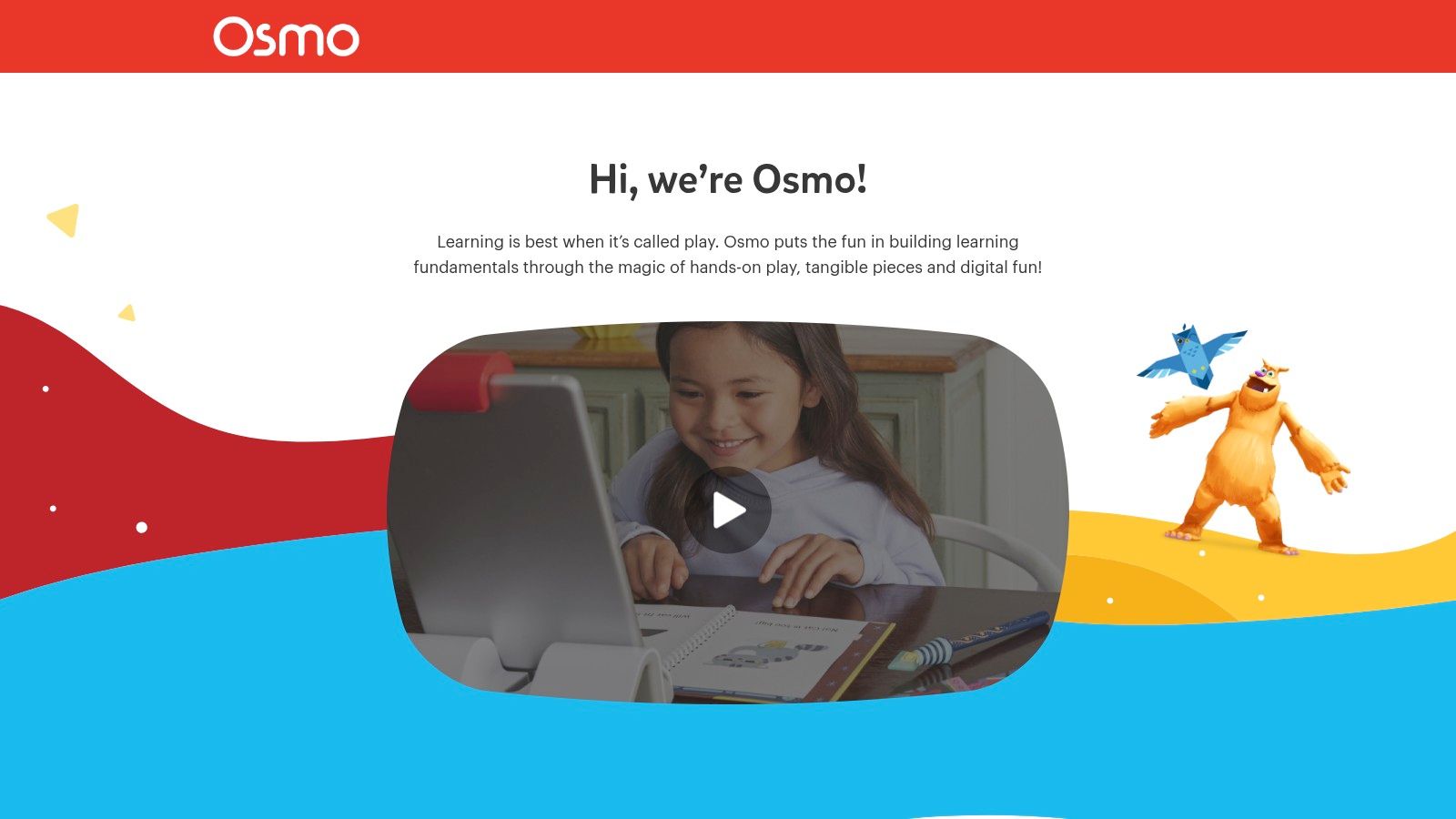
Osmo masterfully bridges the gap between physical play and digital learning, offering a unique "phygital" (physical + digital) experience. The system uses a special base and a camera reflector for an iPad or Fire tablet, allowing the device to "see" and interact with tangible game pieces placed in front of the screen. This innovative approach transforms passive screen time into an active, hands-on educational adventure.
The platform is designed to grow with a child, offering starter kits for preschoolers and an expanding library of add-on games. By manipulating physical tiles to solve on-screen puzzles, kids engage their fine motor skills and critical thinking in subjects ranging from coding and math to spelling and creative drawing, making it one of the best educational games for kids seeking a tactile learning experience. This approach aligns with modern educational technology tools for teachers and parents alike.
Pro Tip: Look for Osmo bundles on their website or major retailers like Amazon, especially during holiday sales. These bundles often package the required base with several popular games at a significant discount compared to buying them individually.
Key Platform Features
| Feature | Description | Benefit for Parents |
|---|---|---|
| Tangible Play System | Combines physical game pieces with digital apps using a tablet's camera. | Encourages active problem-solving and reduces passive screen consumption. |
| Starter Kits | All-in-one kits tailored to specific age groups (e.g., Little Genius for ages 3–5). | Provides a simple, age-appropriate entry point into the Osmo ecosystem. |
| Wide Game Library | A diverse range of add-on games covering STEM, art, literacy, and more. | Allows the system to grow with your child's interests and learning needs. |
| Offline Play | Once games are downloaded, the system works without an internet connection. | Perfect for travel, car rides, or limiting online access during playtime. |
Pros and Cons
Pros:
- Blends Screen & Hands-On Learning: Effectively combines the benefits of tactile play with interactive technology.
- Develops Key Skills: Boosts fine motor skills, spatial reasoning, and creative problem-solving.
- Active Resale Market: Osmo kits and games retain value and can often be found secondhand.
Cons:
- Device Dependency: Requires a compatible iPad or Fire tablet and the Osmo hardware to function.
- Higher Initial Investment: The cost of a starter kit is more than a typical educational app.
For parents who want to make screen time more productive and hands-on, Osmo offers a brilliantly designed and engaging learning system.
Website: https://www.playosmo.com
Top 7 Educational Games Platforms Comparison
| Item | Implementation Complexity 🔄 | Resource Requirements ⚡ | Expected Outcomes 📊 | Ideal Use Cases 💡 | Key Advantages ⭐ |
|---|---|---|---|---|---|
| EarthChasers | Medium - requires 3D tech and updates | Moderate - internet, device capable of 3D | High - immersive geography knowledge | Individual learning, classrooms, casual gaming | Highly engaging, diverse game modes, community-driven |
| Amazon – Educational Games and Toys | Low - marketplace platform | Variable - physical product purchase | Medium - varied by product | Shopping for a broad range of educational toys | Huge selection, fast delivery, buyer protection |
| Apple App Store – Kids/Education | Low - app store curation | Low - iOS device needed | High - vetted, quality apps | iPhone/iPad users seeking curated apps | Strong privacy, parental controls, curated content |
| Google Play Store – Kids/Family | Low - curated but broad platform | Low - Android device needed | Medium - trustworthy but varied app quality | Android users, families seeking vetted apps | Teacher Approved badge, wide device support |
| Common Sense Media | Low - informational/review platform | None - online access | Medium - informed purchasing decisions | Parents researching apps/games | Trusted reviews, detailed ratings, privacy focus |
| PBS KIDS Games | Low - free app/platform | Low - device access | High - curriculum-aligned early learning | Preschool/early elementary children | Free, ad-free, trusted brand, offline play |
| Osmo (Tangible Play) | Medium - hardware + software needed | High - purchase of kit and compatible device | High - hands-on cognitive and motor skill gains | Hands-on learning, family play | Unique physical-digital integration, motor skill development |
Choosing the Right Game for Your Curious Kid
The journey through the world of digital learning has revealed a vibrant and diverse landscape of possibilities. From the curated, safety-focused libraries of the Apple App Store and Google Play to the expert-vetted recommendations from Common Sense Media, parents have more high-quality resources than ever before. We've explored how dedicated platforms like PBS KIDS Games offer free, curriculum-aligned fun, while innovative systems like Osmo bridge the gap between the screen and the physical world, creating truly unique, hands-on learning experiences.
The central takeaway is clear: the concept of a single "best educational game for kids" is a myth. The most effective tool is the one that aligns with your child's individual learning style, developmental stage, and personal passions. A game that captivates one child might not engage another, making personalized selection the key to success.
Your Action Plan for Finding the Perfect Fit
So, how do you navigate these excellent options to find the ideal match? Instead of feeling overwhelmed by choice, think of this list as a strategic toolkit. Use the following steps to guide your decision-making process and ensure you find a game that both educates and entertains.
Identify Your Child’s Interests and Learning Style: Does your child learn best through hands-on activities, making Osmo a potential standout? Are they a visual learner who would be captivated by the immersive 3D world of a game like EarthChasers? Or do they thrive with character-driven stories, pointing you toward the rich library of PBS KIDS Games? Start with what they love.
Define Your Primary Goal: Are you looking to supplement school curriculum in a specific area like math or reading? Or is your focus on developing broader skills like critical thinking, problem-solving, or digital citizenship? For targeted academic support, browsing the educational categories on the Apple App Store or Google Play Store can be highly effective. For skill development, platforms that offer a variety of game types are ideal.
Involve Your Child in the Process: Empowerment is a powerful motivator. Show your child a few of your top choices based on reviews from a trusted source like Common Sense Media. Watch trailers together, discuss what looks interesting, and let them have a say. This co-selection process builds excitement and gives them a sense of ownership over their learning journey.
Ultimately, the best educational games for kids are those that don’t feel like a chore. They should spark curiosity, encourage exploration, and seamlessly blend education with genuine fun. Your role is that of a thoughtful curator, matching the right resource to the unique mind of your young learner. By focusing on engagement and joy, you’re not just providing a momentary distraction; you’re nurturing a foundational love for discovery that will last a lifetime.
Ready to ignite your child’s passion for geography and global exploration? EarthChasers offers an immersive 3D world where learning about cultures, landmarks, and ecosystems becomes a thrilling adventure. Discover a game designed to build real-world knowledge and foster a deep sense of curiosity by visiting EarthChasers today.