
12 Best Educational Apps for Elementary Students in 2025
Discover the top educational apps for elementary students! Our list covers the best tools for math, reading, geography, and coding to boost learning at home.
In a world filled with digital distractions, finding the right tools to support your child's learning is more important than ever. The sheer volume of 'educational' apps can be overwhelming, making it difficult to distinguish between genuine learning platforms and simple games. This guide cuts through the noise. We'll explore 12 of the best educational apps for elementary students, focusing on what makes them effective: their teaching methodology, real-world usability, and ability to foster genuine curiosity.
This isn't just a generic list. For each app, we provide a detailed analysis of its core features, practical use-case scenarios, and an honest assessment of potential limitations. You will find screenshots and direct links to help you evaluate each platform for yourself.
Our goal is to give you a roadmap for choosing digital tools that truly teach. We will help you identify the apps that build foundational skills in math, reading, science, and even global awareness. By focusing on platforms that engage and educate, you can help prepare your child for success both in and out of the classroom, turning screen time into a powerful learning opportunity.
1. EarthChasers
Best for: Immersive Geographic Exploration and Community-Based Learning
Website: https://earthchasers.com
EarthChasers stands out as a premier choice among educational apps for elementary students by transforming geography from a static subject into a dynamic, 3D global adventure. It moves beyond traditional flashcards and maps, offering a gamified experience where students can virtually explore realistic landscapes, from the streets of Tokyo to the peaks of the Andes.
This platform's core strength lies in its interactive and community-driven design. Students aren't just passive learners; they are active participants. They can join daily "hunts" to find specific global landmarks, collaborate in community challenges, and even compete on weekly leaderboards. This gamification is highly effective for maintaining engagement and motivating students to continuously explore and learn about different cultures and environments.
Key Features and Implementation
- Immersive 3D Maps: The high-quality, three-dimensional maps provide a realistic sense of place, allowing students to understand scale and terrain in a way 2D maps cannot convey. A practical classroom application involves using these maps for virtual field trips, where students can explore a region before a lesson on its culture or history.
- Community Challenges: This feature fosters collaboration. Teachers can create classroom teams to compete in weekly challenges, encouraging teamwork and peer-to-peer learning as students share tips for locating new places.
- User-Generated Content: A unique aspect is the ability for users to contribute their own maps or travel experiences. This empowers students to become creators, deepening their connection to the material by researching and building content for others.
Practical Considerations
While the platform is incredibly rich in content, users may occasionally experience technical issues with map loading times, which could disrupt the flow of a lesson. The pricing for the "Pro" version, which unlocks advanced features, is not listed publicly, requiring direct inquiry. However, the free version offers substantial functionality, making it an excellent starting point for any elementary classroom. EarthChasers successfully combines exploration, gaming, and social learning into one powerful educational tool.
2. Apple App Store (Kids and Education categories)
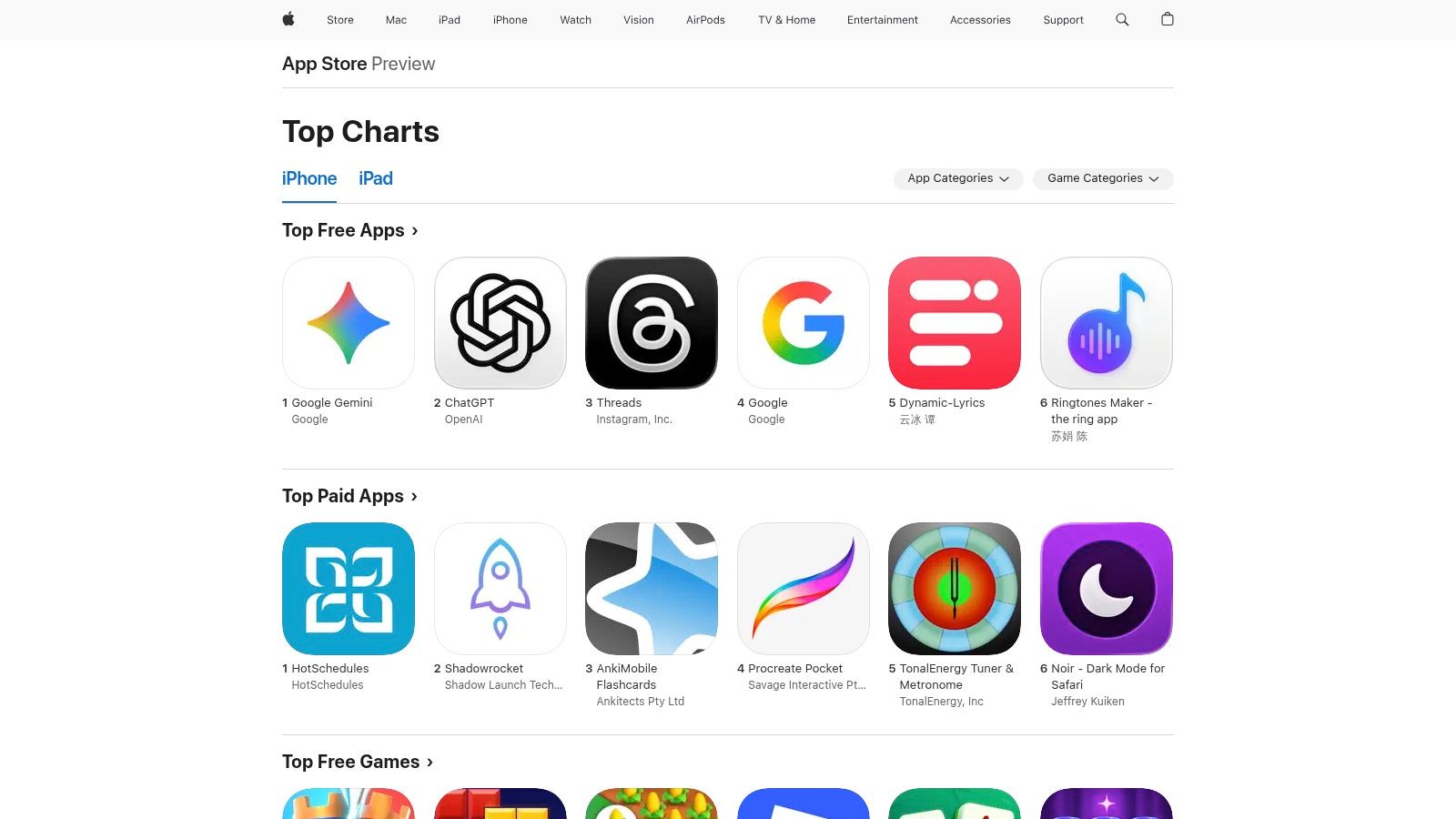
For parents and educators within the Apple ecosystem, the App Store is an essential starting point for discovering high-quality educational apps for elementary students. Its dedicated Kids and Education categories serve as a curated, secure marketplace. Apple enforces strict privacy and content guidelines, ensuring apps are genuinely age-appropriate and free from intrusive data collection, which is a significant advantage over less-regulated platforms. The seamless integration with iOS and iPadOS parental controls allows for centralized management of screen time, in-app purchases, and content restrictions.
Why It's a Top Resource
What makes the App Store stand out is its commitment to creating a safe digital environment. The user experience is straightforward, with clear age ratings and a simple installation process. While the platform is exclusive to Apple devices and some subscriptions might be slightly more expensive than direct-web pricing, the trade-off is a deeply vetted catalog and robust security.
- Practical Tip: Utilize the "Family Sharing" feature to share purchased apps and subscriptions among up to six family members, which can significantly reduce costs.
- Pros: Enormous catalog of vetted apps, strong privacy controls, integrated purchase management.
- Cons: Limited to iOS/iPadOS devices, app subscriptions can cost more.
- Access: apps.apple.com/us/genre/ios-education
3. Google Play Store (Family/Teacher Approved)
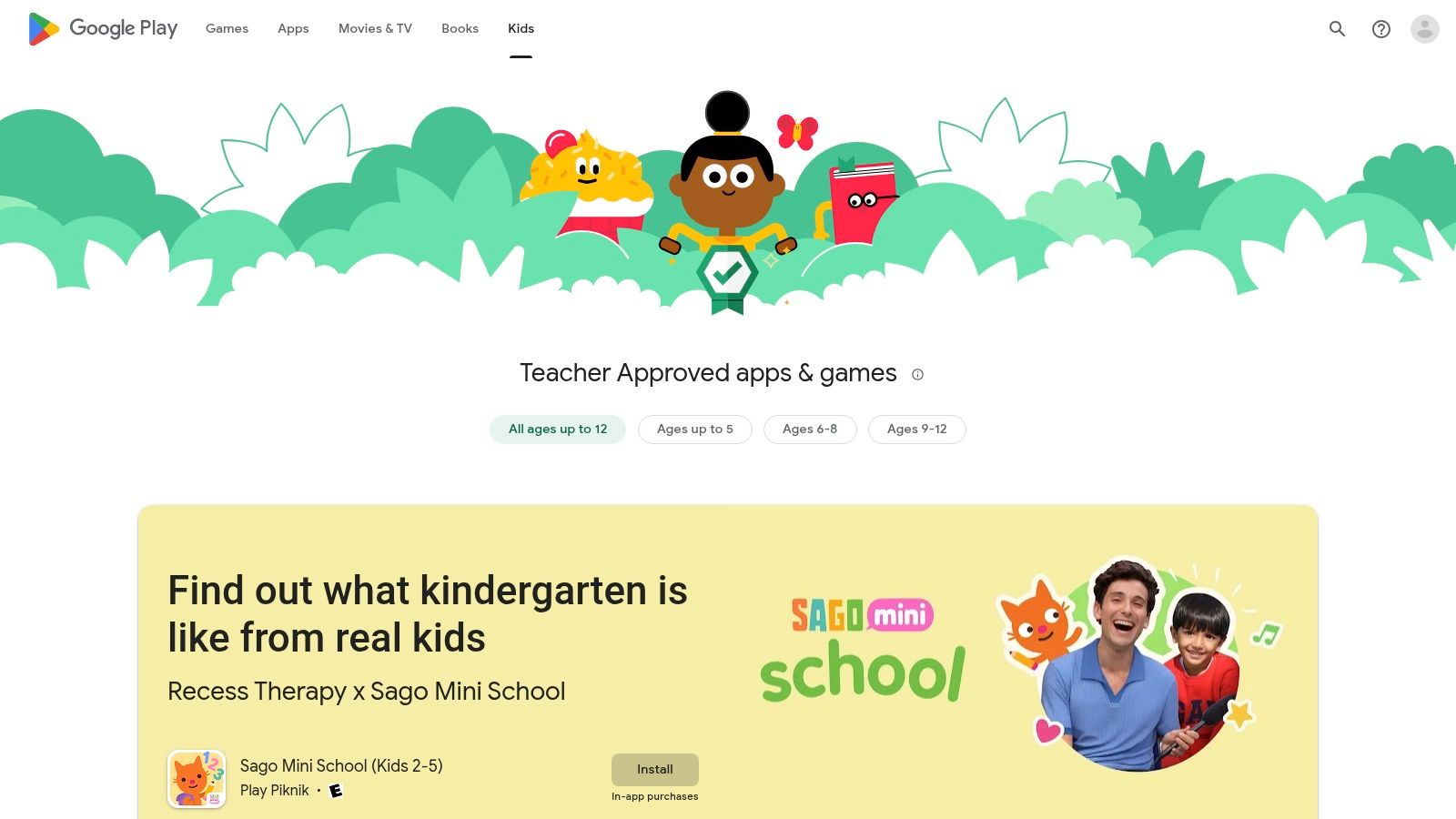
For families in the Android ecosystem, the Google Play Store is the go-to source for discovering educational apps for elementary students. Its dedicated "Family" section and "Teacher Approved" badge program help parents navigate the vast marketplace to find high-quality, safe, and engaging content. This curated approach ensures that apps meet specific standards for age-appropriateness and educational value, making it easier to find trustworthy learning tools. The platform integrates seamlessly with Google Family Link for robust parental controls and is compatible with a wide range of devices, including phones, tablets, and many Chromebooks used in US schools.
Why It's a Top Resource
What sets the Google Play Store apart is its "Teacher Approved" badge, which signifies that an app has been reviewed and endorsed by educators for its quality and learning potential. The platform's extensive reach across Android devices and its common integration with school-issued Chromebooks make it a highly accessible resource. While the quality can vary significantly outside of the curated sections, the sheer volume of apps often leads to competitive pricing and frequent sales.
- Practical Tip: Look for the "Teacher Approved" badge when searching for apps to quickly identify content that has been vetted by educators for its educational merit.
- Pros: Wide selection and competitive pricing, "Teacher Approved" filter for quality, excellent integration with school Chromebooks.
- Cons: Quality varies widely outside of curated sections, requires a Google account to use.
- Access: play.google.com/store/apps/category/FAMILY
4. Amazon Appstore (Fire tablets; Kids/Education)
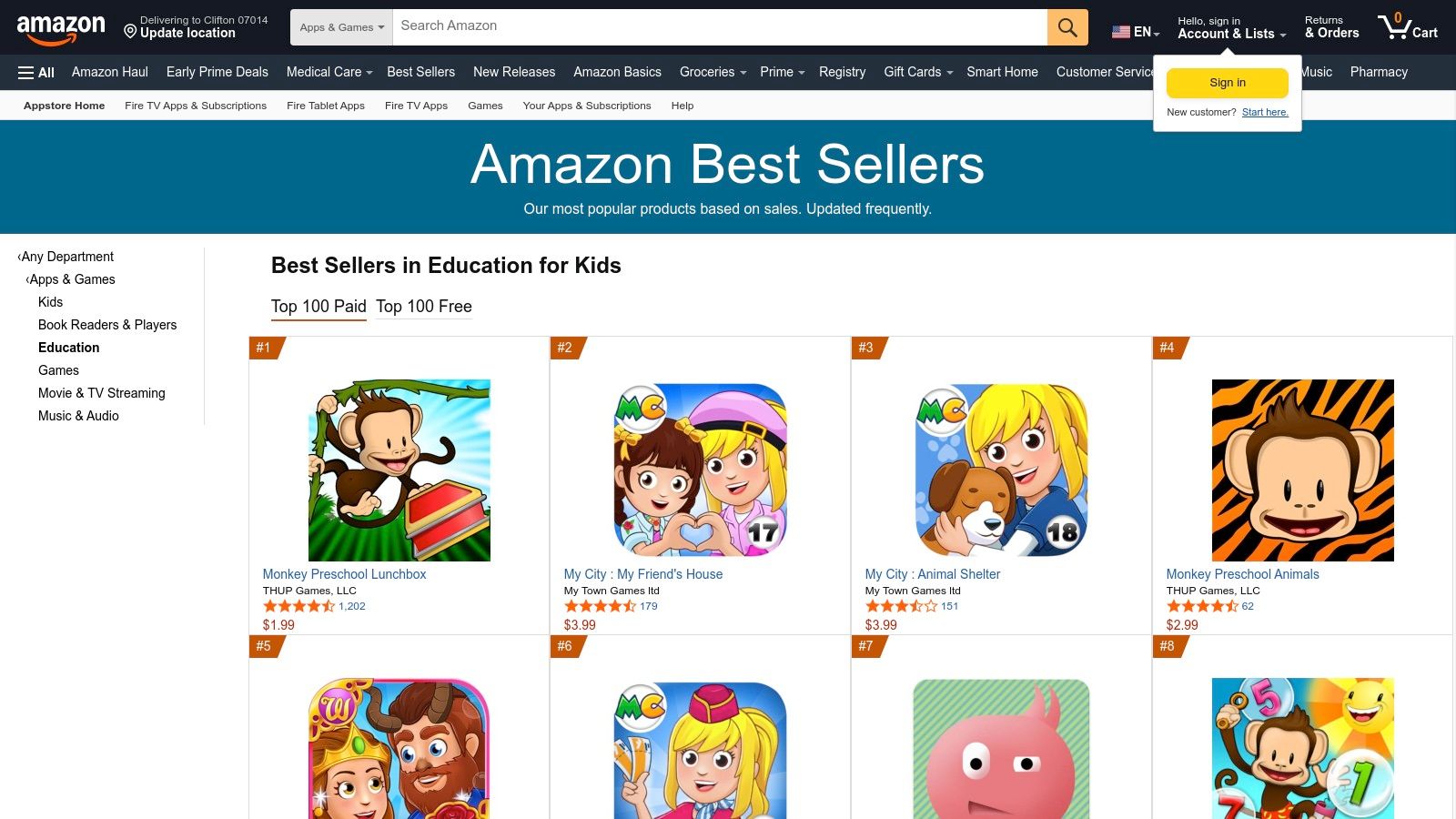
For families invested in the Amazon ecosystem, particularly those using Fire tablets, the Amazon Appstore is a primary source for educational apps for elementary students. It features dedicated Kids and Education categories that are curated to align with COPPA guidelines. The marketplace is seamlessly integrated with Amazon Kids profiles and the robust parental controls on Fire devices, making it incredibly simple to manage a child's digital access and screen time from a single dashboard.
Why It's a Top Resource
The Appstore's biggest strength is its tight integration with Amazon hardware and services. While its catalog is smaller than Apple's or Google's, the apps available are generally well-suited for the Fire tablet experience. It’s an accessible and often budget-friendly option, with frequent promotions and a "Best Sellers in Education for Kids" list that highlights popular free and paid apps. This controlled environment also presents a great opportunity to introduce foundational concepts of responsible online behavior.
- Practical Tip: Look for "Amazon FreeTime Unlimited" (now Amazon Kids+) bundles, which often include access to a vast library of curated educational apps, books, and videos for a single subscription fee.
- Pros: Ideal for Fire tablet users with simple device and parental controls, offers frequent promotions and many free apps.
- Cons: Smaller catalog compared to Apple and Google Play stores.
- Access: www.amazon.com/Best-Sellers-Apps-Games-Education-for-Kids/zgbs/mobile-apps/9408633011
5. Khan Academy Kids
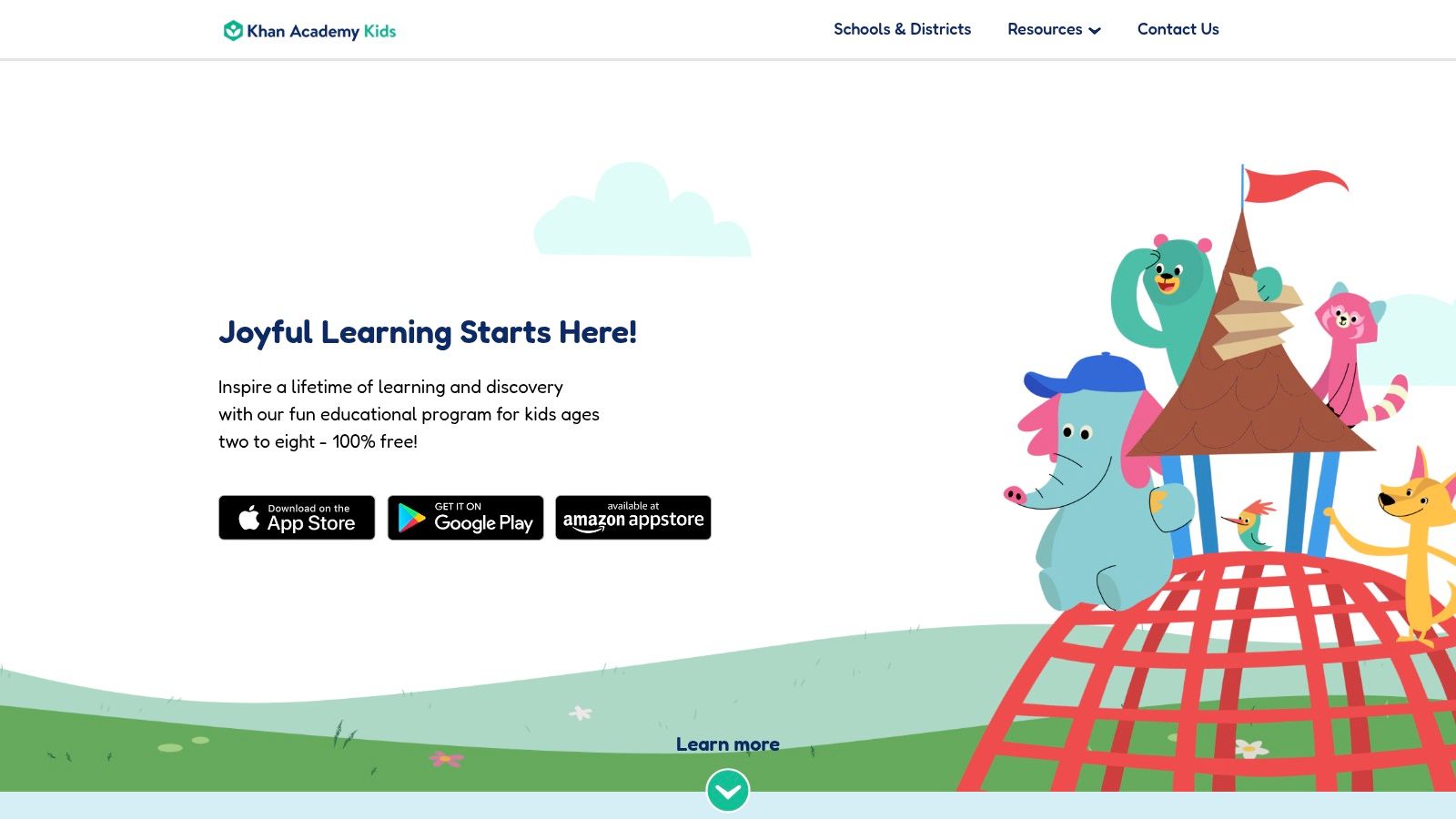
Khan Academy Kids is a powerhouse among educational apps for elementary students, offering a comprehensive, story-based curriculum that is entirely free. Designed for learners aged two to eight, it covers foundational math, reading, and social-emotional skills through thousands of activities, books, and games. The app’s adaptive learning path adjusts to each child's level, ensuring the content is challenging but never overwhelming. Its commitment to providing high-quality education without ads or subscriptions makes it an incredibly trusted resource for parents and teachers.
Why It's a Top Resource
What makes Khan Academy Kids exceptional is its combination of quality, breadth, and accessibility. The content is aligned with early learning standards, ensuring that playtime translates into meaningful educational progress. The user experience is delightful and child-friendly, guided by charming characters that keep young learners engaged. While its focus is on the Pre-K to 2nd-grade range, the value it provides within that window is unmatched, serving as a perfect supplemental tool for early elementary education.
- Practical Tip: Create individual profiles for each child in the app. This allows the adaptive learning technology to tailor the content and track progress for each user separately.
- Pros: 100% free with no ads or subscriptions, high-quality standards-aligned content, strong reputation.
- Cons: Content is primarily for younger elementary students (Pre-K to 2nd grade) and may not be challenging enough for older kids.
- Access: learn.khanacademy.org/khan-academy-kids/
6. ABCmouse (Age of Learning)
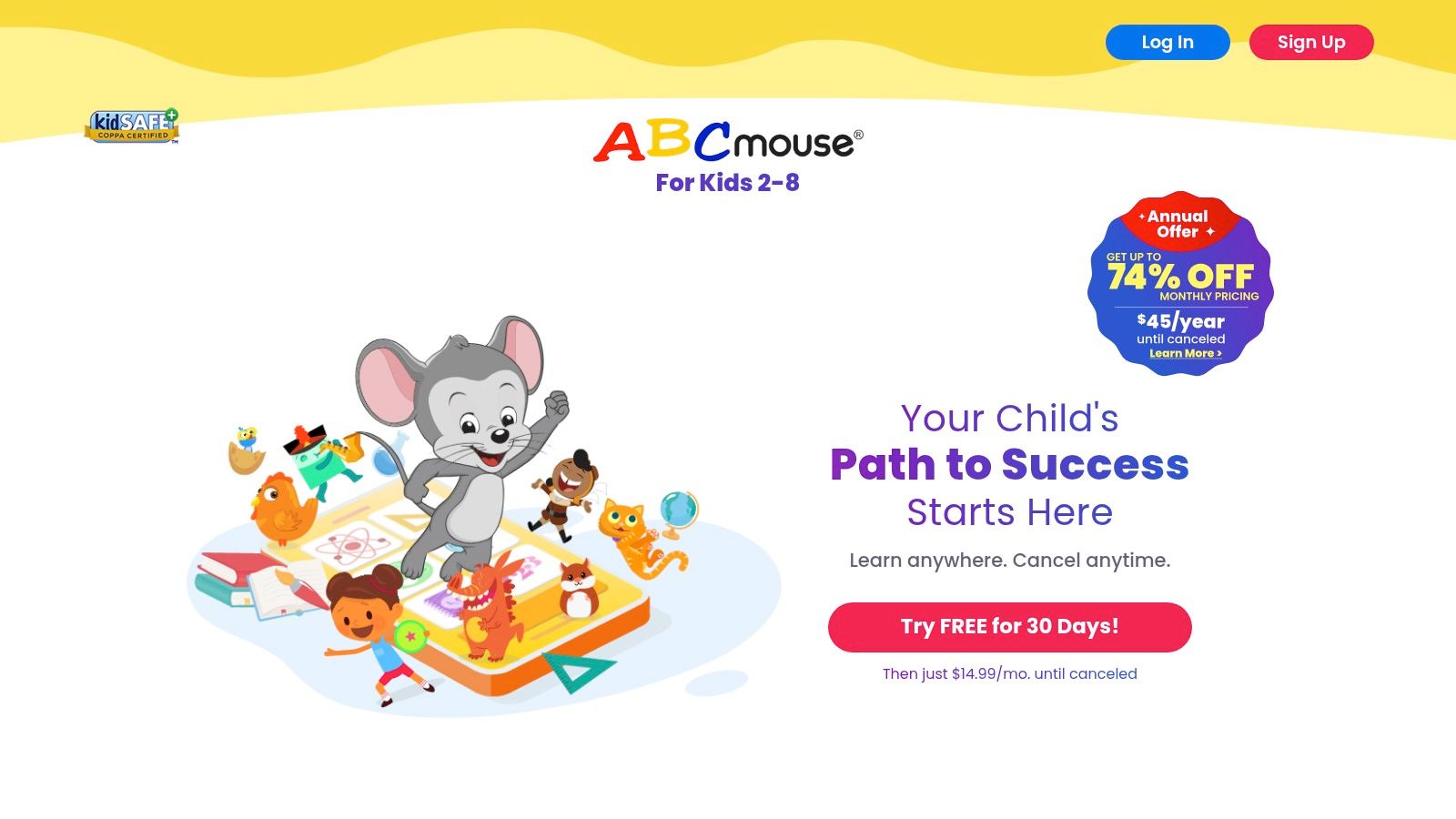
As a comprehensive, subscription-based platform, ABCmouse offers a structured, game-based curriculum designed for early learners from Pre-K through second grade. It provides a step-by-step learning path covering core subjects like reading, math, science, and art. The platform's strength lies in its ability to blend thousands of engaging educational apps for elementary students into a cohesive program, making it one of the most popular educational technology tools available for this age group. Parents can easily track progress for up to three children, ensuring each one follows an appropriate educational journey.
Why It's a Top Resource
ABCmouse stands out due to its vast library of over 10,000 activities and its carefully sequenced curriculum that builds foundational skills incrementally. The platform is incredibly intuitive for young children to navigate independently. While full access requires a paid subscription after a trial period, the cross-platform availability on web and mobile apps provides flexible learning opportunities at home or on the go.
- Practical Tip: Sign up for the free trial directly on their website, as promotions are often more generous there than through in-app purchases on mobile stores.
- Pros: Rich, sequenced curriculum, easy progress tracking for multiple children, highly engaging for early learners.
- Cons: Requires a paid subscription for full access, app subscription prices can vary from web promotions.
- Access: www.abcmouse.com
7. PBS KIDS (PBS KIDS Games app and individual show apps)
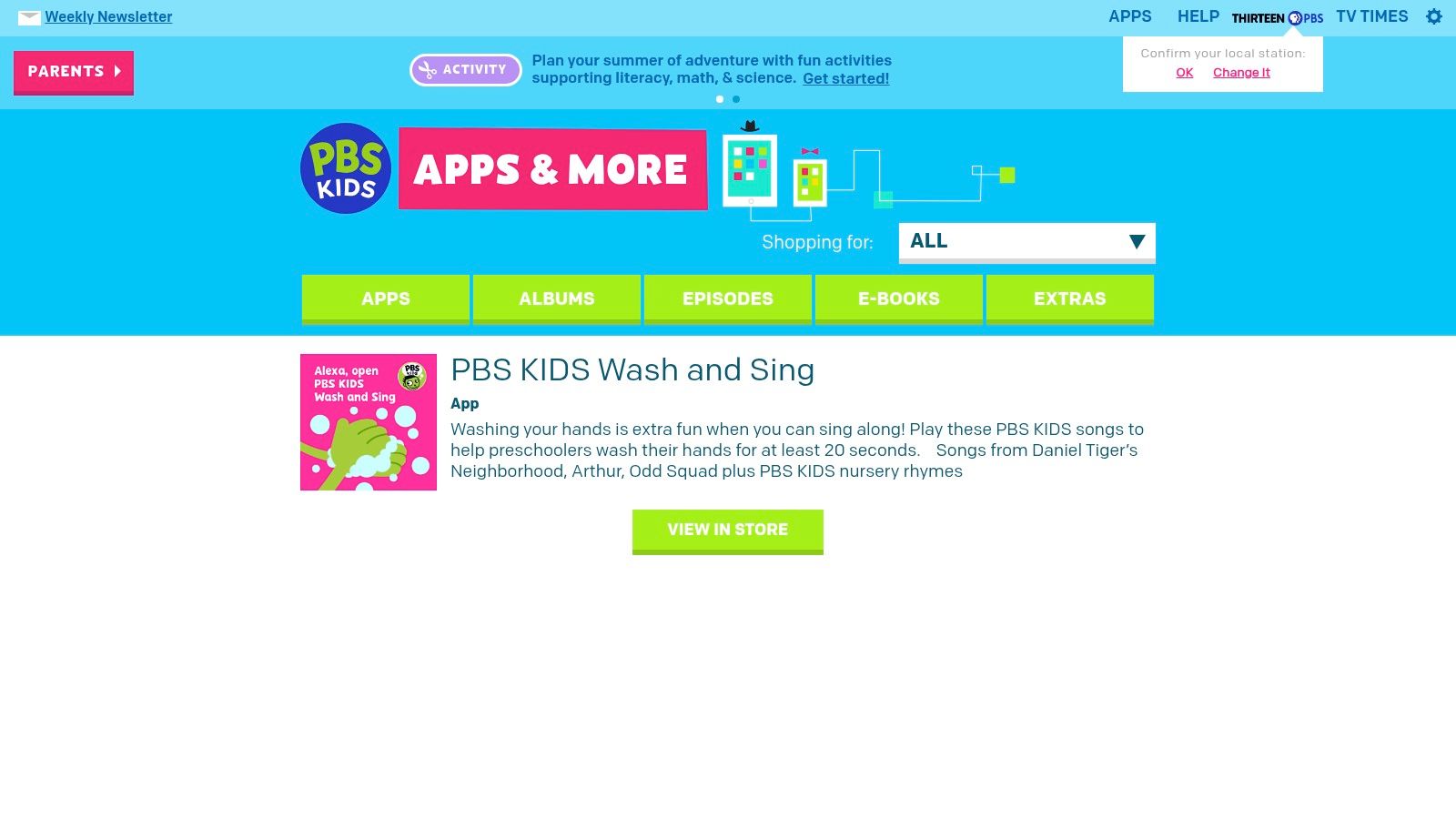
For early elementary learners, PBS KIDS offers a trustworthy and entirely free suite of educational apps for elementary students. Tied to beloved shows like Daniel Tiger's Neighborhood and Wild Kratts, these apps provide curriculum-based games focusing on literacy, science, math, and social-emotional skills. The platform is notable for being completely ad-free and safe, upholding the high standards of a public media brand and ensuring a child-friendly digital environment. This commitment to accessible, quality education makes it an invaluable resource for families.
Why It's a Top Resource
What sets PBS KIDS apart is its public service mission; every game is designed with clear learning goals developed by educational experts. The main "PBS KIDS Games" app aggregates over 250 activities, while numerous standalone apps allow children to dive deeper with their favorite characters. The user interface is intuitive for young children, and many of the apps support offline play, making them perfect for on-the-go learning without an internet connection.
- Practical Tip: Download the primary "PBS KIDS Games" app for the widest variety, and supplement with a few standalone apps based on your child's favorite shows for a more focused experience.
- Pros: Completely free with no ads or in-app purchases, strong curriculum alignment, highly reputable and safe brand.
- Cons: Content is spread across many different apps, which can feel fragmented and take up device storage.
- Access: pbskids.org/apps/
8. Epic (Reading for Kids 12 & under)
Epic is an essential digital library for fostering a love of reading in K-5 learners. It provides access to over 40,000 high-quality books, audiobooks, and learning videos, making it one of the most comprehensive educational apps for elementary students focused on literacy. The platform is designed to grow with a child, offering picture books for younger readers and chapter books for older ones. Its cross-platform availability on iOS, Android, and web browsers ensures that kids can access their favorite stories anywhere.
Why It's a Top Resource
What sets Epic apart is its sheer volume and diversity of content combined with powerful features for both parents and educators. The "Read-To-Me" function is invaluable for emerging or reluctant readers, building confidence and fluency. Parents can track reading progress for up to four child profiles, while educators can use it for free during school hours to assign books and monitor class activity. Although full home access requires a subscription after the trial, the value it provides in building reading habits is significant.
- Practical Tip: Encourage your child to explore the audiobooks and learning videos. They are great for screen time that is both educational and entertaining, especially for auditory and visual learners.
- Pros: Massive, well-curated library of books and videos, excellent progress tracking, free access for educators.
- Cons: Full library access for home use requires a paid subscription, free school access is limited to school hours.
- Access: https://www.getepic.com/
9. Prodigy (Math and English game-based learning)
Prodigy has become a classroom staple by transforming curriculum-aligned learning into an engaging role-playing game (RPG). As one of the most popular game-based educational apps for elementary students, it motivates children to master math and English concepts by battling monsters, earning rewards, and exploring a vibrant world. The platform's adaptive algorithm adjusts question difficulty in real-time, ensuring each child works at their own pace, making it a powerful tool for both remediation and enrichment. The seamless integration between school and home accounts allows for consistent, tracked practice.
Why It's a Top Resource
What sets Prodigy apart is its dual-focus on fun and standards-aligned education, a combination that keeps kids asking to play. While the core educational content is free, a premium membership unlocks additional in-game items and pets, which can be a strong motivator for some learners. The parent dashboard offers valuable insights into a child's progress, highlighting areas of strength and skills that need more practice.
- Practical Tip: Parents can create a free account to set specific learning goals for their child to complete in the game, focusing their playtime on targeted academic skills.
- Pros: Highly engaging RPG format, strong classroom-to-home continuity, free access to core curriculum.
- Cons: Significant game features are locked behind a paid membership, which can create a "want" factor.
- Access: www.prodigygame.com
10. BrainPOP Family (BrainPOP Jr. K–3; BrainPOP 3–8)
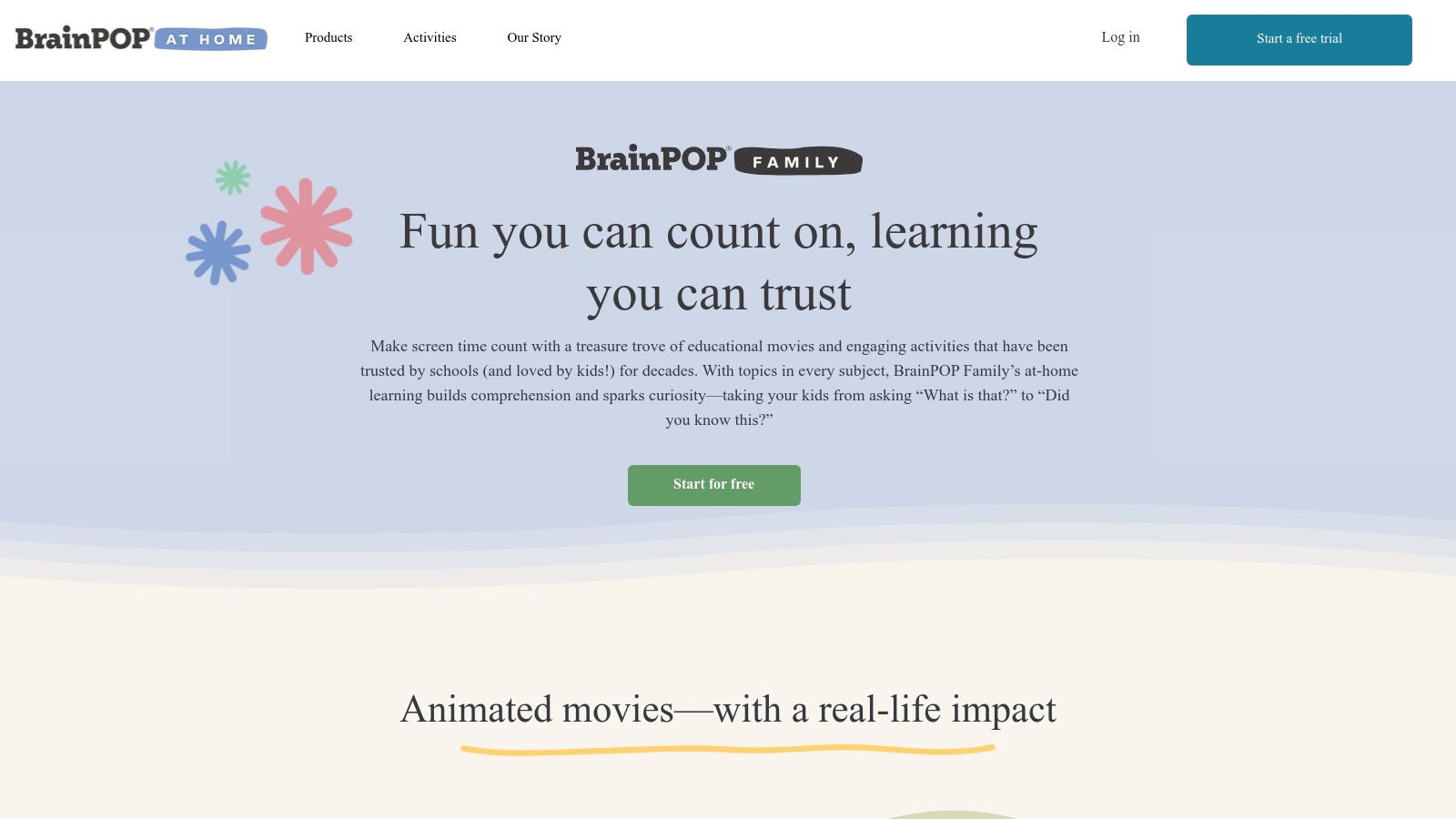
BrainPOP Family brings a trusted US classroom favorite into the home, offering animated, standards-aligned lessons across a vast range of subjects. Its key strength is the clear separation between BrainPOP Jr. (K–3) and BrainPOP (3–8), ensuring content is perfectly tailored to different developmental stages. The platform excels at breaking down complex topics into short, digestible videos, making it one of the most effective educational apps for elementary students who are visual learners. Each lesson is paired with engaging activities like quizzes, vocabulary games, and creative challenges.
Why It's a Top Resource
BrainPOP stands out for its high-quality, academically rigorous content presented in a fun, cartoon format that children love. The platform includes helpful accessibility tools like an Immersive Reader, making it suitable for diverse learners. While full access requires a subscription and the family plan is limited to two child profiles, the depth of the content provides immense value. Its animated hosts, Tim and Moby, have become iconic figures in education, helping to make learning fun and memorable.
- Practical Tip: Have your child explore the "Make-a-Map" feature after a video to visually organize their understanding of the topic, reinforcing comprehension and connections.
- Pros: Trusted US classroom brand with high-quality content, clear grade band separation supports targeted learning.
- Cons: Subscription required for full access, only two child profiles allowed per family plan.
- Access: www.brainpop.com/at-home/family/
11. Starfall
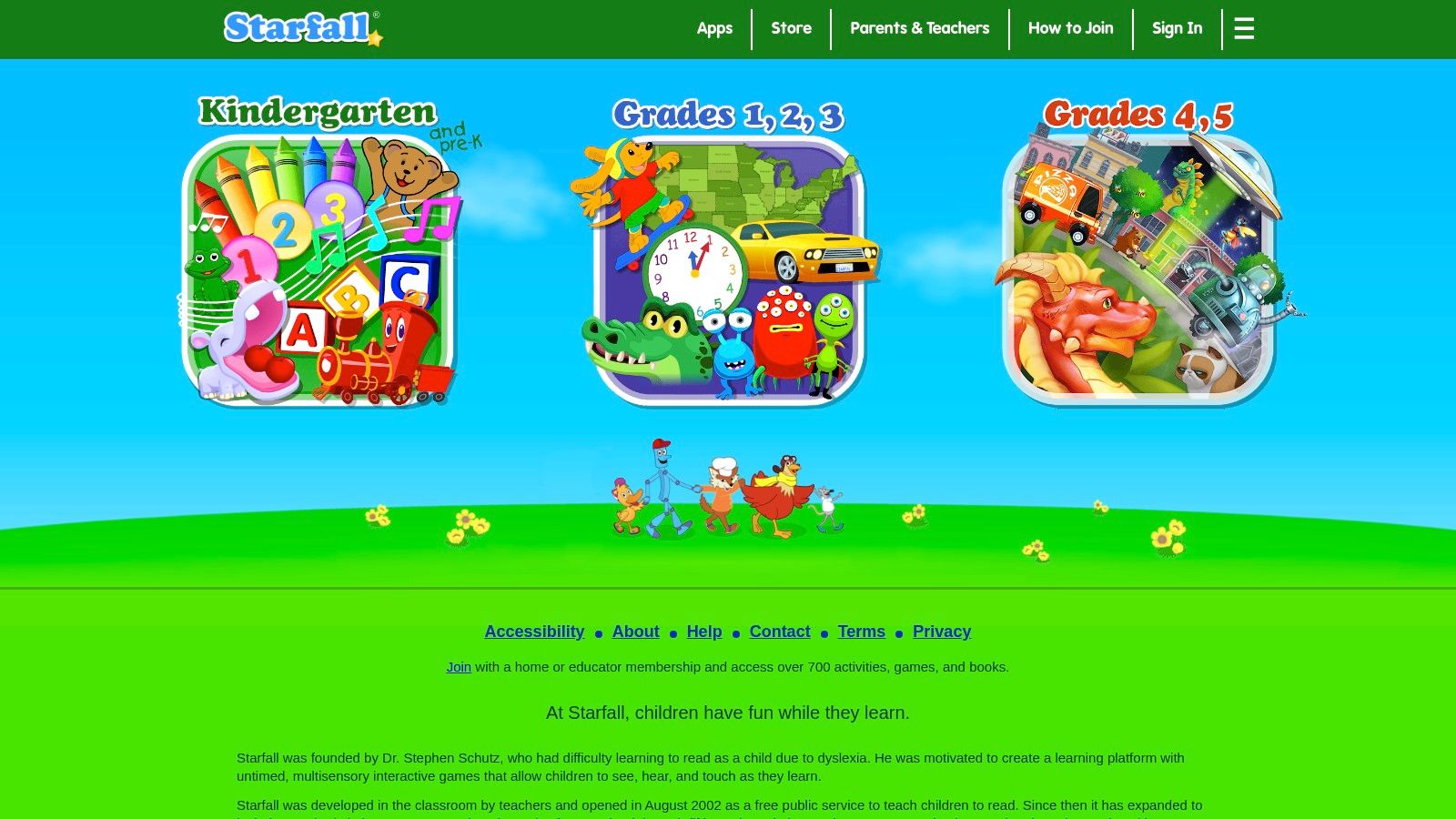
Starfall has been a trusted nonprofit resource in early education for decades, offering a rich library of educational apps for elementary students focused on phonics, reading, and basic math. Its activities, designed for Pre-K through 5th grade, use a simple, direct approach to learning that emphasizes repetition and positive reinforcement. The platform’s uncluttered interface and kid-friendly navigation make it accessible even for the youngest learners, ensuring they can engage with content independently without complex instructions.
Why It's a Top Resource
What sets Starfall apart is its long-standing commitment to affordable, foundational learning. While its design may feel less modern than highly gamified apps, its strength lies in its effective, curriculum-aligned content that systematically builds literacy and numeracy skills. The membership model is straightforward and refreshingly transparent, with low-cost annual options for home or classroom use. Its broad content library is particularly beneficial for early readers and English language learners who need a solid, step-by-step foundation.
- Practical Tip: The free version offers a substantial amount of content to start with; use it to gauge your child's interest before committing to the affordable annual membership for full access.
- Pros: Low-cost home membership with no auto-renew by default, broad coverage for early readers and English learners, proven, curriculum-based approach.
- Cons: Simpler UI and content style compared to newer, gamified apps; content may not be as challenging for advanced students.
- Access: www.starfall.com
12. ScratchJr
ScratchJr introduces foundational coding concepts to young children (ages 5-7) through a playful and creative interface. As one of the premier free educational apps for elementary students, it allows kids to snap together graphical programming blocks to make characters move, jump, dance, and sing. This process enables them to create their own interactive stories and games, fostering computational thinking, problem-solving skills, and self-expression without the complexity of text-based code. The app is designed as a safe, offline-first experience, with all projects stored locally.
Why It's a Top Resource
What sets ScratchJr apart is its research-backed design focused specifically on early childhood cognitive development. The icon-based blocks are intuitive for pre-readers, removing literacy as a barrier to entry into the world of coding. While it is intentionally limited in scope to avoid overwhelming young learners, its creative potential is vast. The PBS KIDS version, which integrates familiar characters, adds another layer of engagement for children.
- Practical Tip: Encourage children to first draw a storyboard of their idea on paper. This helps them plan their project's sequence before they start programming the blocks.
- Pros: Completely free with no ads or in-app purchases, research-based design, promotes creativity and logical sequencing.
- Cons: Geared toward K-2 students; older children will need to graduate to the full Scratch platform.
- Access: scratch.org/an/scratchjr/
Top 12 Educational Apps for Elementary Students: Feature Comparison
| Product | Core Features / Highlights | User Experience / Quality ★ | Value & Pricing 💰 | Target Audience 👥 | Unique Selling Points ✨ |
|---|---|---|---|---|---|
| 🏆 EarthChasers | Immersive 3D maps; community challenges & leaderboards | ★★★★☆ Intermittent map issues | Free basic; Pro upgrade available | Geography enthusiasts, all ages | Collaborative map creation; blends edu & fun |
| Apple App Store (Kids & Ed) | Strict age/privacy controls; vetted educational apps | ★★★★☆ Integrated iOS experience | Varies; some costly subscriptions | Parents & educators on iOS | Centralized app management & parental controls |
| Google Play Store (Family) | Teacher Approved badge; broad device support | ★★★☆☆ Quality varies outside badge | Competitive pricing | Android users, schools, parents | Chromebook integration; wide app selection |
| Amazon Appstore (Kids/Ed) | Amazon Kids profiles; Fire tablet parental controls | ★★★☆☆ Limited catalog | Frequent promos & free apps | Fire tablet households | Strong Fire ecosystem integration |
| Khan Academy Kids | Free, adaptive activities; ad-free | ★★★★★ Trusted & high quality | 100% free | Ages 2-8, early learners | Entirely free, educator trusted |
| ABCmouse (Age of Learning) | Structured lessons; multi-child profiles | ★★★★☆ Rich curriculum | Subscription-based with trials | Early elementary students & parents | Extensive content, progress tracking |
| PBS KIDS | 250+ free activities; offline play | ★★★★☆ Highly reputable brand | Free | Ages 2-8, early learners | Curricula tied to popular PBS shows |
| Epic | 40,000+ books & videos; multi-profile support | ★★★★☆ Large, quality digital library | Subscription after free trial | K-5 readers, educators, families | Read-to-me & audiobooks |
| Prodigy | RPG-style math & English; parent & teacher dashboards | ★★★★☆ Engaging gameplay | Free core; paid membership tiers | Elementary students & parents | Game-based learning with class integration |
| BrainPOP Family | Animated lessons; accessibility tools; family plans | ★★★★☆ Trusted education brand | Subscription required | K-8 students & families | Separate K-3 and 3-8 content |
| Starfall | Early literacy, phonics & math; memberships | ★★★☆☆ Simple UI, nonprofit focus | Affordable memberships | Pre-K to Grade 5 learners | Low cost; accessible for English learners |
| ScratchJr | Free icon-based coding for young children | ★★★★☆ Research-backed design | Completely free | Ages 5-7, early coding learners | Privacy focused, beginner-friendly programming |
Making Learning Stick: Integrating Apps into Your Child's Education
Navigating the vast landscape of educational apps for elementary students can feel overwhelming, but the journey is well worth the effort. Throughout this guide, we have explored a curated selection of powerful tools, from comprehensive platforms like ABCmouse and Khan Academy Kids to specialized, game-based learning experiences like Prodigy and our own EarthChasers. We've seen how apps like Epic can ignite a passion for reading, while tools such as ScratchJr introduce foundational coding concepts in an accessible, creative way.
The core takeaway is that the most effective app is not necessarily the one with the most features, but the one that aligns best with your child’s specific learning style, interests, and educational goals. The "best" app for a first-grader struggling with phonics will be vastly different from the ideal choice for a fifth-grader who loves creative problem-solving.
Choosing the Right Tool for the Job
Your selection process should be an intentional one. Before committing to a subscription or even a free download, consider these critical factors:
- Define the Goal: Are you looking to reinforce math facts, improve reading comprehension, explore scientific concepts, or foster creativity? Having a clear objective will immediately narrow your options.
- Assess Engagement: Look for apps that prioritize interactive, discovery-based learning over rote memorization and passive screen time. A tool like BrainPOP Jr. excels at this by using animated videos to make complex topics digestible and fun.
- Consider the Learning Style: Is your child a visual learner who would benefit from colorful games and animations? Or are they a kinesthetic learner who thrives on building and creating, as they can in ScratchJr? Match the app's methodology to your child's natural inclinations.
- Preview and Play Together: Whenever possible, use free trials to test an app alongside your child. This not only ensures it’s a good fit but also models engaged, intentional technology use.
From Screen Time to Learning Time
Once you've chosen a few high-quality educational apps for elementary students, the next step is thoughtful integration. The real educational value is unlocked when digital experiences are connected to real-world conversations and activities.
Use these apps as springboards for curiosity. After a session on PBS KIDS Games, you might do a related science experiment. After exploring different countries in a geography app, you could cook a meal inspired by that culture or find it on a physical globe. The goal is to create a bridge between the digital and physical worlds, transforming screen time from a solitary activity into a collaborative learning adventure. By setting clear boundaries, engaging with the content alongside your child, and connecting it to their everyday life, you can foster a healthy, balanced, and incredibly enriching relationship with technology.
Ready to spark your child's curiosity about the world? For a learning experience that combines geography, culture, and exciting gameplay, explore EarthChasers. Our app is designed specifically for elementary students to build global awareness and critical thinking skills in a fun, interactive environment. Discover your next family adventure at EarthChasers today