
Create a Map Quiz People Will Actually Want to Finish
Learn how to create a map quiz that educates and entertains. Our guide covers everything from planning and tool selection to designing engaging questions.
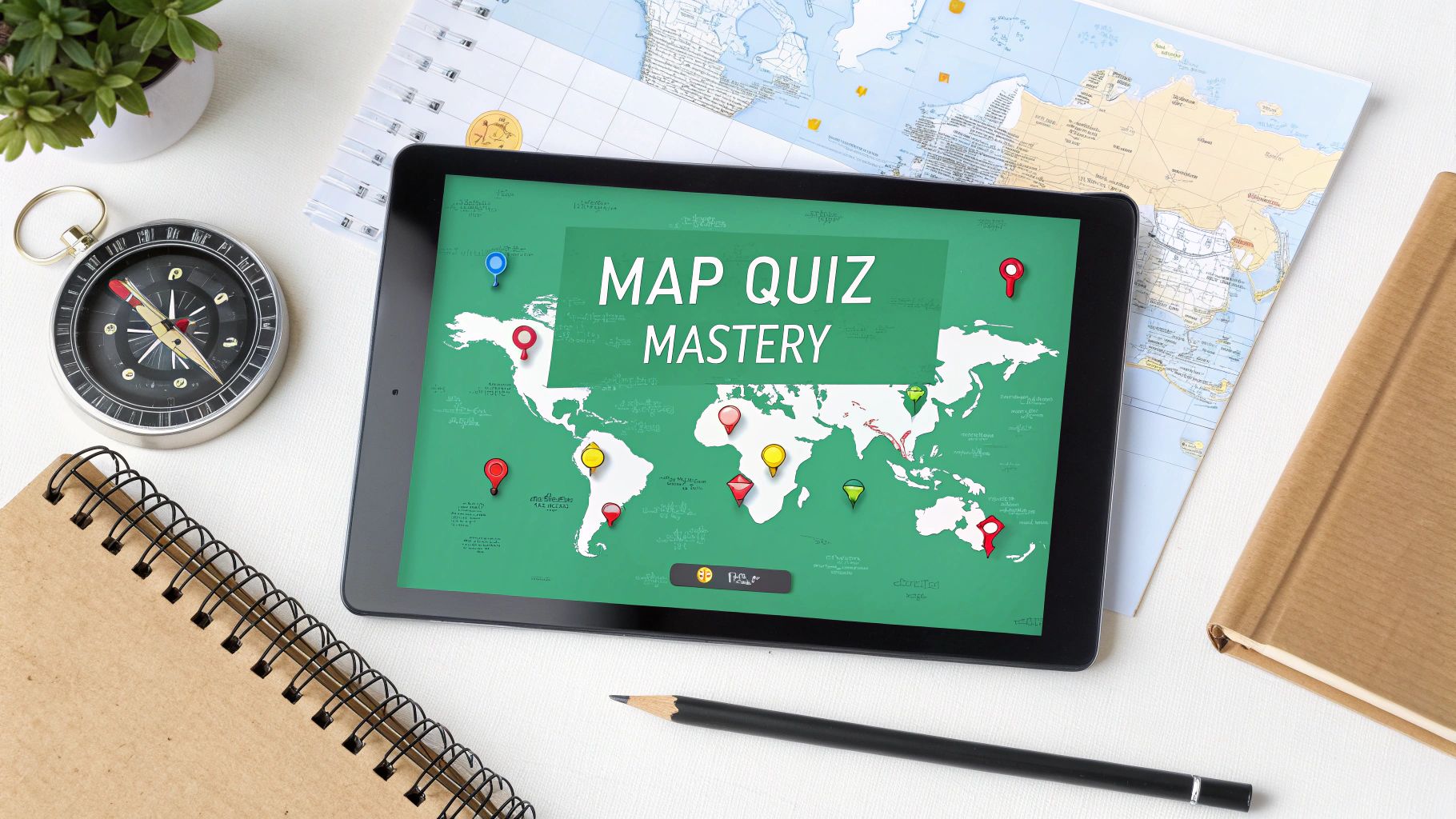
To build a killer map quiz, you need to move from the big picture down to the nitty-gritty details. It all starts with a clear plan: define your learning goal and audience, pick the right map creation tool, and then craft engaging questions before you publish it for the world to see.
Laying the Groundwork for a Great Map Quiz
Before you even think about dropping a pin on a map, you need a solid plan. A little bit of foresight here saves a ton of headaches later and is the single biggest factor in making a quiz that’s actually fun and effective.
Jumping straight into the quiz builder without a plan is like trying to build a house without a blueprint. You might end up with something, but it probably won't be what you imagined.
The first, most important question to ask yourself is simple: What's the point of this quiz?
This one question will steer every single decision you make from here on out. Are you a teacher trying to drill state capitals into your students' heads? A history buff mapping out ancient trade routes? Or are you just making a fun challenge for your local community, like "Can you name these downtown landmarks?"
Your goal sets the scope. A quiz on "European Capitals" is pretty straightforward. But something like "Key Battlefields of the American Civil War" is far more specific and calls for a completely different map style and level of detail.
Know Your Audience
Once your goal is locked in, think about who's actually going to take this quiz. The answer dictates the tone, difficulty, and even the visual design. A map quiz for third-graders should look and feel completely different from one made for geography nerds.
- For Students: Think bright, simple maps. Use multiple-choice questions and sprinkle in some encouraging feedback. The aim is to reinforce learning, not cause frustration.
- For Enthusiasts or Experts: You can break out the detailed satellite or topographical maps. Challenge them with fill-in-the-blank questions and maybe even add a timer for some real pressure.
A great quiz should feel like a game of discovery, not an interrogation. Nailing the right difficulty for your audience is what keeps them hooked and motivated to finish.
Gather Your Assets Early
Finally, start thinking about the materials you'll need. Getting all your assets in a row before you start building makes the whole process ridiculously smooth. First up, find high-quality, clear map images. There are plenty of websites that offer public domain or Creative Commons maps, which are perfect for this.
Beyond the map itself, you need solid data. If you're making a quiz on the world's longest rivers, you better have an accurate list of those rivers and their locations. For a historical quiz, double-check your dates and key locations.
Tossing all this info into a simple spreadsheet ahead of time will save you from pulling your hair out later. This prep work ensures your quiz is not just fun, but also accurate and professional-looking right from the start.
Choosing the Right Map Quiz Maker for Your Project
Picking the right tool to build your map quiz is probably the most important decision you'll make. The software you choose is the foundation for everything—from the visual style and question types to how your audience actually interacts with it. Get this right, and the rest of the process becomes a whole lot smoother.
So, where do you start? It all comes down to your project's goals. Are you a teacher who needs a simple drag-and-drop tool for a quick classroom activity? Or are you a geography buff aiming for a highly detailed, custom experience for your blog? Knowing who you are and what you need to build will instantly narrow down your options.
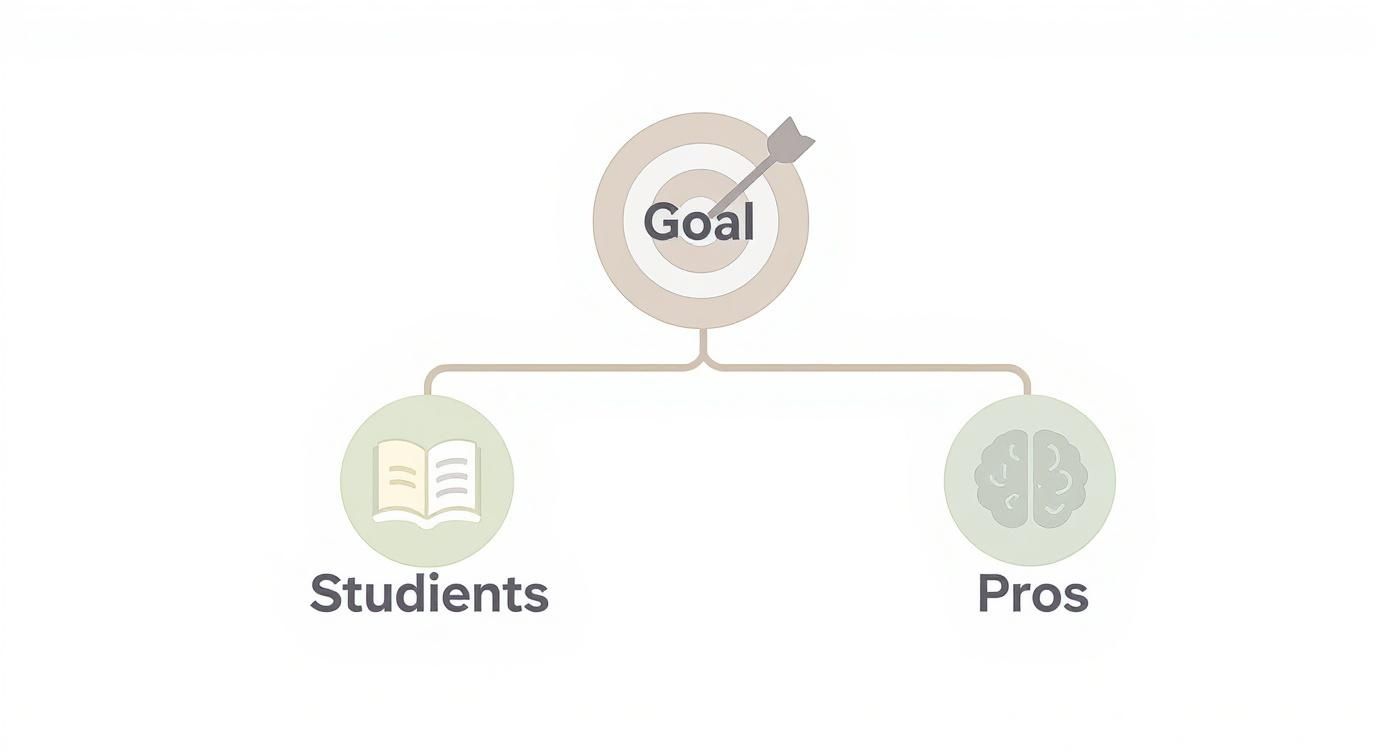
As you can see, the path for an educator is very different from that of a developer or data visualization expert. Each requires a different set of tools to get the job done right.
No-Code Builders vs Powerful Platforms
For most people, especially educators and marketers, no-code quiz builders are the way to go. These tools are all about simplicity and speed. You can often build and publish a fully functional quiz in just a few hours using pre-made templates and intuitive interfaces. No coding required.
On the other end of the spectrum, you have tools that integrate with Geographic Information System (GIS) software. These are the heavy hitters. They give you incredible control over map layers, data visualization, and custom interactions, but they definitely have a steep learning curve. If your quiz needs to handle complex datasets or specific map projections, this is the route you'll need to take.
The best tool isn't always the one with the most features. It's the one that actually fits your skills, budget, and timeline. A simple, well-made quiz that people can actually take is always better than a complex, ambitious project that never sees the light of day.
Comparing Popular Map Quiz Creation Tools
To help you get a clearer picture, here’s a head-to-head look at some leading platforms. This table breaks down their strengths, ease of use, and key features to help you find the perfect match for your project.
| Tool/Platform | Best For | Ease of Use | Pricing Model | Key Features |
|---|---|---|---|---|
| EarthChasers | Educators, students, and hobbyists | Very Easy | 100% Free | Custom map creation, 3D views, no-code interface, embeddable quizzes |
| Kahoot! | Live classroom engagement | Easy | Freemium | Gamified live quizzes, leaderboards, simple multiple-choice formats |
| Google Forms | Basic surveys and simple quizzes | Very Easy | Free | Image-based questions, simple scoring, integrates with Google Suite |
| Mapbox Studio | Developers and data visualizers | Advanced | Usage-based | Fully custom map styles, data layers, API for interactive experiences |
| ArcGIS StoryMaps | GIS professionals and researchers | Intermediate | Subscription | Rich multimedia storytelling, integration with spatial data, detailed maps |
Ultimately, the best way to choose is to get your hands dirty. Most platforms offer a free version or trial. Sign up for a couple that look promising and spend an hour with each. You’ll quickly get a feel for which one makes sense for you and your project.
Must-Have Features to Look For
No matter which platform you lean toward, there are a few core features that are non-negotiable for creating a great map quiz. As you compare your options, make sure they check these boxes:
Custom Map Styles: You need the ability to tweak the map's appearance. That could mean changing colors, hiding city labels, or switching to a satellite view to fit the theme of your quiz. For a truly unique look, you can use our custom map creator to design the perfect base map from scratch.
Diverse Question Formats: Simple multiple-choice questions can get boring. Look for tools that let you create more engaging interactions, like "click on the correct location" (pin-dropping), identifying areas (polygon selection), or dragging labels to their proper spots.
Mobile Responsiveness: A huge chunk of your audience will be on their phones. There's no excuse for a quiz that doesn't work perfectly on a small screen. Make sure the platform you choose automatically adapts for mobile users.
Multimedia Integration: Can you add images of famous landmarks, audio clips, or even short videos to your questions? This is what separates a basic quiz from a rich, memorable learning experience.
Designing Questions That Are Fun and Challenging
A truly memorable map quiz feels less like a school test and more like a game of discovery. This is where your creativity really gets to shine. Moving beyond simple “Where is this country?” questions is the secret to creating an experience that people actually want to share.

The best questions make players think spatially and connect different pieces of information. Instead of just asking for a static location, you want to challenge them with interactive formats that pull them into the map.
Beyond Simple Identification
Think about how you can use the map itself as a dynamic game board. Interactive question types are far more engaging and can test a much deeper understanding than your standard multiple-choice quiz.
Here are a few formats I’ve found work incredibly well:
- Click the Target: Ask users to pinpoint a specific feature, like "Click on the Nile River Delta" or "Find the peak of Mount Everest." This tests precise knowledge in a really satisfying way.
- Drag and Drop: Give them a list of labels—cities, landmarks, even historical figures—and have them drag each one to its correct spot on the map.
- Area Identification: Use polygon tools to have players draw a box around a specific region. A question like "Outline the Gobi Desert" is a great test of regional awareness.
- Sequencing Events: For history-themed quizzes, ask players to click on locations in the order events happened, like tracing an ancient explorer's route.
Of course, writing a good question is an art form. It needs to be crystal clear, leaving zero room for ambiguity. For a deeper dive into structuring questions that truly resonate and avoid common pitfalls, it’s worth exploring the principles of effective questionnaire design.
Incorporating Rich Media
Layering in multimedia is what elevates a good quiz into a great one. It creates a much more immersive experience that taps into more than just geographical recall. A well-placed image or a quick sound clip can provide a clever clue, set the tone, or just make the whole thing more fun.
You could show a picture of the Eiffel Tower and ask, "Click on the city where you'd find this landmark." Or, you could play a short clip of a national anthem and ask the player to identify the country. It's simple, but it works.
A quiz that engages multiple senses is always more memorable and enjoyable. The goal is to make the player feel like they're on a mini-adventure, not just clicking through a test.
When you're ready to start brainstorming, you can find a huge list of ideas in our collection of geography quiz questions and answers to get your creative juices flowing. This kind of variety is what makes a map quiz feel fresh and challenging from the first question to the last.
Making Scoring and Feedback Actually Teach Something
How you handle scoring and feedback is the secret ingredient that turns a simple map quiz from a fun diversion into a legitimate learning experience. This is where the magic happens. A well-designed system makes every click, right or wrong, an opportunity to learn something new.
The most straightforward way to score is a simple point-per-question system. It works, it's easy, and it gives players a clear sense of accomplishment. But you can get more creative. Why not award bonus points for speed to challenge the pros? Or, for those "click the location" questions, you could implement a proximity-based score—the closer they are, the more points they get.
Go Beyond a Simple "Correct" or "Incorrect"
The real learning kicks in with the feedback. Just flashing "Correct!" or "Incorrect!" on the screen is a missed opportunity. This is your chance to provide context that makes the information stick.
When a player nails an answer, don't just move on. Reinforce their knowledge with a cool, memorable fact.
- For a correct answer: "You got it! Paris is often called the 'City of Light' because it was one of the first major European cities to use gas street lighting."
- For an incorrect answer: "Not quite. That's Rome. The correct answer was Paris, which sits right on the River Seine."
This simple tweak transforms a mistake from a point of frustration into a valuable lesson. It keeps the player hooked and helps them lock in the right information for the next time they play.
Your feedback is the bridge between a wild guess and genuine understanding. The goal isn't just to tell players they're right or wrong—it's to show them why.
Spark a Little Friendly Competition with Leaderboards
If you want people coming back day after day, add a leaderboard. It’s a simple feature that taps directly into our natural love for competition. Gamification studies have shown time and again that leaderboards are a huge driver for user retention, pushing players to return and climb the ranks.
You don't have to stick to just one, either. Mix it up to keep things interesting:
- A daily or weekly board gives everyone a fresh shot at glory.
- An all-time leaderboard is perfect for the undisputed geography champs.
- Friend-based leaderboards, if your quiz platform supports them, are fantastic for encouraging direct challenges and social sharing.
By combining dynamic scoring, insightful feedback, and a dash of competition, your map quiz becomes more than a test. It evolves into a rewarding, repeatable experience that actively teaches and motivates everyone who plays.
Adding Gamification to Boost Engagement
Want people to play your map quiz more than once? The secret is gamification. It's all about sprinkling in those fun, game-like elements that turn a simple quiz into something people actually want to keep playing.
By making a solo quiz feel more like a shared experience, you give your creation a much longer shelf life. This also connects your quiz to a massive global audience looking for interactive challenges. The digital games market, which includes geography quizzes, is a beast—projected to hit around $522.46 billion in revenue, with an expected annual growth of 7.01% through 2030. You can read the full research about the global games market to see just how big the audience of 3.6 billion gamers really is.

Introducing Game-Like Mechanics
The easiest place to start is with simple rewards. Think beyond just a final score and start acknowledging a player's skill and effort. Achievement badges are perfect for this.
- Completion Badges: Give a "Master of Asia" badge for nailing every country on the continent.
- Skill-Based Trophies: Create a "Speed Demon" trophy for anyone who finishes a timed quiz in under 60 seconds.
- Challenge Milestones: Offer a "Globetrotter" badge for completing a whole series of quizzes covering different world regions.
These little digital pats on the back provide some serious motivation, nudging players to explore everything you’ve built.
Gamification isn't just about points; it's about making progress visible and rewarding dedication. When a player unlocks an achievement, it validates their effort and gives them a reason to keep going.
Creating a Sense of Challenge and Progression
To really get people hooked, you need a sense of thrill and forward momentum. A timed mode is a classic for a reason—it adds a layer of pressure that makes things exciting. That ticking clock forces players to trust their instincts and think fast.
Another powerful move is structuring your quizzes into unlockable levels. Maybe someone has to master a quiz on North American capitals before they can even attempt the South American challenges. This carves out a clear path for them and makes unlocking new content feel like a real accomplishment. To make the whole experience feel slick and intuitive, it helps to borrow from modern game UI design principles when you're putting together the interface.
Ultimately, community is what keeps people around. Let users share their high scores on social media or challenge their friends directly. When your map quiz sparks a little friendly competition, you've built something that can sustain itself. If you want to dive deeper, check out our guide on the top gamification platforms for education to see what tools are out there.
Sharing Your Quiz with the World
Embedded content
You’ve poured your energy into building an awesome map quiz. Now for the best part—getting it in front of people. Publishing isn't just about clicking a button; it’s about choosing the right way to share it and making sure the experience is perfect for every single person who plays.
The quickest way to get your quiz out there is with a direct link. Nearly every quiz platform will generate a unique URL you can pop into an email, post on a community forum, or share across your social media channels. It’s fast, universal, and works great for classroom assignments or a quick challenge among friends.
But if you’re aiming for a more professional, seamless feel, embedding the quiz directly onto your website or blog is the way to go. This keeps your audience right where you want them—on your site—and makes the quiz feel like an integrated part of your content.
Embedding and Mobile Optimization
When you choose to embed, you’ll typically get a small snippet of code (usually an iframe) to copy and paste into your website's HTML. The most crucial step here is to make sure it's responsive. Your quiz has to look and feel just as good on a smartphone as it does on a massive desktop monitor.
Before you go live, you absolutely have to test the embedded quiz on different devices.
- Check the Layout: Is any part of the map getting awkwardly cut off on a small screen?
- Test Interactivity: Can you easily tap the buttons and pins with a finger, or is it a frustrating experience?
- Verify Load Times: How quickly does it load on both Wi-Fi and a spotty mobile data connection?
A clunky mobile experience will kill your engagement. I can't stress this enough: double-checking that everything is user-friendly on a small screen is non-negotiable if you want your quiz to succeed.
Pre-Launch Testing and Feedback
Whatever you do, don't skip the final testing phase. It’s so tempting to hit "publish" the second you’re finished, but after staring at your quiz for hours, you become blind to its flaws. This is where a fresh set of eyes is invaluable.
Send a test link to a few friends or colleagues and ask them to be ruthless. Do any of the questions feel confusing? Did they hit any technical snags or spot a typo you missed? This feedback is gold. Fixing a tiny bug before you launch is a thousand times better than having hundreds of players run into it later. A smooth, polished experience is what makes your hard work pay off and leaves every player with a great impression.
Common Questions About Making Map Quizzes
When you're diving into making your first map quiz, a few questions tend to pop up right away. Let's get those sorted out so you can start building with confidence.
What Are the Best Beginner-Friendly Tools?
If you're just starting out, my advice is to skip the code and stick with no-code builders. Look for platforms that give you a simple drag-and-drop interface, some ready-made templates, and easy sharing options. This way, you can spend your time on the fun part—the content—instead of wrestling with technical stuff.
The best tools for beginners will let you upload your own custom map and have super intuitive features, like simple pin-dropping or drawing areas for your questions.
How Can I Ensure My Quiz Is Accurate?
Accuracy is everything. A good quiz is a trustworthy one. Always pull your geographical data from reliable places—think academic sites, government publications, or well-known cartography resources.
Once you think it's ready, have a friend or colleague play through it. A fresh pair of eyes, especially from someone who knows the subject a bit, is the best way to catch any small mistakes you might have overlooked.
The most engaging quizzes often do more than just test location recall. They use geography as a gateway to broader knowledge, making the experience both fun and educational for everyone involved.
Interactive map quizzes have become powerful educational tools, helping millions worldwide improve their geographic literacy. By using real data, these platforms challenge players on an interactive world map and often use statistics to deepen global understanding. You can learn more about how real data makes learning better by visiting geostatsgame.com.
Ready to build your own immersive 3D map quiz? Explore the world and challenge your friends with EarthChasers. Start creating for free at https://earthchasers.com.