
The Top 12 Free Online Mapping Tools for 2025
Explore our definitive guide to the best free online mapping tools of 2025. Discover top platforms for custom maps, route planning, education, and gaming.
Gone are the days when creating a custom map required expensive software and a degree in cartography. Today, a wealth of powerful, intuitive, and free online mapping tools are at your fingertips, transforming how we visualize data, plan adventures, tell stories, and even engage in friendly competition. Whether you are a geography enthusiast charting unexplored territories, a trivia master crafting the perfect quiz, or a gamer seeking a new digital playground, the right platform can unlock a world of possibilities.
This comprehensive guide is designed to help you navigate this exciting landscape. We've cut through the noise to bring you a curated list of the top platforms available today, from simple point-and-click editors to sophisticated data visualization suites. For each tool, we provide a detailed analysis of its key features, ideal use cases, and honest limitations, complete with screenshots and direct links to get you started immediately.
Our goal is to help you quickly identify the best solution for your specific needs. We’ll explore everything from building a simple route with Google My Maps to creating stunning interactive data displays with Mapbox, and even diving into gamified 3D exploration with emerging platforms like EarthChasers. Forget the lengthy research; this list provides the practical insights you need to choose the right tool and start mapping.
1. EarthChasers: The Ultimate 3D Gamified Explorer and Utility Tool
EarthChasers stands out as a uniquely versatile and engaging entry among free online mapping tools, expertly blending high-fidelity 3D exploration with compelling gamified elements and practical utilities. It leverages Google Maps' Photorealistic 3D engine to deliver a visually stunning and immersive experience that few other platforms can match, making virtual travel feel incredibly lifelike.
Where it truly excels is in its dual-purpose design. On one hand, it's an addictive educational game. Users can jump into short, replayable challenges like the 'Daily Hunt,' or explore curated lists of cities and natural wonders, competing for high scores on weekly leaderboards. This makes it an exceptional resource for classrooms seeking to bring geography to life or for trivia enthusiasts looking for a new challenge.
On the other hand, EarthChasers provides a suite of professional-grade mapping utilities completely free and without requiring an account.
Its combination of stunning visuals, engaging gameplay, and powerful, no-cost utilities makes it a premier choice for a wide spectrum of users, from students to casual planners.
Key Features and Use Cases
- Gamified Exploration: Engage in geography-based games like finding specific locations in the 'Daily Hunt' or identifying world landmarks. This is ideal for educational settings, turning learning into a competitive and fun activity.
- Professional Utilities: Access powerful tools such as an Elevation Finder for topographical analysis and a Line of Sight Calculator for planning and visualization. These are perfect for hobbyists in radio communications or urban planning.
- Community Content: A thriving community continuously builds and shares custom maps, ensuring a constant stream of fresh challenges and new places to discover, which significantly enhances its replayability.
Pros:
- Stunning photorealistic 3D powered by Google Maps for highly realistic exploration.
- Combines fun, bite-sized gameplay with social competition via leaderboards.
- Free professional-grade mapping tools available without an account.
- Large community with user-created content provides endless variety.
Cons:
- Pro upgrade exists, but pricing is not displayed publicly, making the value proposition unclear.
- High-fidelity 3D experience depends on strong browser and network performance.
Website: https://earthchasers.com
2. Google My Maps
For those who need a straightforward way to create shareable custom maps, Google My Maps is an excellent entry point. It leverages the familiar Google interface, making it one of the most accessible free online mapping tools for users without any GIS or coding background. Its primary strength lies in its simplicity and deep integration with the Google ecosystem, allowing for easy creation and collaboration.

You can quickly plot points of interest, draw routes, and define areas, enriching them with descriptions, photos, and even videos. The tool shines in its data import capabilities, letting users visualize spreadsheet data (from CSVs or Google Sheets) on a map with just a few clicks. This is ideal for planning a road trip, mapping out business locations, or creating a simple educational resource.
Key Features & Use Cases
- Collaborative Editing: Share your map with others for real-time co-editing, just like a Google Doc. This is perfect for group projects or trip planning with friends.
- Data Visualization: Import location data directly from a Google Sheet to automatically generate map points, an invaluable feature for visualizing customer lists or survey results.
- Website Embedding: Easily embed your finished map into a blog post or website, providing an interactive element for your audience.
While it excels at simplicity, My Maps has its limits. It lacks advanced GIS analysis features and offers only basic styling options for map elements. For users who need more sophisticated visualization or 3D capabilities, exploring other options might be necessary. To understand more about the differences between simple and advanced mapping platforms, check out this guide to a powerful custom map creator.
Best For: Beginners, educators, and anyone needing a quick, shareable map for planning or simple data visualization.
| Pros | Cons |
|---|---|
| Extremely user-friendly with a familiar interface | Limited customization and styling options |
| Seamless integration with Google Drive & Google Maps | No advanced spatial analysis tools |
| Excellent for collaborative projects and sharing | Basic data import and export functionality |
Website: google.com/mymaps
3. ArcGIS Online (Esri) — Public Account
For users seeking to step into the world of professional Geographic Information Systems (GIS), the ArcGIS Online public account offers a powerful free entry point. As a cloud-based platform from Esri, the industry leader in GIS software, it provides an enterprise-grade ecosystem. While the free tier has limitations, it's one of the best free online mapping tools for individuals wanting to create, store, and share web maps and access a vast library of authoritative data and community content.
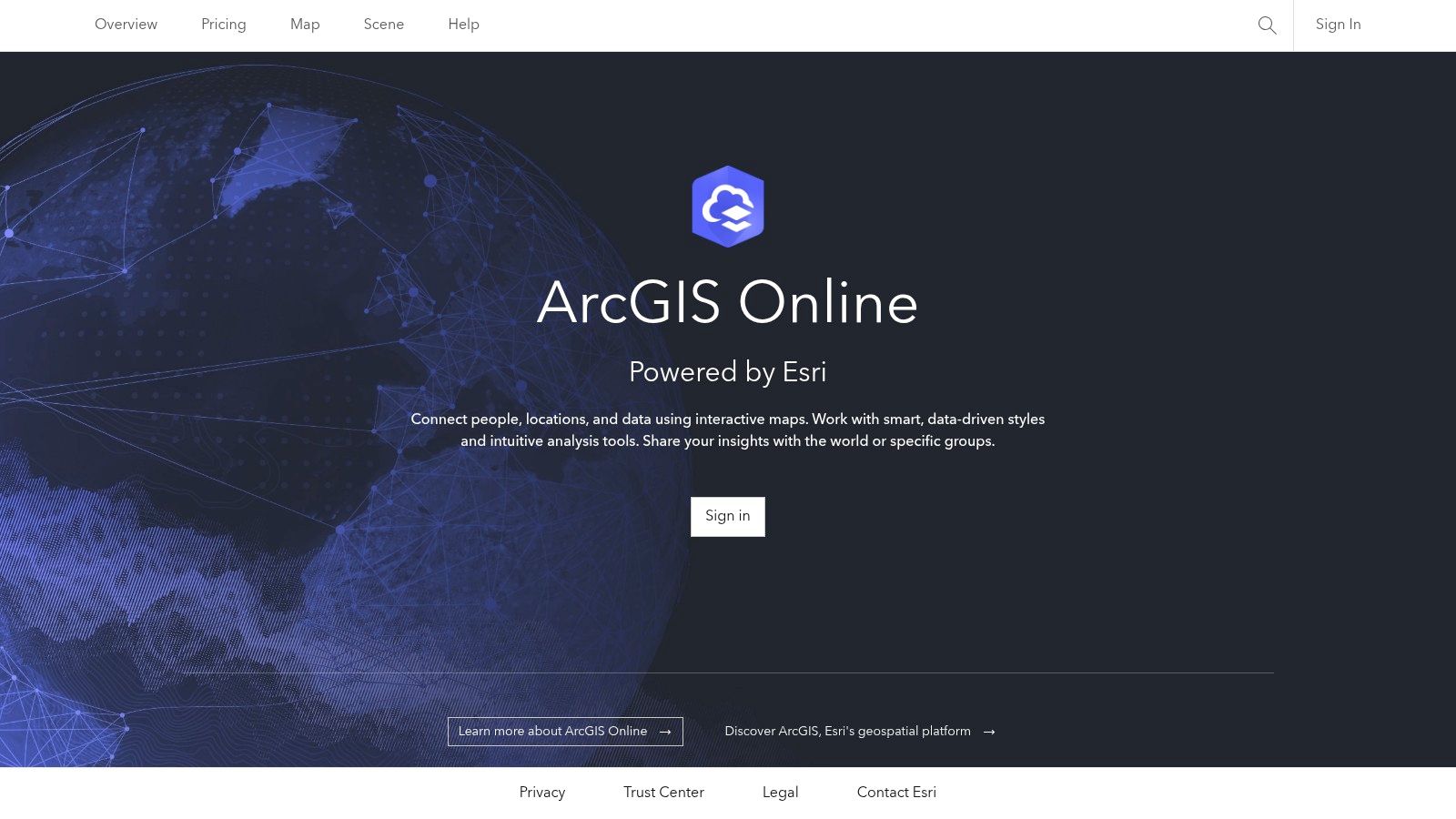
With a free public account, you can author and share web maps, build simple web applications, and tap into the ArcGIS Living Atlas of the World, which contains an enormous collection of global geographic information. This makes it an excellent tool for students, researchers, and hobbyists who need access to high-quality base maps and data layers for more serious projects without the cost of a full license. The platform allows for more sophisticated cartography and data layering than simpler tools.
Key Features & Use Cases
- Access to Authoritative Data: Utilize Esri's Living Atlas and user-contributed content to build rich, data-driven maps on topics ranging from demographics to environmental science.
- Hosted Map Authoring: Create and style complex maps with multiple layers directly in your browser and share them via a link or embed them in websites.
- Clear Upgrade Path: Provides a seamless transition to more powerful, paid features as your skills and project needs grow, making it a sustainable choice for long-term development.
The primary limitation of the free public account is its inability to perform spatial analysis or publish hosted feature layers, which are cornerstones of advanced GIS work. For a deeper understanding of the foundational steps in map creation that apply across various platforms, explore our guide on how to create custom maps.
Best For: Students, GIS hobbyists, and professionals needing to view or create basic maps within the Esri ecosystem.
| Pros | Cons |
|---|---|
| Access to an enterprise-grade GIS ecosystem | Public accounts cannot run analysis or publish hosted layers |
| Large gallery of authoritative data layers | Significant limitations for commercial or advanced use |
| Provides a clear path for skill development and upgrading | Steeper learning curve compared to basic mappers |
Website: https://www.arcgis.com/
4. Mapbox (Mapbox Studio and Mapbox GL JS)
For developers and designers seeking professional-grade cartography, Mapbox provides a powerful suite of tools. It operates on a freemium model with a generous free tier, making it one of the most advanced free online mapping tools for creating highly customized, performant, and interactive web maps. Its strength lies in its developer-first approach, offering extensive APIs and SDKs for deep integration and control.
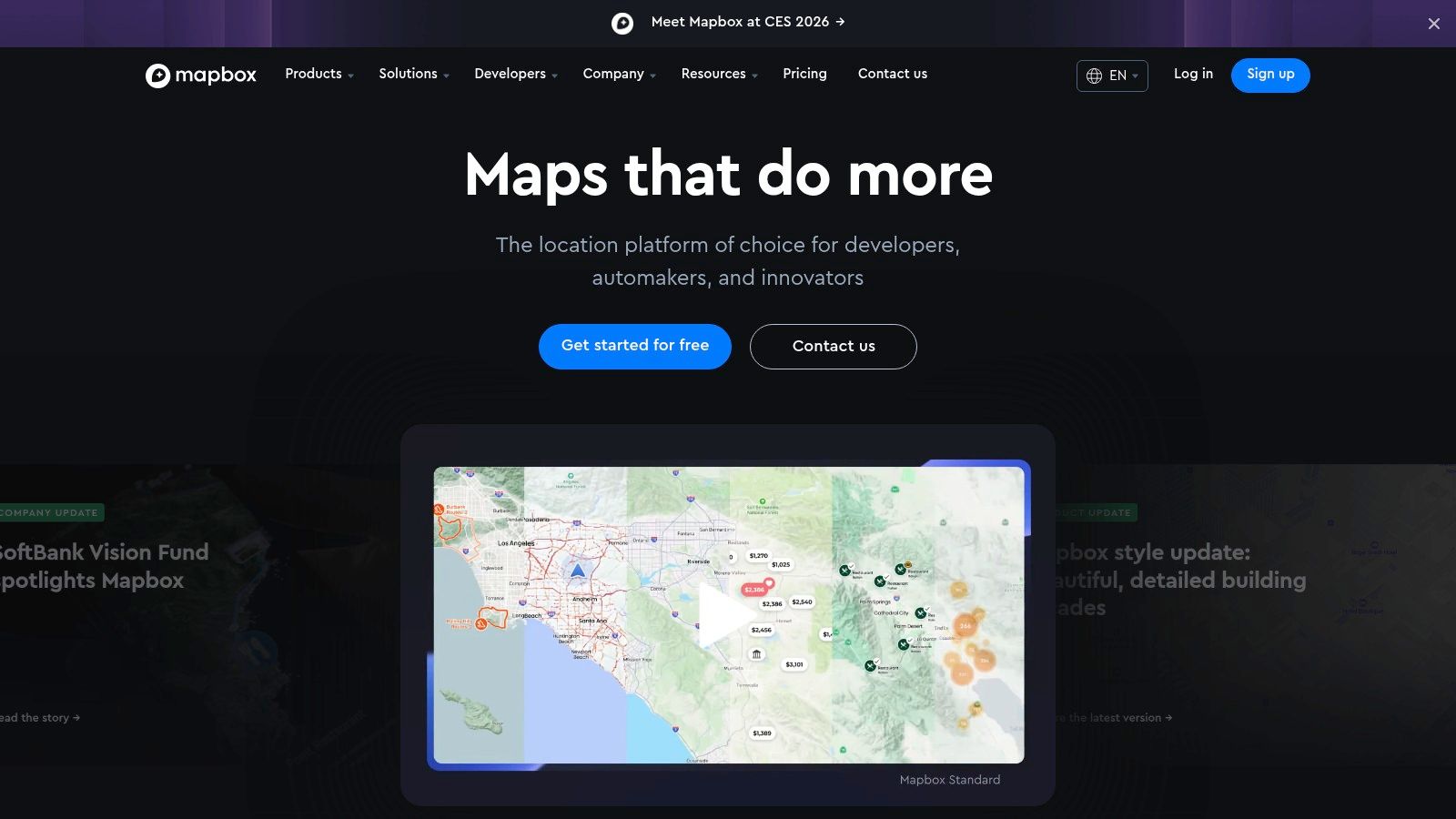
Mapbox Studio is a browser-based design interface for creating beautiful custom basemaps using vector tiles, which ensures maps are fast and responsive. Developers can then use libraries like Mapbox GL JS to bring these maps to life with interactive data layers, animations, and user-driven events. This platform is behind many of the polished maps you see in applications from major brands like The New York Times and Strava.
Key Features & Use Cases
- Pro-Grade Cartography: Use Mapbox Studio to create designer-quality custom map styles, controlling everything from road colors to label fonts.
- Developer APIs & SDKs: Integrate maps into web and mobile applications with powerful SDKs (GL JS, iOS, Android), geocoding, and navigation APIs.
- High-Performance Vector Tiles: Ensures maps load quickly and run smoothly, even with complex data layers, providing a superior user experience.
While incredibly powerful, Mapbox has a steeper learning curve than simpler tools and is geared toward users with some technical or design experience. For advanced visualization and high-quality outputs, similar to creating designer-grade custom basemaps with Mapbox Studio, you might also delve into site plan rendering techniques. To understand more about the underlying technology, you can explore this overview of what geographic information systems are.
Best For: Developers, data scientists, and designers who need full creative control and high-performance maps for web or mobile applications.
| Pros | Cons |
|---|---|
| High-quality cartography and styling control | Steeper learning curve for non-technical users |
| Excellent performance with vector tiles | Requires billing setup for use beyond the free tier |
| Strong documentation and community support | Pricing can become costly for high-traffic apps |
Website: https://www.mapbox.com/
5. uMap (OpenStreetMap community project)
For those who prioritize privacy and open-source principles, uMap stands out as a powerful and user-friendly tool. Built on the foundation of OpenStreetMap, it allows anyone to create custom, shareable maps without needing an account or any coding knowledge. Its core strength is providing one of the most frictionless free online mapping tools for publishing interactive data, making it a go-to for community projects, journalists, and privacy-conscious individuals.

With uMap, you can quickly draw features, choose from various OSM-based basemaps, and import common geospatial file formats like GeoJSON, GPX, and KML. The platform is designed for rapid deployment, allowing you to embed a fully interactive map on your website in minutes. Since it is open-source (AGPL), advanced users can even host their own instance for complete control over their data and infrastructure.
Key Features & Use Cases
- Anonymous Map Creation: Create and publish a map without signing up, perfect for quick, one-off projects or when you need to protect your privacy.
- Bulk Data Import: Easily upload datasets (GeoJSON, GPX, KML) to visualize routes, points of interest, or boundaries for community asset mapping.
- Easy Embedding: Generate a simple iframe code to embed your live map directly into a blog, news article, or community website.
While uMap is excellent for its accessibility and open-source nature, it's important to note that public, community-hosted instances can have variable performance. The platform also offers more basic styling and analysis features compared to more complex GIS platforms.
Best For: Journalists, community organizers, and privacy advocates needing a quick, free, and embeddable mapping solution.
| Pros | Cons |
|---|---|
| 100% free and privacy-friendly | Community instances can have variable uptime |
| Quick to publish maps without sign-up | Fewer advanced styling and analysis features |
| Supports common geo-data formats for import | Interface is functional but less polished than commercial tools |
Website: https://umap-project.org/
6. Felt
Felt positions itself as the Google Docs of mapping, offering a powerful, browser-based platform where real-time collaboration meets serious GIS capability. It is designed to be one of the most approachable yet robust free online mapping tools, bridging the gap between simple map markers and complex spatial analysis. Its strength is an intuitive interface packed with professional-grade features, making it accessible for team projects without a steep learning curve.
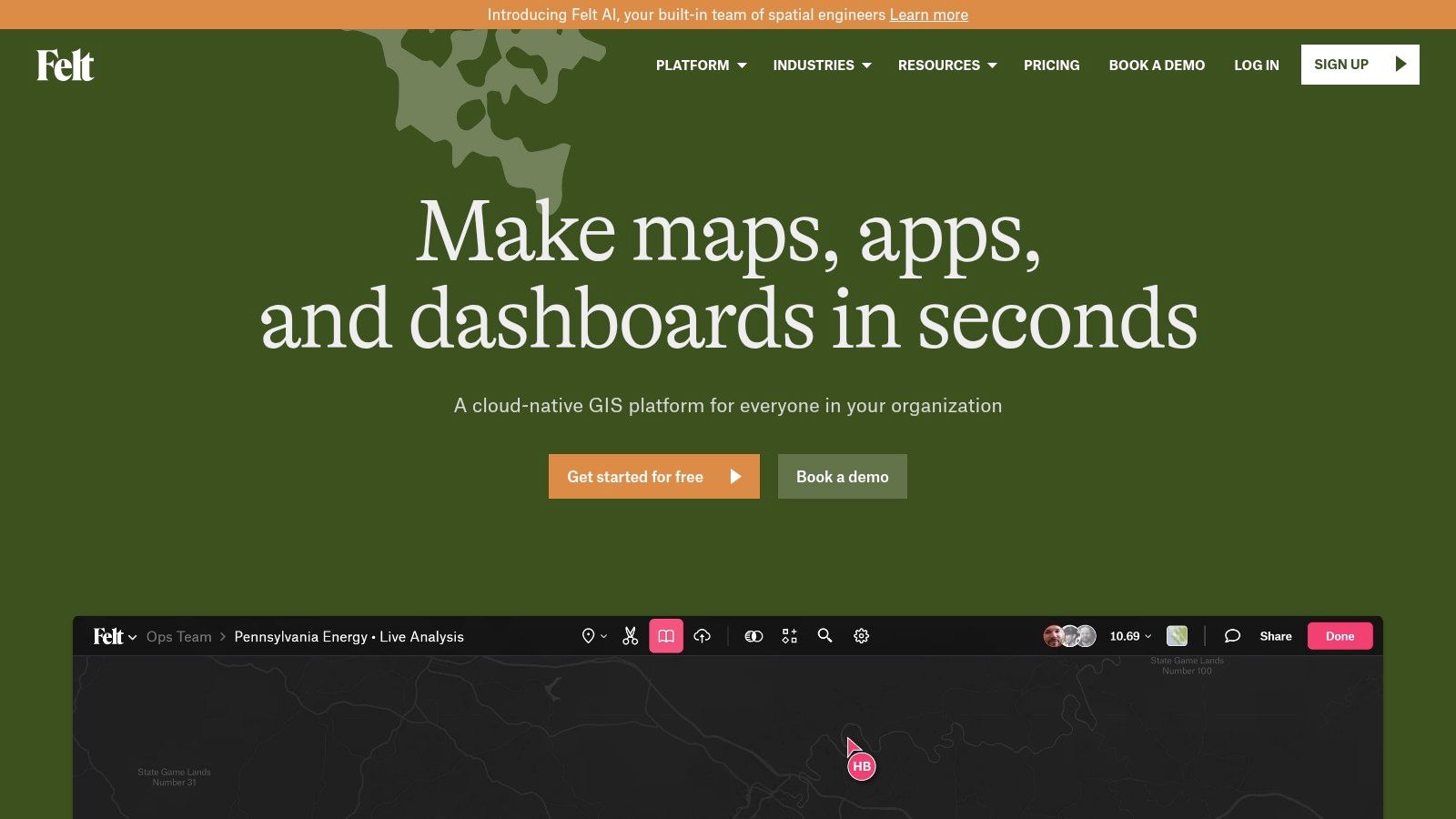
The platform excels at bringing data to life. Users can upload a wide variety of formats, from simple spreadsheets to complex geospatial files, and immediately begin analyzing the information. You can create heatmaps, choropleths, and other visualizations effortlessly, then annotate and discuss changes with teammates directly on the map. This seamless workflow is ideal for urban planners, environmental researchers, and organizations that need to share insights quickly.
Key Features & Use Cases
- Real-Time Collaboration: Work on the same map with your team simultaneously, leaving comments and edits that appear instantly for everyone. This is perfect for collaborative research or project management.
- Advanced Data Handling: Import a wide range of data types and perform sophisticated analyses. The platform supports exports to standard formats like GeoJSON, GeoPackage, and GeoTIFF.
- Ready-Made Templates: Get a running start with pre-built templates for common use cases, which significantly simplifies the process of creating a new map from scratch.
While the free personal plan is generous, many of the advanced collaboration and enterprise-level tools are reserved for the paid Team and Enterprise plans. However, Felt does offer free access for educational use and provides discounts for non-profits.
Best For: Teams needing a collaborative GIS environment, researchers, and professionals who require powerful analysis tools in an accessible package.
| Pros | Cons |
|---|---|
| Intuitive and modern user experience | Team features and advanced tools are behind a paywall |
| Powerful data import and analysis tools | The free plan has usage and storage limits |
| Free for educational use with nonprofit discounts | Enterprise features require contacting sales |
Website: https://felt.com/
7. Datawrapper
Datawrapper is a premier tool for journalists, researchers, and anyone looking to create publication-ready charts and maps. While not a GIS platform in the traditional sense, it excels at producing clean, interactive choropleth and locator maps designed for storytelling and data-driven reporting. It is one of the most effective free online mapping tools for embedding polished, responsive visuals directly into articles and web pages.
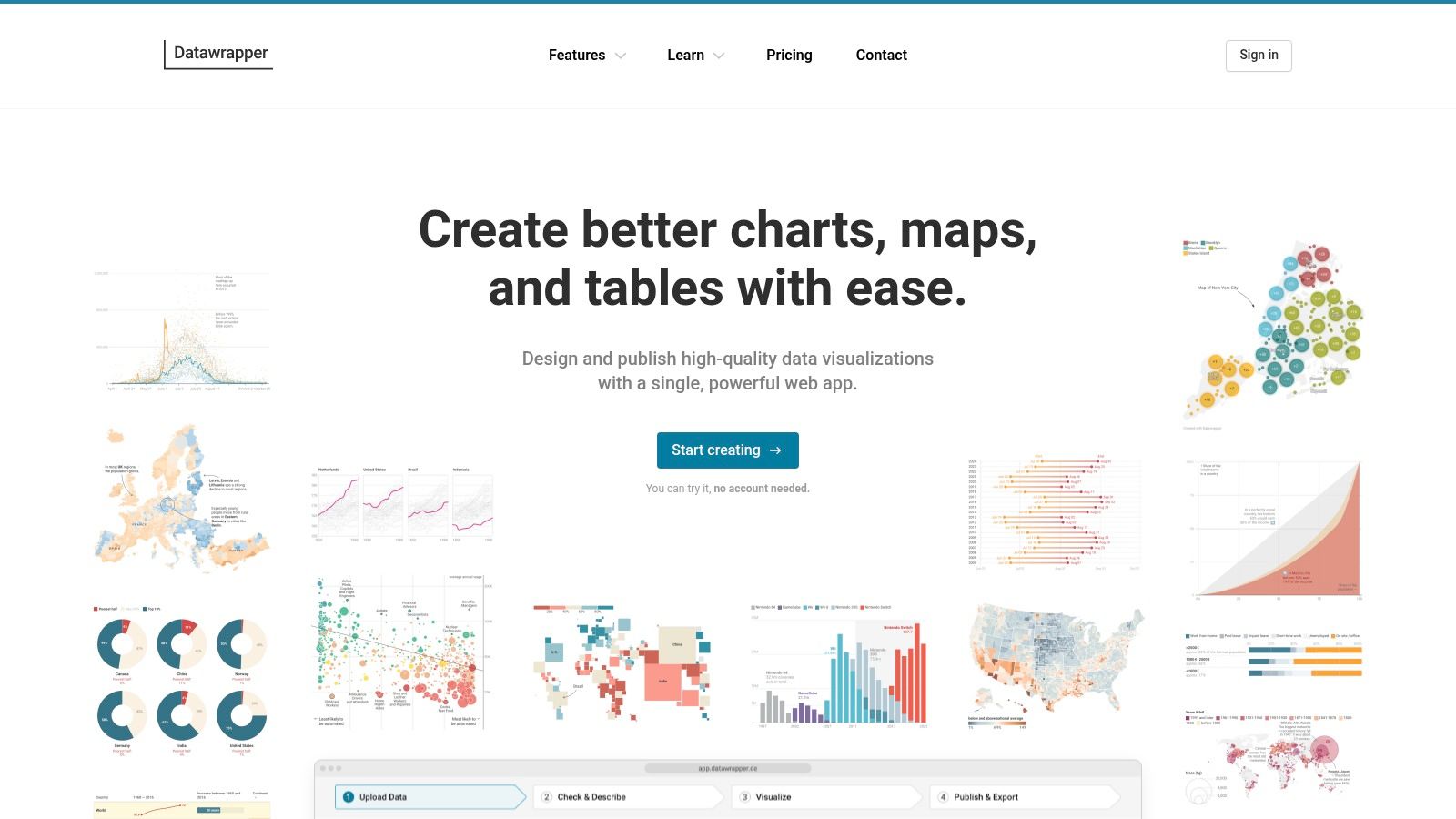
The platform’s streamlined, four-step workflow (upload data, check and describe, visualize, publish) makes it exceptionally easy to turn a simple dataset into a professional-looking map. Its free plan is remarkably generous, offering unlimited visualizations and embeds, making it a go-to choice for newsrooms and individual creators who need to communicate geographic data clearly and effectively without a steep learning curve or complex software.
Key Features & Use Cases
- Interactive Data Maps: Create compelling choropleth maps (color-coded regions) and symbol maps to show geographic patterns, or use locator maps to pinpoint specific places for news stories.
- Publication-Quality Visuals: The output is designed to be aesthetically pleasing and responsive, ensuring it looks great on both desktop and mobile devices.
- Seamless Embedding: Datawrapper provides reliable hosting and a simple embed code, a critical feature for journalists and bloggers who need dependable visuals for their content.
While the free tier is powerful for publishing, advanced features come at a price. Customization, white-labeling (removing Datawrapper branding), and high-resolution exports require upgrading to paid plans, which can be costly. For deep spatial analysis or complex cartography, other tools may be more suitable.
Best For: Journalists, researchers, and content creators needing to produce high-quality, embeddable data maps for articles and reports.
| Pros | Cons |
|---|---|
| Minimal learning curve with polished output | Advanced customization and exports are on expensive paid plans |
| Excellent for storytelling with data | Not a tool for complex GIS analysis or route planning |
| Reliable hosting and embed workflows for web use | Free maps include Datawrapper branding |
Website: https://www.datawrapper.de/
8. kepler.gl
For data scientists and analysts needing to perform high-powered exploratory analysis, kepler.gl is an exceptional open-source tool. It is a purely web-based application designed for visualizing large-scale geospatial datasets directly in the browser. Its core strength is its ability to render millions of points, arcs, and polygons smoothly using WebGL, making it one of the most powerful free online mapping tools for big data.
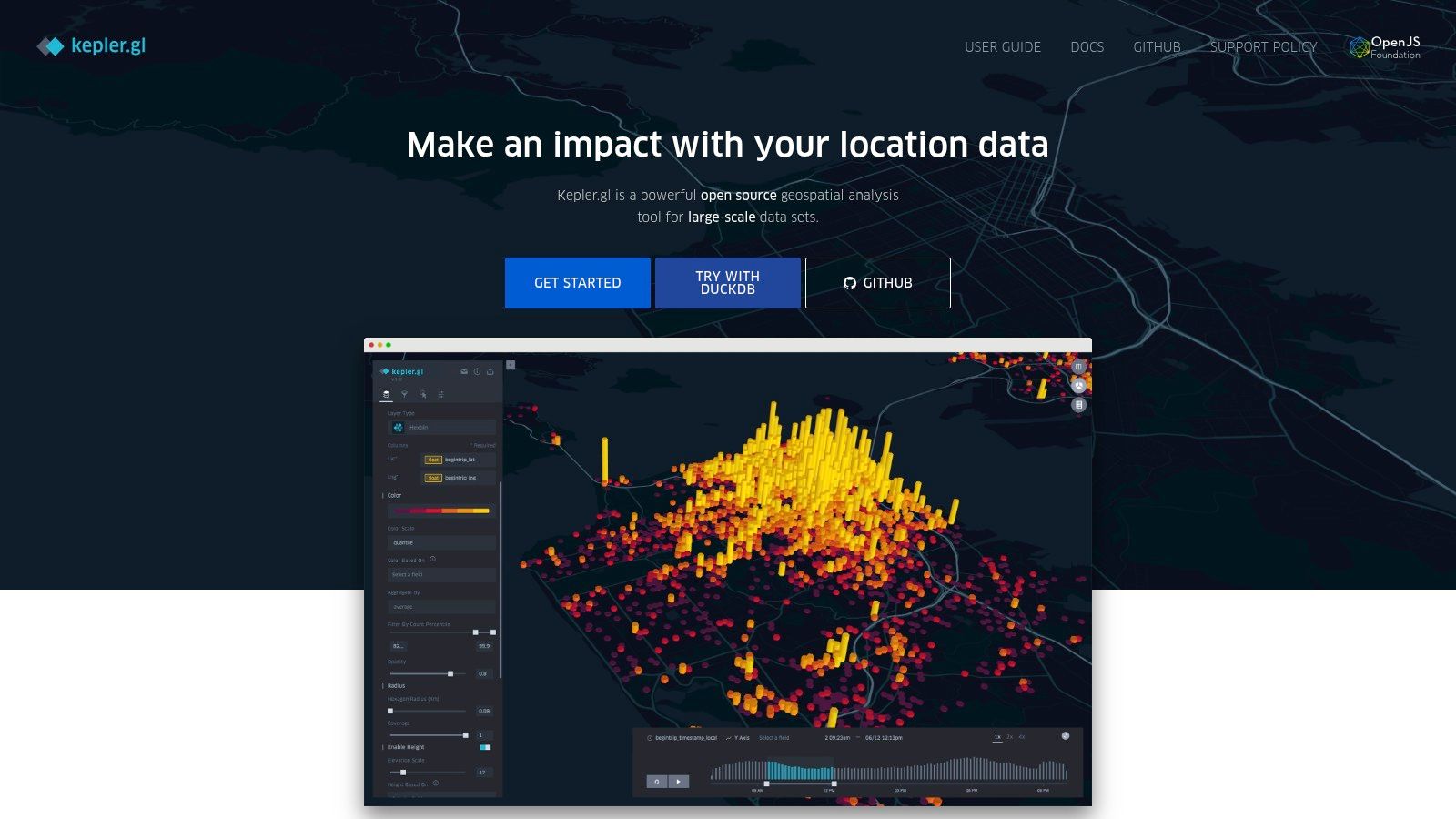
Users can simply drag and drop a dataset (like a CSV or GeoJSON file) into the interface to instantly generate sophisticated visualizations. The platform allows for deep interaction through dynamic filtering, temporal playback, and data aggregation on the fly. You can switch between 2D and 3D views, apply different map styles, and layer multiple datasets to uncover spatial patterns and correlations without writing a single line of code.
Key Features & Use Cases
- Large Dataset Handling: Built to visualize millions of data points smoothly in a browser, making it ideal for analyzing large-scale logs, sensor data, or trip records.
- Rich Visual Encodings: Offers advanced visualization types like heatmaps, hexbins, arcs, and 3D building extrusions to represent data in compelling ways.
- No-Code Interface: Provides a powerful suite of analysis tools accessible through a user-friendly interface, democratizing complex geospatial visualization for non-programmers.
While kepler.gl excels at browser-based analysis, it's not a platform for creating and hosting simple, shareable web maps. Saving and sharing work requires exporting the map configuration and data, as there is no built-in cloud storage. It is designed for analysis, not for publishing finished map products.
Best For: Data scientists, researchers, and analysts who need to quickly explore and visualize large, complex geospatial datasets without a complex setup.
| Pros | Cons |
|---|---|
| Handles massive datasets smoothly in-browser | No built-in data hosting or publishing workflow |
| Powerful and intuitive user interface for analysis | Less suited for creating simple, shareable web maps |
| Completely free and open-source | Can have a learning curve for GIS beginners |
Website: kepler.gl
9. MapTiler
MapTiler is a powerful platform for developers and organizations that require high-quality, customizable basemaps and hosting. It offers a suite of tools for both cloud-based and self-hosted mapping solutions, standing out with its flexible deployment options. While more technical than some consumer-focused free online mapping tools, its generous free tier for non-commercial projects makes it accessible for hobbyists, researchers, and personal use.
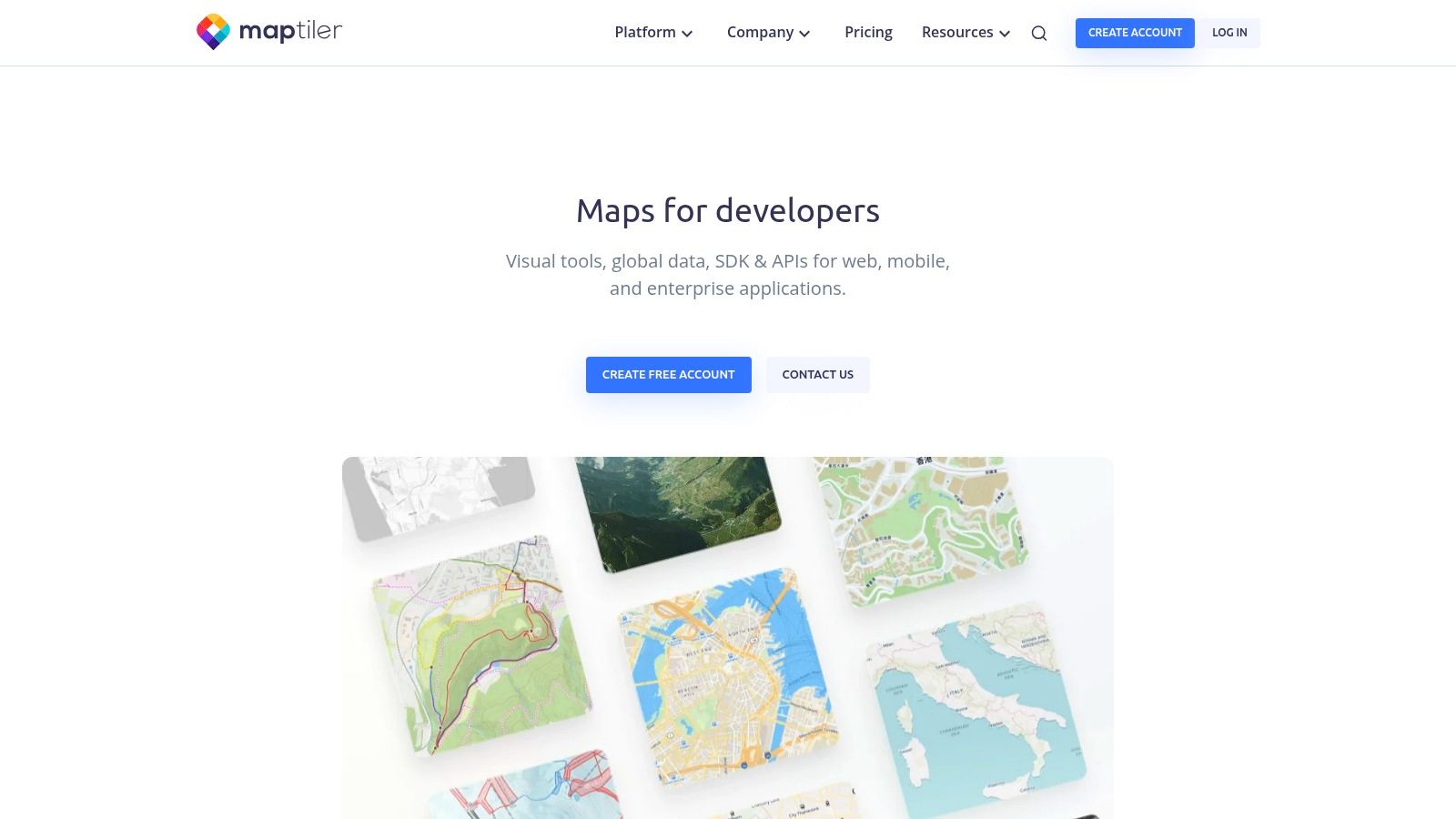
The platform provides everything from global satellite and street map tiles to specialized desktop software for processing your own geographic data. This makes it an excellent choice for users who need to create map tiles from their own imagery or vector data for use in web applications or even offline environments. The emphasis is on performance, aesthetic quality, and providing developers with the building blocks they need.
Key Features & Use Cases
- Flexible Deployment: Host maps on MapTiler Cloud or download data to run on your own servers, even completely offline. This is critical for applications requiring data privacy or functionality without an internet connection.
- High-Quality Basemaps: Access beautifully designed map styles based on OpenStreetMap data, satellite imagery, and terrain data, which can be easily customized to fit your brand or project theme.
- Data Processing Tools: Use MapTiler Desktop to turn your own raster and vector data into fast, usable map tiles, giving you full control over your geographic information.
While MapTiler is developer-centric, its free plan is a great starting point for advanced users. However, the free tier is strictly limited to non-commercial use, and the various products (Cloud, Data, Engine) can be initially confusing to navigate. Commercial projects will require a move to a paid subscription.
Best For: Developers, businesses, and hobbyists needing professional-grade, customizable basemaps with options for self-hosting or offline use.
| Pros | Cons |
|---|---|
| Flexible deployment options including offline/on-prem | Free tier is strictly for non-commercial use |
| High-quality, customizable maps and tile hosting | Pricing and features are spread across multiple products |
| Generous free plan for personal and R&D projects | Steeper learning curve for non-developers |
Website: https://www.maptiler.com/
10. Leaflet
For developers looking to integrate a custom, interactive map into their website, Leaflet is the gold standard. It’s not a standalone mapping platform like others on this list, but rather a powerful, open-source JavaScript library. Its main advantage is being incredibly lightweight and flexible, serving as the engine behind many well-known mapping websites. It is one of the most popular free online mapping tools for web development projects.
Leaflet provides the core functionality to display map tiles, add markers, draw vector shapes like lines and polygons, and create popups. Its real power comes from a massive ecosystem of plugins that extend its capabilities to include heatmaps, clustering, routing, and much more. While it requires some coding knowledge, its well-documented and simple API makes it surprisingly accessible for those with basic web development skills.
Key Features & Use Cases
- Lightweight Performance: Its small file size ensures maps load quickly, providing a smooth, mobile-friendly user experience on any device.
- Extensive Plugin Ecosystem: Whatever advanced feature you need, from animated markers to specialized geocoding, there is likely a community-built plugin available for it.
- Provider Agnostic: You are not tied to one data source. Leaflet works seamlessly with various tile providers, including OpenStreetMap, Mapbox, and custom-hosted tiles.
The primary trade-off is that Leaflet is a library, not a service. You are responsible for hosting your own data and map tiles, and there are no built-in analytics or a graphical user interface for map creation.
Best For: Web developers and organizations needing a fully customized and high-performance interactive map embedded on their own website.
| Pros | Cons |
|---|---|
| Completely free and open-source with a huge community | Requires coding knowledge to implement |
| Extremely lightweight and fast performance | No built-in data hosting or platform services |
| Highly extensible through a vast library of plugins | Users must source and manage their own map tiles |
Website: leafletjs.com
11. MapLibre GL JS
For developers seeking full control over their web maps, MapLibre GL JS is a powerful, community-driven alternative. As an open-source fork of Mapbox GL JS, it provides a high-performance JavaScript library for rendering interactive maps from vector tiles. It's one of the best free online mapping tools for those who need to build custom, production-grade mapping applications without vendor lock-in.
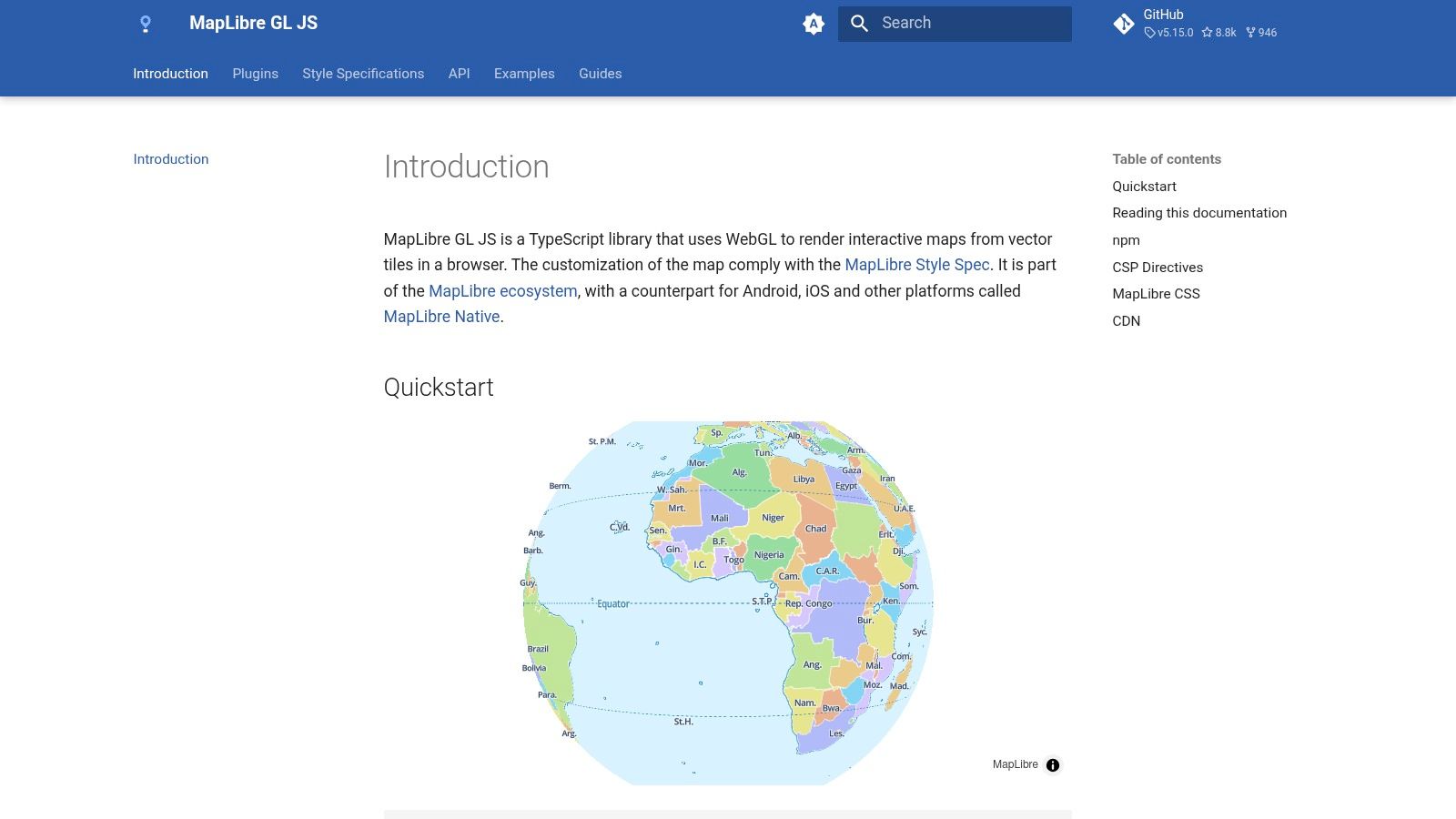
This tool is not for casual map-making; it requires coding knowledge to implement. Its strength is its flexibility and performance, using GPU acceleration to smoothly render complex data and allow for dynamic styling. Developers can connect to various vector tile sources, like MapTiler or a self-hosted server, giving them complete ownership over their mapping stack. This makes it ideal for integrating sophisticated maps into web applications, data dashboards, or specialized geospatial platforms.
Key Features & Use Cases
- High-Performance Rendering: Utilizes WebGL for GPU-accelerated map rendering, ensuring a smooth and responsive user experience even with large datasets.
- Vendor-Neutrality: Being open-source, it allows developers to choose their own map data and tile providers, avoiding dependency on a single proprietary ecosystem.
- Advanced Customization: Offers deep control over every aspect of the map's appearance and behavior through its modern API and support for custom style specifications.
While MapLibre provides immense power, it comes with a steeper learning curve. Unlike GUI-based tools, it requires a developer to set up hosting for map tiles and styles, and all interactions are managed through code. It's a library for building, not a ready-made platform.
Best For: Web developers, GIS professionals, and organizations needing to build high-performance, fully customized web mapping applications.
| Pros | Cons |
|---|---|
| Completely free and open-source (permissive license) | Requires coding and a developer setup |
| High performance for production-grade vector maps | No built-in GUI, data hosting, or managed services |
| Vendor-neutral with no platform lock-in | Steeper learning curve than no-code platforms |
Website: maplibre.org/maplibre-gl-js/docs/
12. Scribble Maps
Scribble Maps is a versatile, point-and-click map editor designed for users who need to quickly draw, annotate, and share custom maps. It stands out as one of the most intuitive free online mapping tools for anyone without technical expertise. The platform’s strength is its simplicity, allowing users to treat a map like a digital whiteboard, adding shapes, text, and markers with minimal effort.
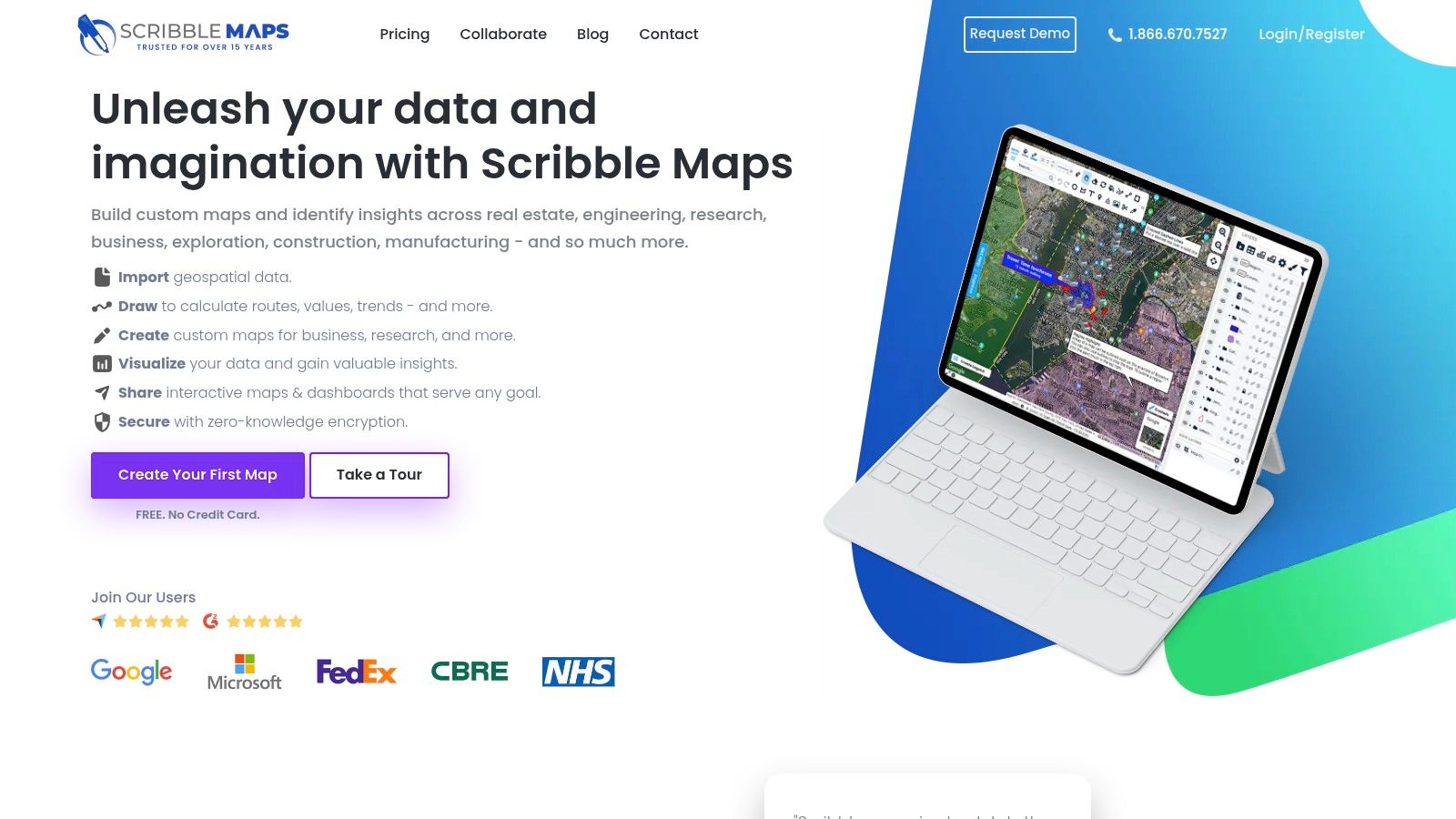
The free tier is generous for casual use, providing core drawing and editing tools across multiple layers. You can easily create a map for planning a delivery route, outlining a service area, or marking locations for a community event. Once finished, maps can be shared via a link, embedded on a website, or exported as images and PDFs, making it a flexible tool for communication.
Key Features & Use Cases
- Simple Drawing Tools: Easily add lines, polygons, circles, text, and markers to any map base. This is perfect for marking up areas for analysis or planning.
- Layer Management: Organize your annotations into different layers that can be toggled on and off, which is great for comparing different sets of information.
- Easy Sharing and Exporting: Share your map with a unique URL or export it as a KML file, image, or PDF for reports and presentations.
While the free version is robust, it has limitations, such as a cap of five saved maps and lower-resolution image exports. More advanced features like heatmaps and sophisticated analysis tools are reserved for the Pro plans. Because it's a proprietary service, regularly exporting your important maps as a backup is a good practice.
Best For: Sales teams, logistics planners, and anyone needing to quickly create and share annotated maps without a steep learning curve.
| Pros | Cons |
|---|---|
| Very easy for nontechnical users to start drawing | Free accounts are limited to 5 saved maps |
| Clear upgrade path with paid monthly/yearly plans | Advanced analytics are locked behind a paywall |
| Good variety of export options (images, PDF, KML) | Higher resolution exports require a Pro account |
Website: https://www.scribblemaps.com/
12 Free Online Mapping Tools — Feature Comparison
| Product | Core features | UX / Quality | Pricing & Value | Target audience | Unique selling points |
|---|---|---|---|---|---|
| 🏆 EarthChasers | Photorealistic 3D maps, game modes (Daily Hunt, Cities, Countries), free mapping tools (Elevation, LOS, ZIP radius) ✨ | ★★★★★ (engaging, 3D-heavy; device/network sensitive) | 💰 Free unlimited play + Pro tier (pricing undisclosed) | 👥 Educators, gamers, geography enthusiasts, planners | ✨ Google Maps Photorealistic 3D; community maps; professional tools w/o account |
| Google My Maps | Draw points/lines/polygons, import CSV/Sheets, share & embed | ★★★★ (familiar Google UI) | 💰 Free | 👥 Casual users, educators, simple project owners | ✨ Drive integration & collaborative editing |
| ArcGIS Online (Esri) — Public Account | Web map/scene authoring, community content, hosted apps | ★★★★ (enterprise-grade with limits on public accounts) | 💰 Free public account; paid org upgrades available | 👥 GIS pros, organizations needing authoritative data | ✨ Enterprise ecosystem & authoritative layers |
| Mapbox (Studio & GL JS) | Vector tiles, style editor, SDKs, geocoding/navigation APIs | ★★★★★ (high-performance cartography) | 💰 Free tier; usage-based billing for scale | 👥 Developers, cartographers, product teams | ✨ Studio styling + robust SDKs for web & mobile |
| uMap (OSM project) | OSM baselayers, draw/edit, GeoJSON/KML import, embed; self-hostable | ★★★★ (privacy-friendly, low friction) | 💰 Free (open-source) | 👥 Privacy-conscious publishers, quick map creators | ✨ Self-hostable AGPL instances; OSM baselayers |
| Felt | Real-time collaboration, templates, import & basic analysis, exports | ★★★★ (approachable, fast onboarding) | 💰 Free personal; Team & Enterprise paid | 👥 Teams, educators, non-GIS collaborators | ✨ Google‑Docs-like collaborative mapping |
| Datawrapper | Choropleth & locator maps, charts, embeddable visuals | ★★★★ (publication-quality, low learning curve) | 💰 Strong free plan; Custom/Enterprise costly | 👥 Newsrooms, journalists, publishers | ✨ Polished embeds & newsroom workflow |
| kepler.gl | WebGL analytics, millions of points, 2D/3D visuals, filtering | ★★★★★ (best for large datasets) | 💰 Free (open-source; self-host/publish required) | 👥 Data analysts, researchers, big-data users | ✨ High-performance WebGL for exploratory analytics |
| MapTiler | Basemaps, tile servers, desktop tools, offline/on‑prem options | ★★★★ (flexible deployments) | 💰 Free noncommercial tier; paid for commercial use | 👥 Orgs needing offline/on-prem or custom tiles | ✨ Offline & on‑premises tile hosting and processing |
| Leaflet | Lightweight JS library: tiles, vectors, markers, plugins | ★★★★ (developer‑friendly, mobile performant) | 💰 Free (open-source) | 👥 Web developers, small teams embedding maps | ✨ Huge plugin ecosystem; simple API |
| MapLibre GL JS | GPU-accelerated vector rendering, modern API, TS-friendly | ★★★★ (high-performance, vendor-neutral) | 💰 Free (open-source) | 👥 Developers avoiding vendor lock-in | ✨ Mapbox GL fork with permissive licensing |
| Scribble Maps | Point-and-click drawing, annotations, exports, embed | ★★★ (very easy for nontechnical users) | 💰 Free tier (limited); Pro monthly/annual plans | 👥 Nontechnical users, educators, quick annotators | ✨ Fast annotated maps & simple export options |
How to Choose the Right Free Mapping Tool for Your Project
Navigating the expansive world of cartography can feel overwhelming, but as we've explored, the landscape of free online mapping tools offers a powerful solution for nearly any project imaginable. From the simple, collaborative interface of Google My Maps to the robust data visualization capabilities of kepler.gl, the perfect tool isn't about finding a single "best" option; it's about identifying the one that aligns precisely with your project's goals.
The key takeaway is that your specific needs should always drive your decision. We've seen how tools like uMap and Scribble Maps excel at quick, accessible map creation, while developer-focused libraries like Leaflet and MapLibre GL JS provide the foundational blocks for custom, interactive web experiences. Your choice ultimately hinges on a clear understanding of what you want to achieve.
Your Project Compass: Key Questions to Ask
To distill the options and pinpoint the right tool, start by answering these fundamental questions. This self-assessment will act as your guide, narrowing the field from a dozen choices to the two or three most viable candidates.
- What is my primary goal? Are you plotting points for a personal travel log, visualizing a complex dataset for a report, or creating an interactive game? A goal of simple route planning points to one set of tools, while creating a custom geo-trivia game might lead you directly to a platform like EarthChasers.
- Who is my audience? If you're sharing a map with a non-technical audience, user-friendly tools like Felt or Google My Maps are ideal. Conversely, if your audience consists of developers or data analysts, a more powerful and technical tool like ArcGIS Online or a Mapbox-powered application might be more appropriate.
- What is my technical skill level? Be honest about your comfort with code. If you have zero programming experience, no-code platforms like Datawrapper are your best friends. If you're proficient in JavaScript, libraries like Leaflet open up a universe of customization that simpler tools cannot match.
Matching the Tool to the Task
Once you've clarified your goals and constraints, you can map them directly to the tools we've covered. Think of it as a decision tree:
- For Education, Gaming, and Engagement: If your project is centered on creating interactive, gamified experiences like geography quizzes or virtual scavenger hunts, EarthChasers is purpose-built for this. Its 3D globe and built-in trivia mechanics offer a unique, engaging platform that other tools can't easily replicate.
- For Collaborative and Simple Mapping: For group projects, travel planning, or basic point-of-interest maps, Google My Maps and Felt offer unparalleled ease of use and real-time collaboration. Their intuitive interfaces allow anyone to start mapping in minutes.
- For Powerful Data Visualization: When your primary need is to turn spreadsheets into insightful maps, kepler.gl and Datawrapper are top contenders. They are designed to handle large datasets and produce beautiful, shareable visualizations with minimal friction.
- For Custom Development and Enterprise-Level Projects: If you need deep customization, API integration, or are building a sophisticated web application, the choice is between libraries and platforms. Mapbox, MapTiler, and ArcGIS Online provide comprehensive ecosystems, while Leaflet and MapLibre GL JS offer lightweight, flexible JavaScript libraries for developers who want total control. Understanding real-world applications is key to selecting the ideal mapping solution; for instance, consider the specific mapping needs for building a taxi booking application which requires real-time tracking, routing, and geocoding APIs.
Ultimately, the best way to choose is to experiment. Many of these tools allow you to import a small sample of your data and play around with the features. Spend 30 minutes with your top two choices. This hands-on experience will quickly reveal which interface feels more intuitive and which feature set truly serves your project's vision, empowering you to transform your geographical data into a compelling and interactive story.
Ready to turn your map into an adventure? While many tools help you plot data, EarthChasers helps you create an experience. If you’re a geography enthusiast, gamer, or educator looking to build engaging trivia and interactive challenges on a stunning 3D globe, this is the free online mapping tool for you. Start creating your first geographic game today at EarthChasers.