
The 12 Best Free Route Planning Software Options for 2025
Discover the 12 best free route planning software tools for delivery, road trips, and cycling. Compare features, limits, and find your perfect optimizer.

Finding the best free route planning software can transform a complex logistics puzzle into a simple, efficient task. Whether you're a delivery driver optimizing a multi-stop route, a road tripper plotting the most scenic journey, or a cyclist looking for the safest paths, the right tool is essential. Generic map apps often fall short when multiple destinations, specific constraints, or advanced optimization are required. This is where dedicated route planners shine, saving you time, fuel, and frustration by calculating the most logical sequence of stops.
This comprehensive guide dives deep into the top free options available. We'll move beyond simple feature lists to provide a practical analysis of each platform's strengths and, just as importantly, its limitations. You'll find a detailed breakdown of 12 powerful tools, including established names like Google Maps and specialized solutions such as RouteXL, Circuit, and openrouteservice. Each entry includes screenshots, key feature analysis, platform availability, and an honest look at the constraints of their free tiers.
We'll highlight which software is best for specific use cases, from commercial delivery and field sales to hiking and long-distance travel. While this article focuses on software-based solutions, understanding the full scope of navigational aids is also useful, especially when comparing them against dedicated hardware. For a deeper look into that, consider this guide on choosing the best GPS units or phone apps for navigation to see how they stack up. Our goal is to equip you with all the information needed to select the perfect route planner for your specific needs, completely free of charge. Let's get started.
1. EarthChasers
While not a traditional A-to-B route planner, EarthChasers earns its top spot by offering a suite of powerful, free mapping utilities that are essential for the pre-planning phase of any journey. It’s a standout choice for users who need to analyze terrain, understand elevation, and gather critical geographical data before plotting a single stop, making it a powerful complement to other tools on this list. Built on Google's stunning photorealistic 3D maps, the platform provides an immersive, real-world context that static maps simply cannot match.
Its strength lies in specialized, professional-grade tools offered completely free and without requiring an account. This makes it an invaluable resource for hikers, cyclists, drone pilots, and even delivery planners who need to assess environmental factors. The platform's utilities are not just add-ons; they are core to its function as a comprehensive geographic analysis tool.
Key Features & Use Cases
- Elevation Finder: Instantly get the elevation for any point on the globe. This is crucial for hikers planning a trek, cyclists anticipating climbs, or logistics professionals assessing fuel consumption over varied terrain.
- Line of Sight Calculator: Visualize sightlines between two points, accounting for terrain obstruction. This is an indispensable tool for photographers scouting locations, event planners setting up stages, or telecommunications technicians placing antennas.
- ZIP Code Radius Finder: Generate a radius around a specific ZIP code to identify all other ZIP codes within that area. This is a game-changer for marketing, sales territory planning, and local delivery services defining their operational zones.
EarthChasers excels by providing free, professional-level geographic intelligence. Its 3D visualization helps you understand why a route is challenging or optimal, moving beyond simple directions to offer true environmental insight.
While the platform is web-based and requires an internet connection, its accessibility and the power of its free utilities are unmatched. The integration of game modes like Daily Hunt and community-created maps adds a layer of engaging discovery, making geographic research feel less like a task and more like an adventure. For anyone serious about understanding the terrain of their next route, EarthChasers is the best free route planning software for initial research and analysis.
- Platform: Web
- Best For: Terrain analysis, elevation profiling, line-of-sight planning, and pre-routing geographical research.
- Access: https://earthchasers.com
2. Google Maps
No list of the best free route planning software would be complete without Google Maps. As the default navigation tool for millions, its strength lies in its simplicity, ubiquity, and powerful real-time data. For personal use, such as running a series of errands or planning a simple multi-day road trip, Google Maps is often the quickest and easiest solution available. Its interface is familiar, and the ability to add multiple stops and drag-and-drop to reorder them on both desktop and mobile is incredibly intuitive.
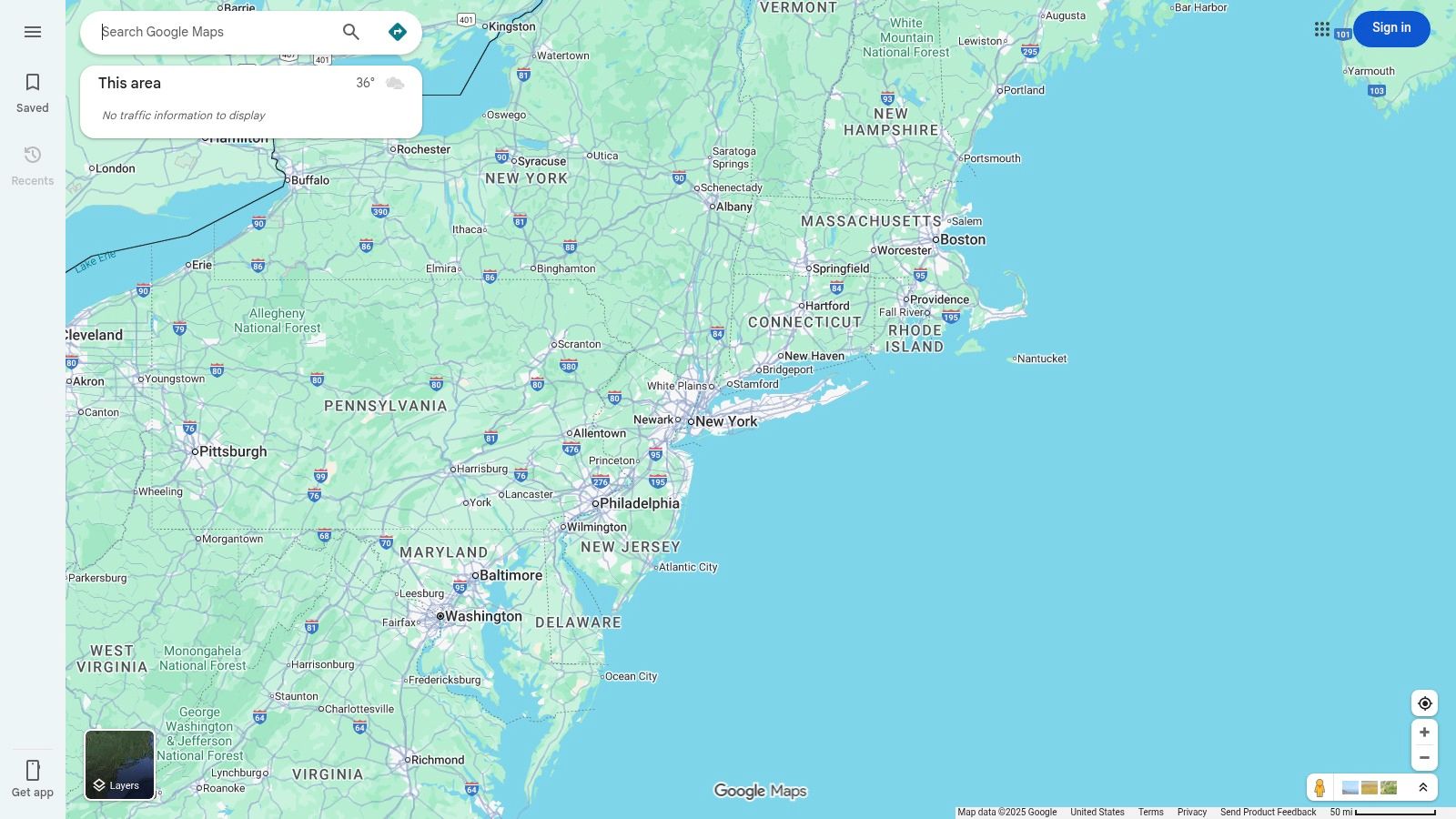
This platform excels with its live traffic updates and vast Points of Interest (POI) database, making on-the-fly adjustments seamless. While it's an indispensable tool, it's crucial to understand Google Maps data usage to manage your mobile plan, especially on long journeys where continuous navigation is needed. The power behind its mapping capabilities stems from sophisticated Geographic Information Systems, the technology that organizes and analyzes spatial data to provide such rich, interactive maps.
Key Features & Limitations
- Platform: Web, Android, iOS
- Best For: Personal errands, simple road trips, and quick multi-stop routes.
- Stop Limit: Officially supports up to 10 stops (including your starting point).
- Pricing: Completely free for personal use.
However, Google Maps has a significant limitation for professional use: it does not perform true route optimization. You can manually reorder your stops, but the software will not automatically calculate the most efficient sequence for a long list of destinations. This makes it unsuitable for complex delivery routes or field service operations where efficiency is paramount.
Website: Google Maps
3. MapQuest Route Planner
An original player in the digital mapping space, MapQuest continues to offer a surprisingly robust and free tool with its web-based Route Planner. Where many consumer-grade apps fall short, MapQuest steps up by providing true route optimization, a feature often reserved for paid services. It's an excellent middle-ground solution for users who need more power than Google Maps but aren't ready to commit to a professional logistics platform, making it ideal for complex errand runs or small business deliveries.
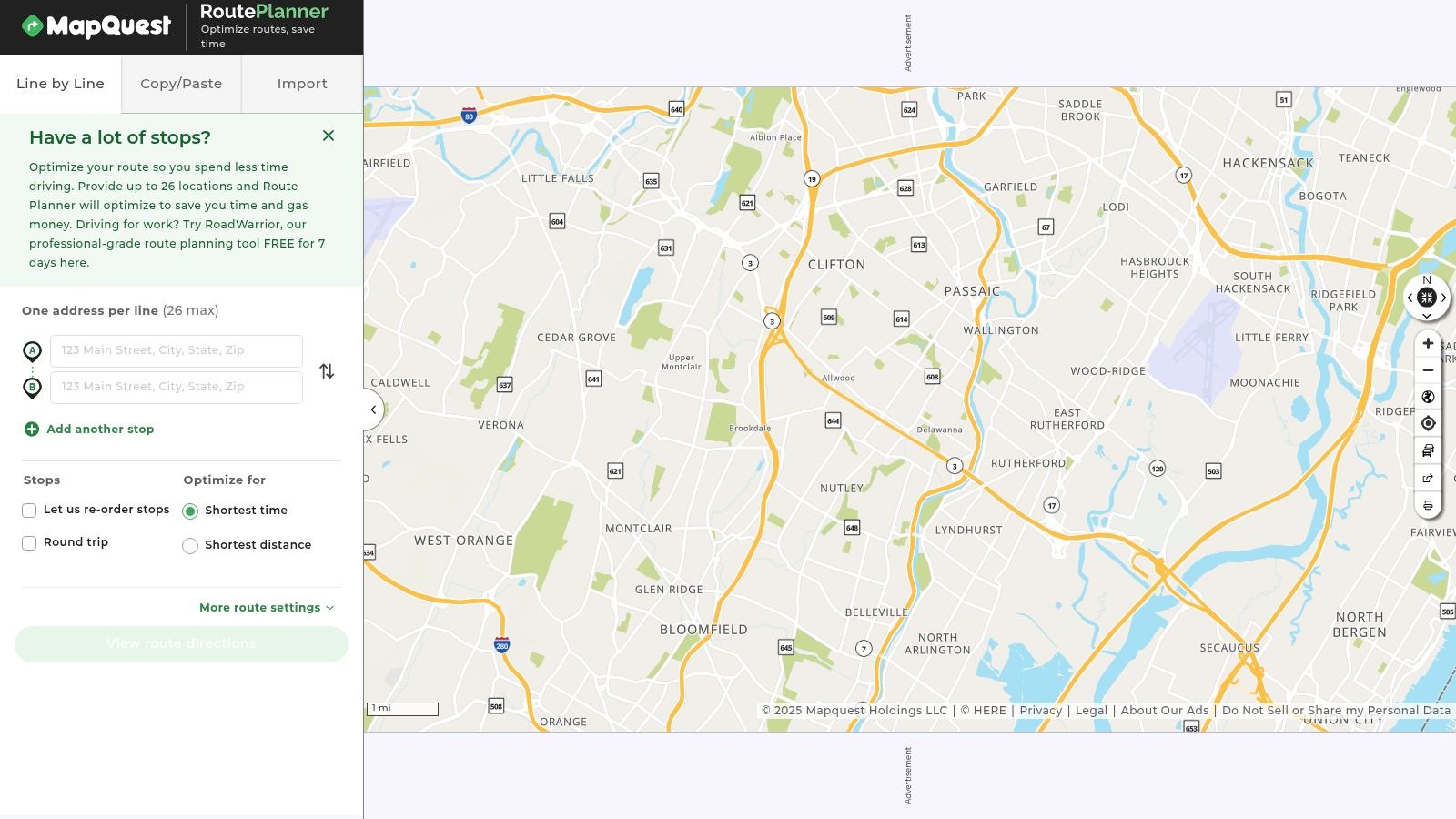
The platform allows users to add up to 26 stops and then automatically reorder them for the shortest time or distance. This optimization capability is its key differentiator in the free software landscape. The interface is straightforward, allowing users to paste a list of addresses for quick import. While the web interface is ad-supported, which can be distracting, the functionality it provides at no cost is a significant advantage for those needing efficient, multi-stop trip planning without a subscription.
Key Features & Limitations
- Platform: Web
- Best For: Small business deliveries, complex errands, and multi-destination road trips.
- Stop Limit: Up to 26 stops per route.
- Pricing: Completely free (ad-supported).
The main benefit is clearly its built-in optimization feature, a critical tool for saving time and fuel. However, its primary limitation lies in its user experience and data accuracy. The ad-supported model can make the interface feel cluttered, and some users have reported occasional inconsistencies with its geocoding, which might require double-checking addresses. Despite these drawbacks, it remains a top-tier choice for free, sophisticated route planning.
Website: MapQuest Route Planner
4. RouteXL
For users who have outgrown Google Maps' manual reordering but aren't ready for a full-fledged paid subscription, RouteXL offers a compelling middle ground. This web-based tool is purpose-built for one thing: solving the Traveling Salesperson Problem (TSP) by finding the most efficient order for a list of addresses. Its key differentiator is offering true, automated route optimization on its free plan, a feature most competitors place behind a paywall. The interface is straightforward, allowing users to import a list of addresses and get a fully optimized route in seconds.
This makes RouteXL one of the best free route planning software options for small business owners, solo delivery drivers, or individuals running complex multi-stop errands. Once a route is created, you can easily export it or send it directly to a mobile navigation app. While the free geocoding can occasionally be less precise than premium services, it's a minor trade-off for the powerful optimization it provides at no cost.
Key Features & Limitations
- Platform: Web
- Best For: Solo delivery drivers, field sales, and complex multi-location errands.
- Stop Limit: Free tier supports up to 20 stops per route.
- Pricing: Free for up to 20 stops; paid daily or monthly plans unlock 100-200 stops.
The significant advantage of RouteXL is its accessibility. There's no software to install, and its free tier is generous enough for many practical, real-world applications. The primary limitation is the 20-stop cap on the free plan, but this is a substantial step up from the non-optimized 10-stop limit found in many basic tools.
Website: RouteXL
5. Circuit Route Planner
Circuit Route Planner is a mobile-first application designed with professional delivery drivers and couriers in mind. Its standout feature is a fast, driver-focused interface that streamlines the process of adding and optimizing stops. For gig workers or small businesses just starting out, the free plan offers a robust entry point into route optimization, providing a taste of the efficiency gains possible with a dedicated tool. The one-tap optimization is a significant time-saver, instantly arranging up to 10 stops into the most efficient sequence.
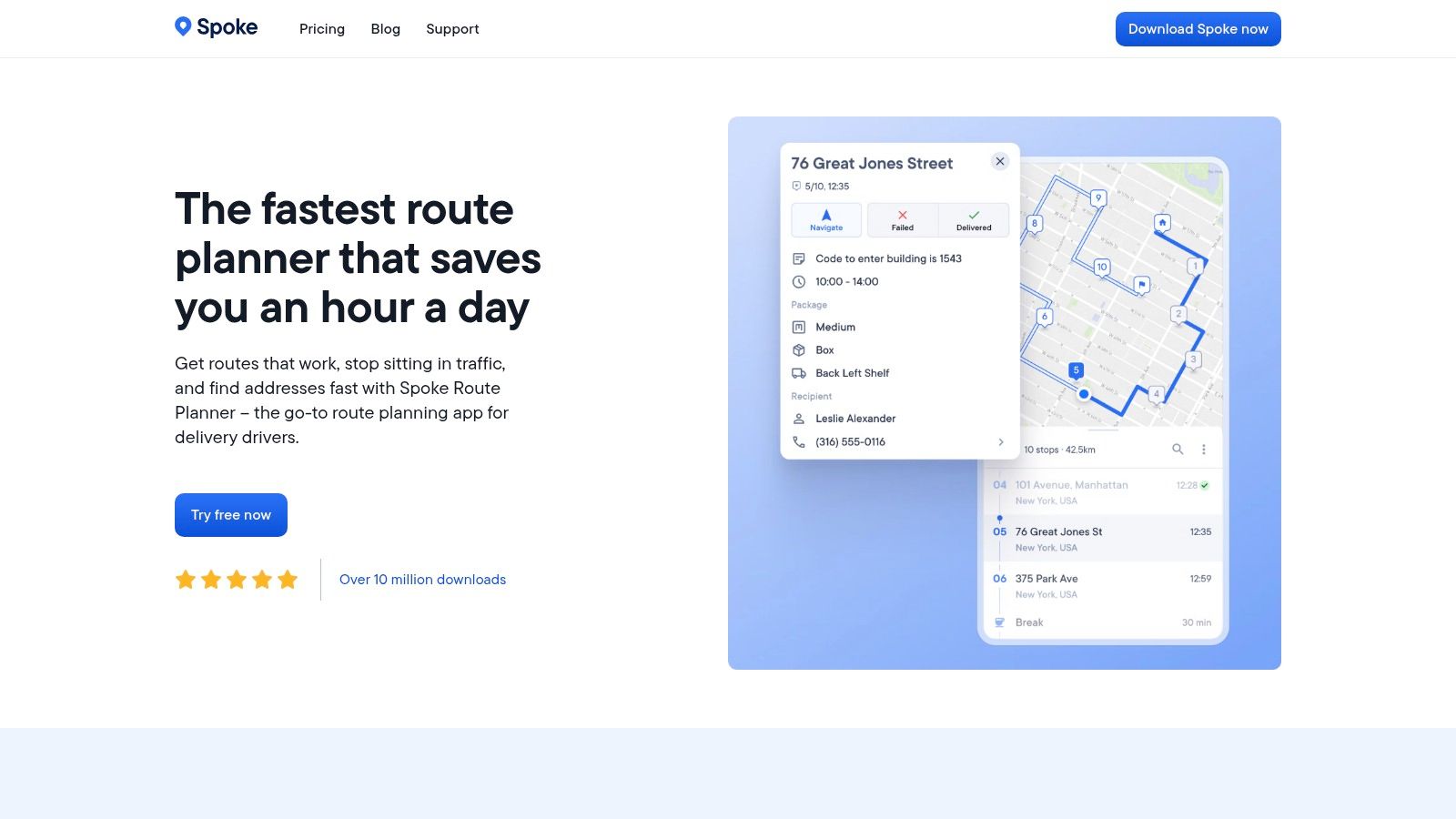
The platform is built for speed, allowing users to quickly add destinations using voice commands or by scanning addresses with their phone's camera. This user experience is ideal for drivers who need to make adjustments on the go without complex menus. While the free version is a great tool, those looking to integrate their routes into a larger workflow may want to learn how to create custom maps to visualize broader operational territories. Circuit provides a clear and compelling upgrade path for when routing needs become more complex.
Key Features & Limitations
- Platform: Web, Android, iOS
- Best For: Gig economy drivers, local delivery services, and small businesses.
- Stop Limit: Up to 10 stops per route on the free plan.
- Pricing: Free for basic use; premium subscription unlocks unlimited stops, time windows, and proof of delivery.
The primary limitation of the free tier is the 10-stop cap, which makes it unsuitable for full-time couriers with dense routes. Advanced features essential for professional logistics, such as setting delivery time windows and capturing proof of delivery, are reserved for the paid subscription. However, for those needing simple but powerful optimization for a handful of daily stops, Circuit is one of the best free route planning software options available.
Website: Circuit Route Planner
6. RoadWarrior
RoadWarrior is a long-standing favorite among professional drivers and couriers, designed specifically with delivery and field service workflows in mind. It bridges the gap between simple consumer apps and complex enterprise software, offering powerful route optimization that considers real-world constraints like traffic, schedules, and priority stops. The free version serves as an excellent trial, allowing users to experience its professional-grade optimization on a smaller scale.
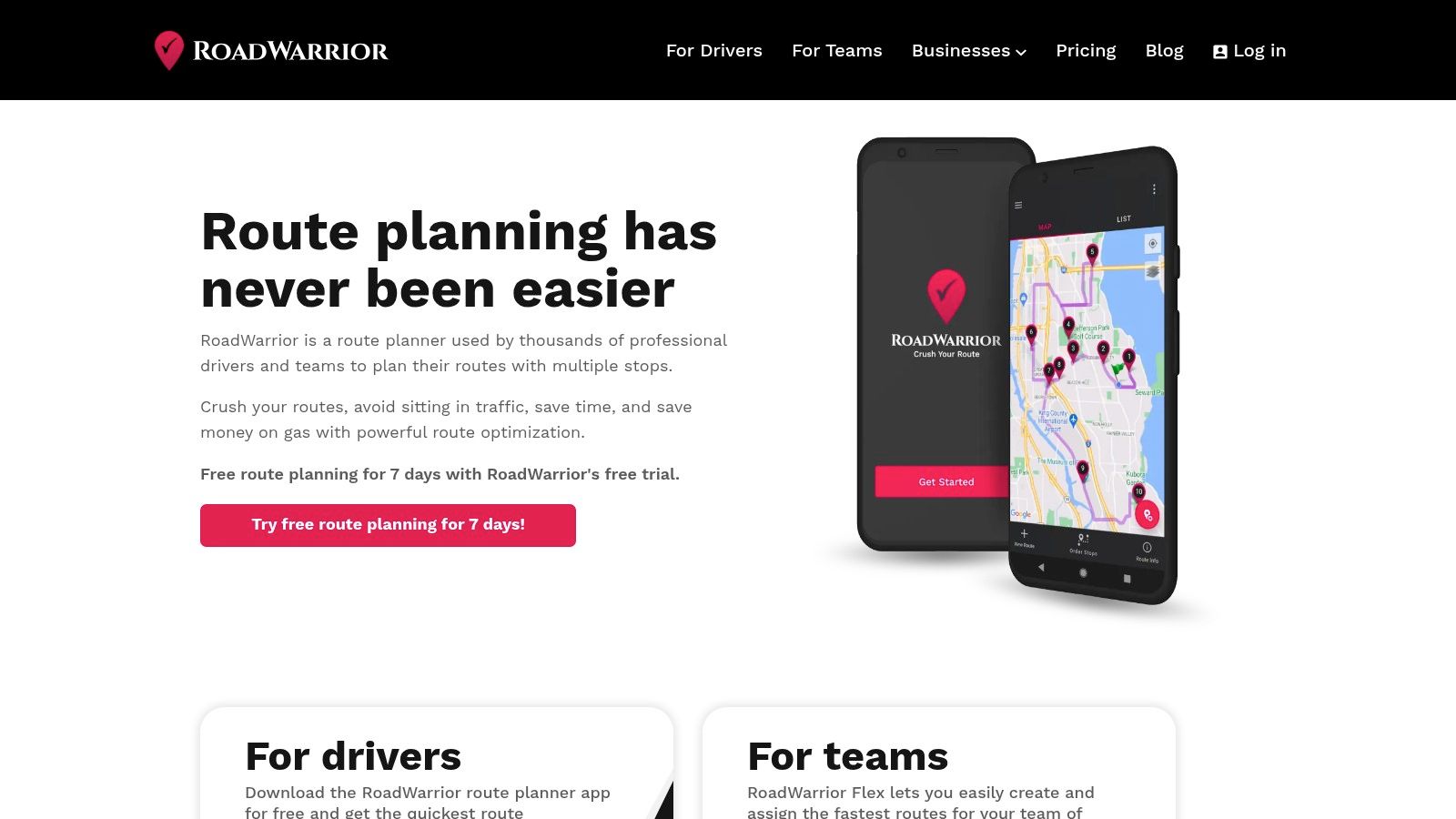
This platform stands out by focusing squarely on the needs of drivers who require maximum efficiency. Unlike basic planners, RoadWarrior’s algorithm is built to save time and fuel, making it a valuable tool even in its limited free form. For small businesses or independent contractors looking to scale, its paid tiers unlock a dispatcher web app and team features, creating a clear upgrade path as operations grow.
Key Features & Limitations
- Platform: Web, Android, iOS
- Best For: Professional drivers, couriers, and small delivery teams testing an optimization workflow.
- Stop Limit: Up to 8 stops per route and a total of 48 daily stops on the free plan.
- Pricing: Free basic plan available; paid subscriptions unlock higher limits and team features.
The primary drawback is the very restrictive free tier. With only 8 stops, it’s not practical for full-time professional use but is perfectly suited for evaluating the software's powerful optimization engine before committing to a subscription. It remains one of the best free route planning software options for those needing a taste of professional-grade features.
Website: RoadWarrior
7. openrouteservice Maps
For those who value open-source technology and require specialized routing options, openrouteservice Maps is a powerful contender. Built on top of OpenStreetMap data, it offers a more technical and flexible approach to route planning than many consumer-focused apps. Its strength lies in its diverse range of routing profiles, which go far beyond a standard car to include heavy vehicles, different types of cycling, hiking, and even wheelchair-accessible routes. This makes it an excellent free route planning software for specialized use cases.
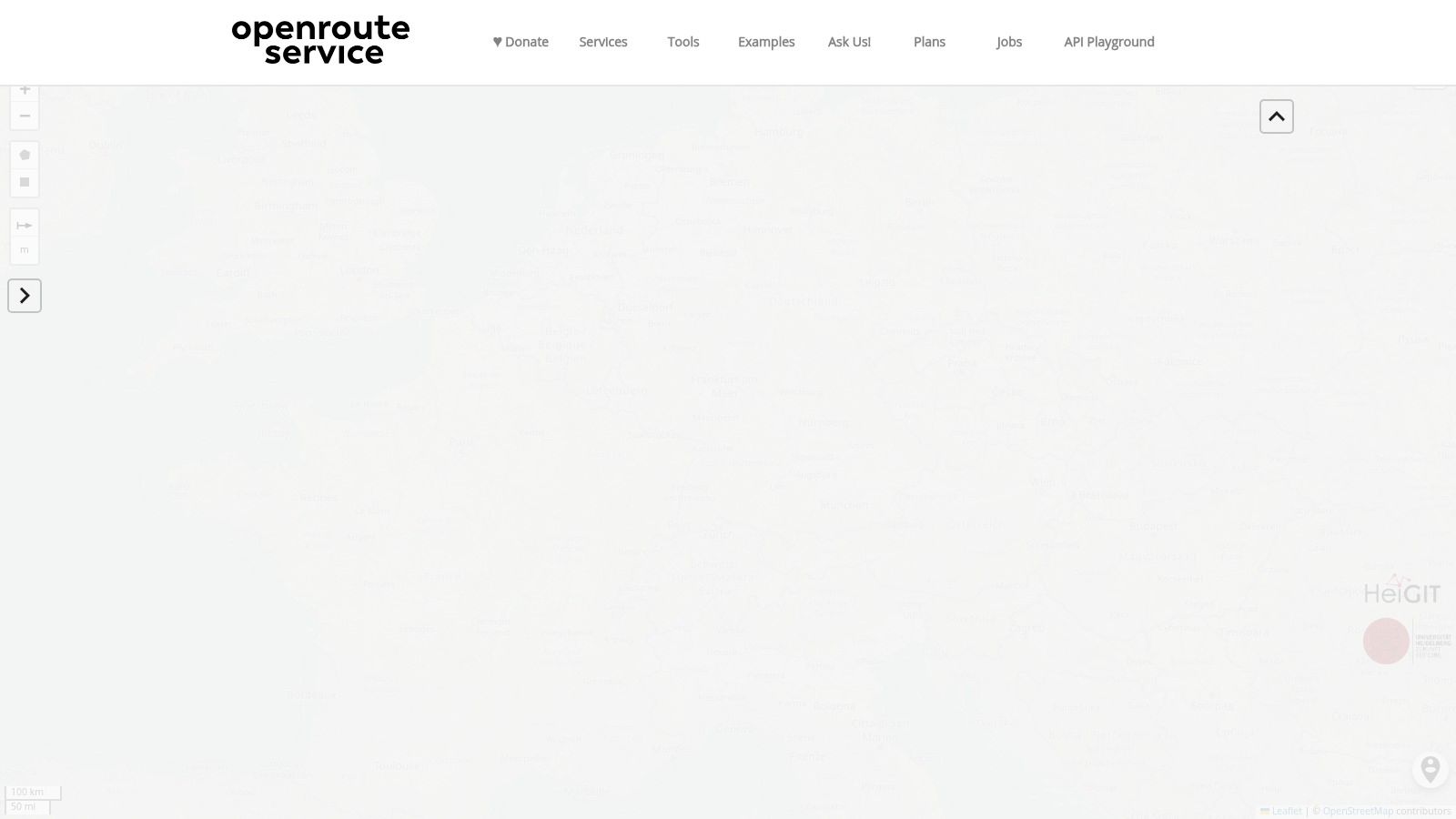
The platform provides a web-based map for direct use and a generous free API tier for developers looking to integrate its capabilities into their own projects. The interface is more utilitarian than polished, focusing on function over form, and allows for precise control by inputting coordinates directly. Understanding the fundamentals behind this data, such as what latitude and longitude represent, can help you leverage the tool's full potential for highly accurate location plotting.
Key Features & Limitations
- Platform: Web, API
- Best For: Specialized routing (trucks, bikes, wheelchairs), developers, and open-source enthusiasts.
- Stop Limit: The web interface supports numerous waypoints; API limits apply for optimization services.
- Pricing: Free web client and a generous free API plan for developers.
While exceptionally flexible, openrouteservice is not designed for simple, everyday navigation in the same way as mainstream apps. Its true power is unlocked when you need to route based on specific constraints, like vehicle weight for a truck or avoiding hills for a cyclist. The free API has documented limits on requests, which is a key consideration for any project with scaling needs.
Website: openrouteservice Maps
8. GraphHopper Maps
For those who value speed, privacy, and the power of open-source technology, GraphHopper Maps is an exceptional choice. Built on the powerful open-source GraphHopper routing engine, this web-based planner provides incredibly fast calculations for a variety of travel profiles, including car, truck, bike, and hiking. It's a more technical tool that shines for outdoor enthusiasts and developers who need robust, customizable routing without the data-tracking common in mainstream applications. The ability to see detailed road surface information and export routes as GPX files makes it a favorite for planning cycling and hiking adventures.
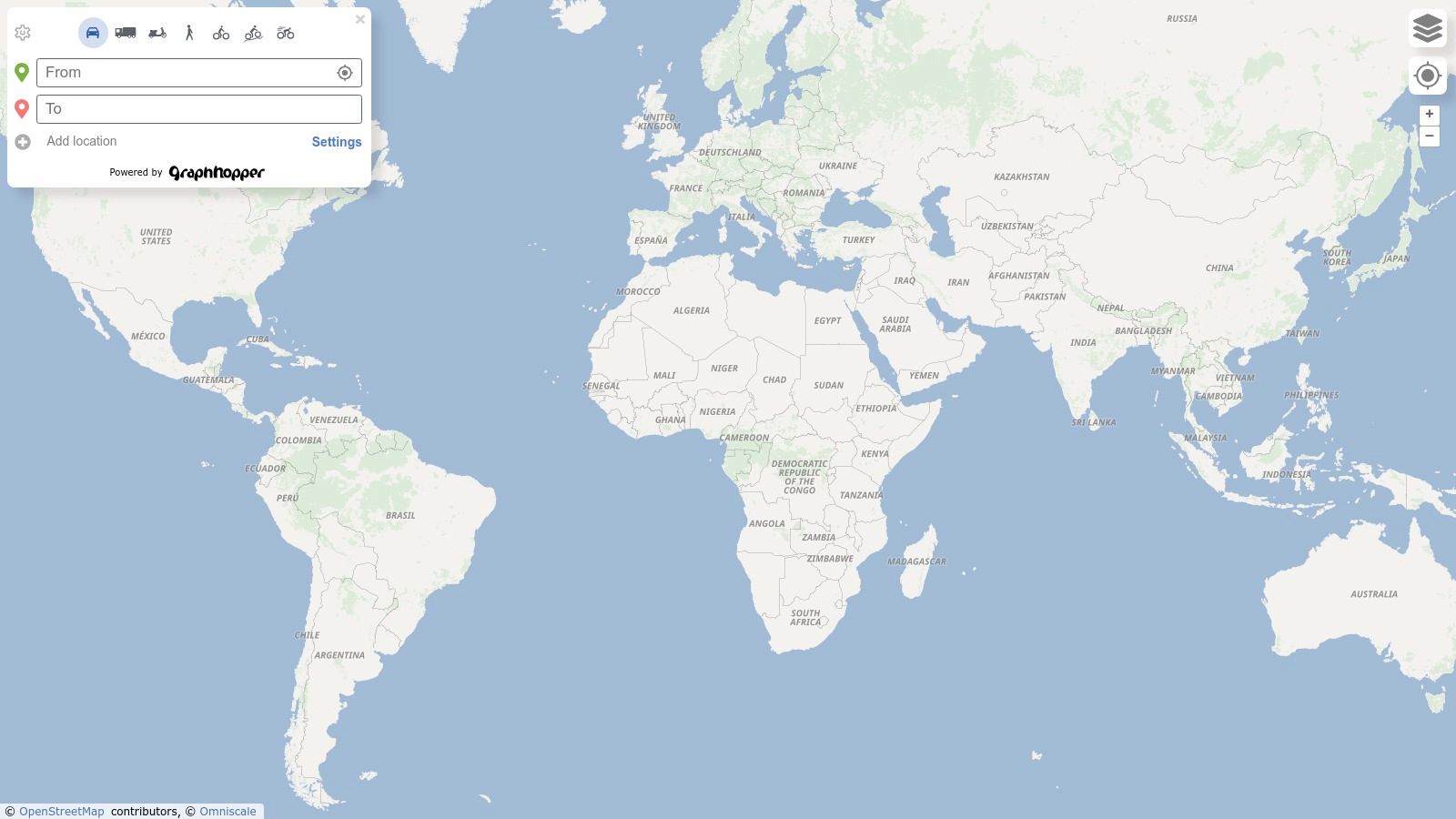
The platform's strength lies in its transparency and flexibility. Because it's built on OpenStreetMap data, it often includes paths and trails that other commercial map providers miss. For developers or businesses, the underlying engine can be self-hosted for complete control, or its commercial Directions API can be integrated into other applications. This makes it a unique piece of free route planning software that scales from personal use to professional integration.
Key Features & Limitations
- Platform: Web
- Best For: Outdoor enthusiasts (cycling, hiking), developers, and privacy-conscious users.
- Stop Limit: Supports multi-point routing, though not designed for complex fleet optimization.
- Pricing: The web-based map tool is free to use. A commercial API and support are available for business use.
While powerful, GraphHopper Maps is not a polished consumer app. Its interface is more utilitarian and lacks the seamless turn-by-turn navigation or extensive POI database found in tools like Google Maps. It's best used as a dedicated planning tool to create and export a route, which you would then follow using a separate GPS device or mobile app.
Website: GraphHopper Maps
9. HERE WeGo
HERE WeGo stakes its claim in the world of the best free route planning software by prioritizing offline functionality and user privacy. Developed by a major player in digital mapping, it serves as a robust alternative to more data-hungry applications. For travelers venturing into areas with spotty internet coverage or those who simply want to conserve mobile data, its ability to download detailed maps for entire countries or regions is a standout feature. The app allows users to add and reorder multiple waypoints, making it a viable choice for planning straightforward multi-stop trips or errands.
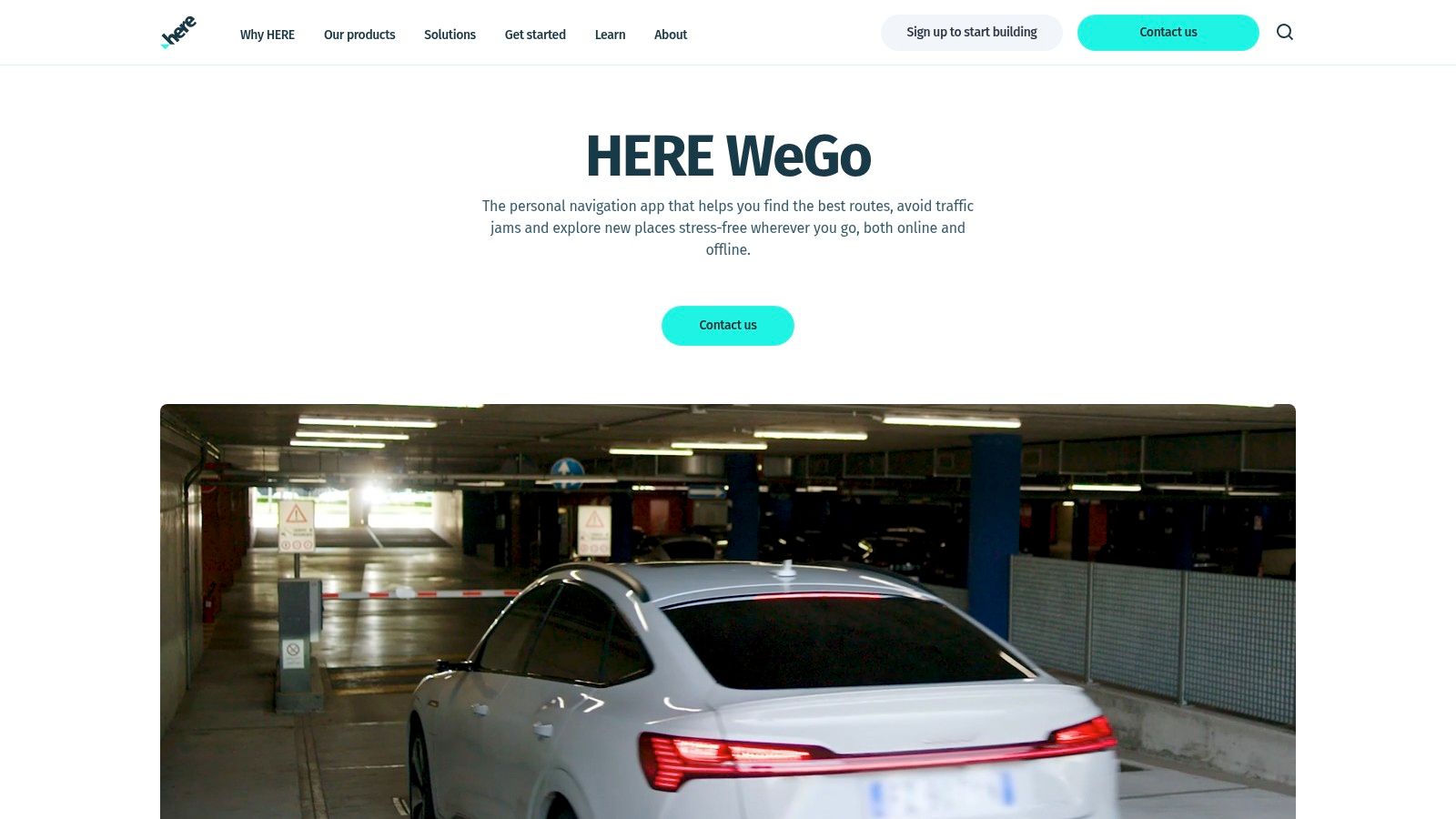
The platform’s privacy-forward approach is a significant differentiator; it operates effectively without requiring extensive personal data collection tied to a user account. This focus, combined with excellent offline capabilities and support for Android Auto and Apple CarPlay, makes HERE WeGo a dependable navigation partner. Its clean interface provides clear turn-by-turn guidance and real-time traffic information (when online), covering all the essential needs for personal travel.
Key Features & Limitations
- Platform: Web, Android, iOS
- Best For: Offline navigation, international travel, and privacy-conscious users.
- Stop Limit: Supports multiple waypoints (typically around 8-10).
- Pricing: Completely free.
Like many personal navigation tools, HERE WeGo’s primary weakness for professional use is its lack of true route optimization. While you can manually arrange your stops, the software will not automatically calculate the most time or fuel-efficient sequence for a complex list of addresses. This makes it unsuitable for professional delivery drivers or field service technicians who need to maximize efficiency across many destinations.
Website: HERE WeGo
10. Route4Me
Route4Me transitions us from simple, personal-use tools into the world of professional logistics, offering enterprise-grade features. While not permanently free, its inclusion on a list of the best free route planning software is warranted by its comprehensive 7-day free trial. This trial period provides full access, allowing users to test its powerful, last-mile optimization engine with unlimited stops, a feature that distinguishes it from nearly all other free options. It's designed for businesses that require efficiency at scale, from local delivery services to large field-service fleets.
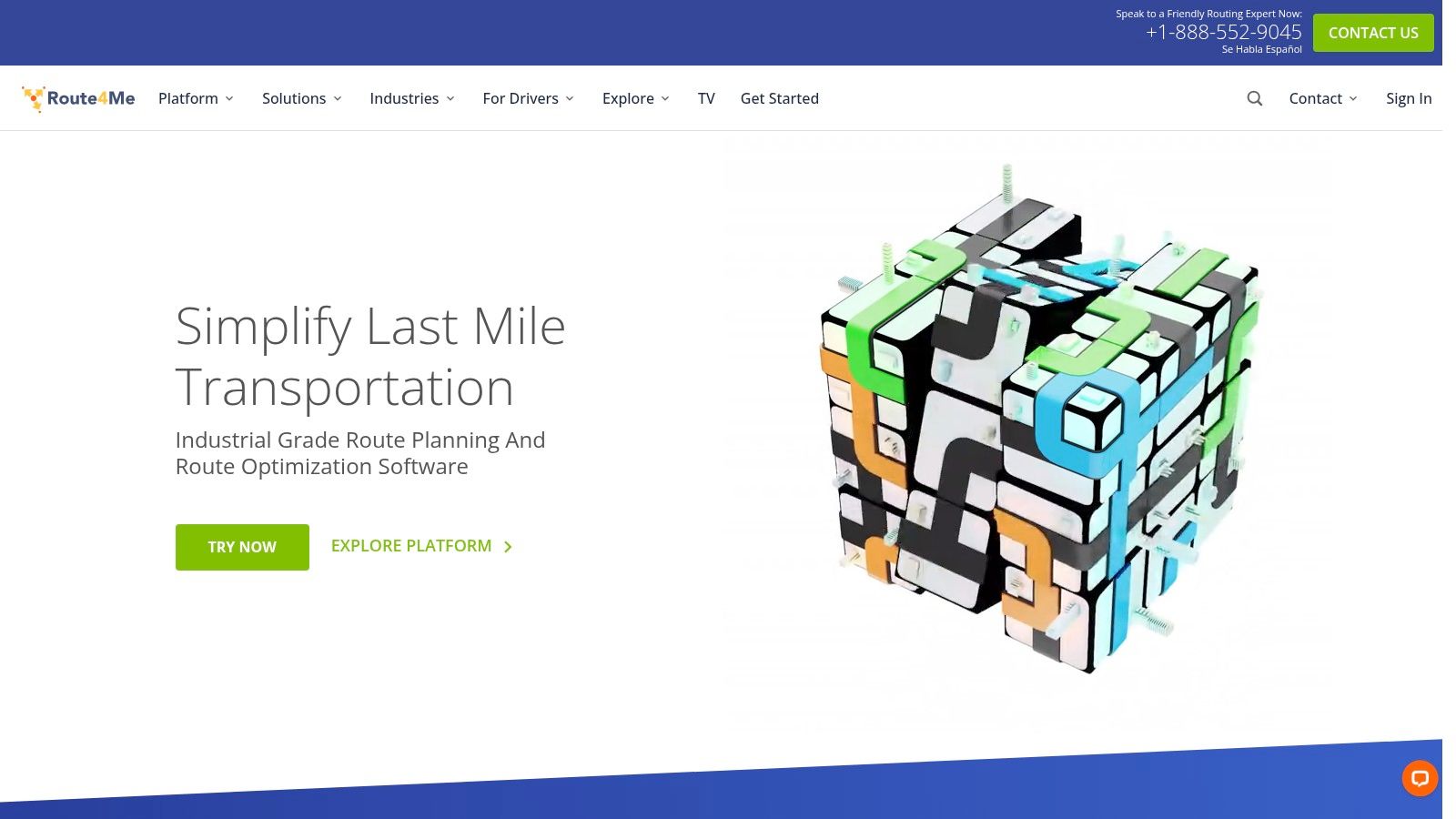
The platform offers a complete ecosystem with web-based dispatch and robust mobile apps that support driver tracking and proof-of-delivery. Its interface is more complex than a tool like Google Maps, reflecting its focus on business operations, but it unlocks a level of optimization that can generate significant savings in fuel and time. The marketplace of add-ons allows businesses to tailor the software to their specific needs, though these come at an additional cost.
Key Features & Limitations
- Platform: Web, Android, iOS
- Best For: Businesses testing professional route optimization, delivery fleets, and field service teams.
- Stop Limit: Unlimited during the 7-day free trial.
- Pricing: Free for a 7-day trial, with paid subscription plans afterward.
The primary limitation is its temporary free access. Route4Me is a premium tool, and the free trial serves as a gateway to its paid subscriptions. For casual users or those needing a permanently free solution for simple tasks, this platform would be overkill. However, for any business looking to evaluate how dedicated optimization software can impact its operations, this trial provides an invaluable, risk-free opportunity.
Website: Route4Me
11. MyRouteOnline
MyRouteOnline is a web-based route planner tailored for businesses and professionals who need to manage multi-stop routes efficiently. Its core strength lies in its ability to import large address lists directly from spreadsheets, making it a powerful tool for delivery services, sales teams, and field technicians. The platform is designed to scale, offering a "pay-as-you-go" credit system that provides flexibility for users with varying route planning needs.

This tool is a step up from basic consumer-grade planners, providing genuine route optimization for large numbers of stops. After importing addresses from Excel, Google Drive, or Dropbox, users can optimize their routes and then export the plan or email it directly to drivers. While a mobile app is available, its full functionality for drivers is part of the paid service. The initial free offering provides a good taste of its professional capabilities.
Key Features & Limitations
- Platform: Web
- Best For: Small to medium-sized businesses, delivery services, and sales teams needing bulk address imports.
- Stop Limit: Free trial allows for a limited number of addresses; paid plans support hundreds.
- Pricing: Free to start with limited address credits; paid plans are subscription-based or pay-per-address credit.
The primary limitation of MyRouteOnline is its cost model for frequent or large-scale use. While the free tier is useful for occasional planning, businesses relying on this service daily will find the address credits or monthly subscriptions necessary. This makes it one of the best free route planning software options for testing out professional-grade features before committing to a paid solution.
Website: MyRouteOnline
12. ASAP Routes
ASAP Routes offers a compelling entry point into professional-grade route optimization without any software installation. Powered by the robust Route4Me engine, it's a web-based tool designed for quick, ad-hoc planning. Its main advantage is a surprisingly generous free tier that allows users to test the power of true optimization for a significant number of stops, making it a standout option for those who need more than what basic mapping services offer but aren't ready to commit to a paid subscription.
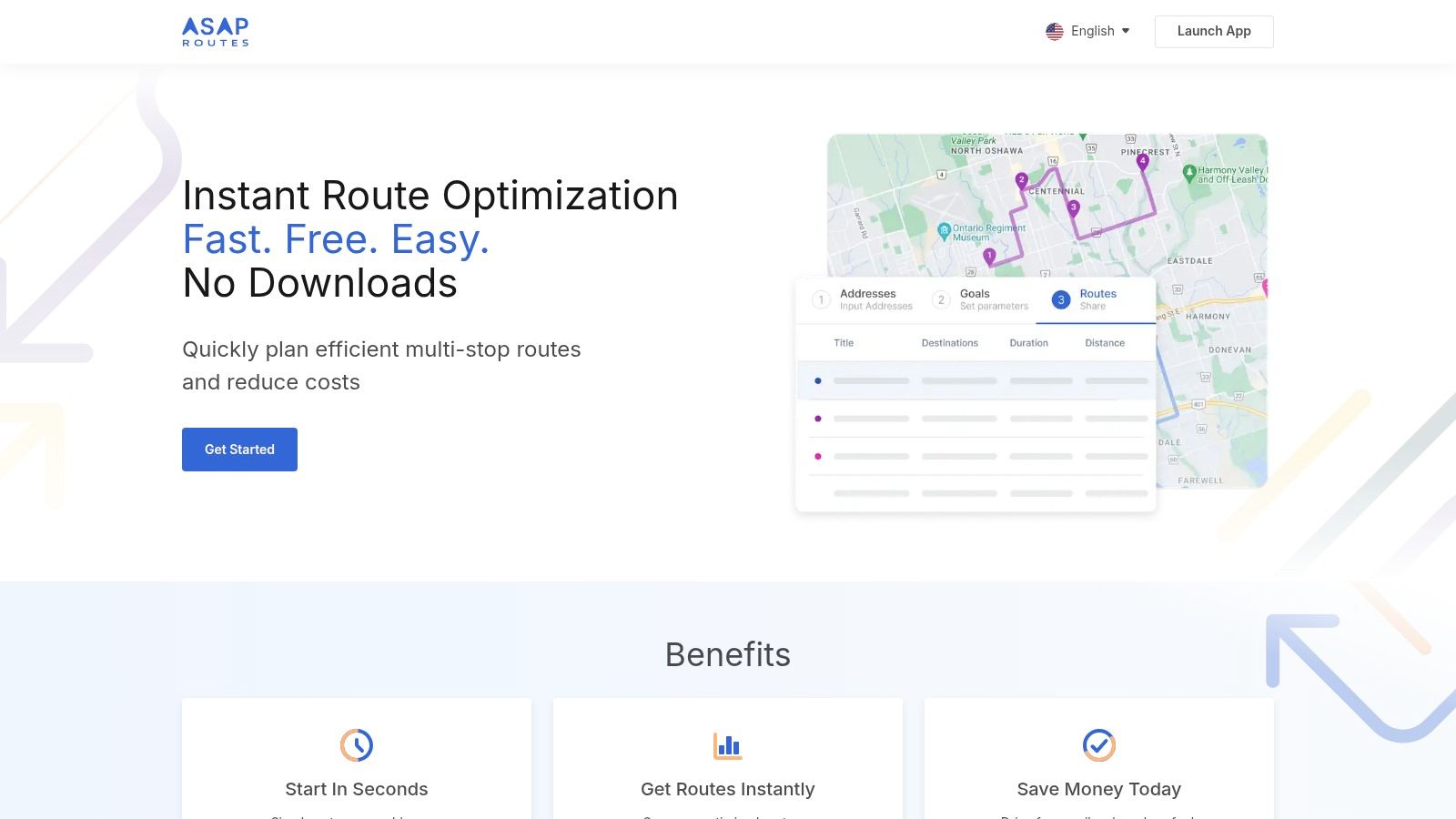
The platform is ideal for small businesses or individuals wanting to quickly optimize a delivery run, service route, or complex multi-destination trip. The ability to export routes via CSV on the registered free tier is a practical feature, allowing you to easily transfer the optimized plan to other devices or systems. This makes ASAP Routes one of the best free route planning software choices for quickly solving a complex logistical puzzle.
Key Features & Limitations
- Platform: Web
- Best For: Testing route optimization, one-off complex routes, and small business delivery planning.
- Stop Limit: Guest tier allows 1 project with up to 25 destinations; registered free tier allows 3 projects with up to 50 destinations each month.
- Pricing: Free tier available; advanced features require paid Route4Me plans.
While the stop allowances are impressive for a free tool, there are limitations. The most powerful features are accessed on the desktop version of the website, and the free usage is capped monthly. For continuous, high-volume routing or advanced features like team management and real-time tracking, users will eventually need to upgrade to a full-fledged paid platform like its parent, Route4Me.
Website: ASAP Routes
Top 12 Free Route Planning Tools — Feature Comparison
| Platform | Core features | Quality ★ | Pricing & Value 💰 | Target audience 👥 | Unique selling points ✨ |
|---|---|---|---|---|---|
| 🏆 EarthChasers | Photorealistic 3D maps, Daily Hunt, leaderboards, Elevation/LOS/ZIP tools | ★★★★★ | 💰 Free unlimited play; optional Pro (pricing not listed) | 👥 Learners, educators, geography gamers, planners | ✨ Google Photorealistic 3D + gamified exploration + free pro-grade tools |
| Google Maps | Multi-stop routing, live traffic, POIs, My Maps | ★★★★☆ | 💰 Free | 👥 General consumers, commuters | ✨ Ubiquitous data & real-time traffic |
| MapQuest Route Planner | Web optimizer, reorder/import, optimize by time/distance (≤26) | ★★★☆☆ | 💰 Free, ad-supported | 👥 Road trippers, errands, small deliveries | ✨ Higher free stop limit, built-in web optimization |
| RouteXL | True TSP optimization, import/export, send to mobile (free ≤20) | ★★★★☆ | 💰 Free tier (≤20); paid for larger routes | 👥 Solo drivers, small businesses | ✨ TSP-style optimization on free plan |
| Circuit Route Planner | Mobile-first, one-tap optimization, voice/camera add, time windows | ★★★★☆ | 💰 Free ≤10 stops; subscriptions remove limits | 👥 Gig/courier drivers, delivery drivers | ✨ Fast driver UI + mobile-focused extras |
| RoadWarrior | Optimization with traffic/schedules, dispatcher & team features | ★★★★☆ | 💰 Free/basic (≤8); paid plans for fleets | 👥 Professional drivers, fleets, dispatchers | ✨ Fleet/dispatcher tooling and schedule-aware routing |
| openrouteservice Maps | Free web map & API, multiple profiles (car, bike, hike, wheelchair) | ★★★★☆ | 💰 Free & open-source; API limits apply | 👥 Developers, accessibility & specialty routing | ✨ Open OSM-backed profiles and matrix/optimization APIs |
| GraphHopper Maps | Multiple profiles, GPX export, self-host option, fast routing | ★★★★☆ | 💰 Free; self-host or paid Directions API | 👥 Developers, OSM/outdoor users | ✨ Self-hostable engine + GPX & surface details |
| HERE WeGo | Multi-stop nav, excellent offline maps, Android Auto/CarPlay | ★★★★☆ | 💰 Free; strong offline support | 👥 Offline travelers, privacy-conscious users | ✨ Best-in-class offline maps & privacy focus |
| Route4Me | Enterprise optimization, dispatch, tracking, POD mobile apps | ★★★★☆ | 💰 7‑day free trial; subscription for full features | 👥 Enterprises, logistics & large fleets | ✨ Enterprise-grade optimization + dispatch ecosystem |
| MyRouteOnline | Bulk import (Excel/Drive), export to driver apps, large route support | ★★★★ | 💰 Free start; credit/subscription model for scale | 👥 SMBs needing bulk planning & exports | ✨ Scales to very large address lists; flexible credits |
| ASAP Routes | No-download web optimizer, CSV export, generous free project limits | ★★★☆☆ | 💰 Generous free tiers (guest/registered); paid caps | 👥 Ad-hoc planners, quick testers | ✨ Quick web testing using Route4Me engine, high free allowances |
Final Thoughts
Navigating the landscape of the best free route planning software can feel as complex as plotting a multi-day, cross-country journey. We've explored a diverse range of powerful tools, from household names like Google Maps to specialized powerhouses like RouteXL and open-source champions like openrouteservice. The central takeaway is clear: there is no single "best" solution for everyone. The ideal tool is entirely dependent on your specific mission.
The right software for a local delivery business managing hundreds of daily stops is fundamentally different from what a family needs to plan a scenic summer road trip. Similarly, a cyclist optimizing for elevation gain has distinct requirements from a field technician who needs reliable offline access in remote areas. Your first and most critical step is to clearly define your primary objective before committing to a platform.
Key Takeaways and Decision-Making Framework
To simplify your selection process, let's distill our findings into a practical framework. Before you download an app or create an account, ask yourself these three critical questions:
What is my primary use case? Are you a solo adventurer, a small business owner, a logistics coordinator, or a hobbyist? Tools like Circuit and RoadWarrior are built for professional delivery, while Google Maps and HERE WeGo excel at personal navigation and road trips. For cycling and hiking, open-source options like GraphHopper Maps and openrouteservice offer unparalleled customization.
What is my "must-have" feature? Is it multi-stop optimization with time windows? Is it the ability to avoid tolls and highways at all costs? Perhaps it's offline map access or detailed elevation profiles. Pinpoint the one or two features you cannot live without, and use that as your primary filter. This will immediately narrow down the extensive list to a manageable few.
What are the limitations I can tolerate? Free software almost always comes with a trade-off. This could be a cap on the number of daily stops (like RouteXL's 20-stop limit), the presence of ads, or a less intuitive user interface. Be realistic about what you're willing to accept. If your business depends on routing more than 10 stops, a free plan with a low limit is not a sustainable solution, and you should focus on tools with more generous free tiers or affordable entry-level paid plans.
Putting Your Plan into Action
Once you have a shortlist of two or three potential candidates, the next step is hands-on testing. Don't just read about the features; experience them. Create a sample route that mirrors a real-world scenario you frequently encounter.
- For Delivery Drivers: Plot a 15-stop route with a few time-sensitive deliveries. Does the software logically order the stops? Can you easily add or remove a location on the fly?
- For Road Trippers: Plan a multi-day trip with points of interest, hotel stops, and scenic detours. How intuitive is it to adjust the itinerary? Can you save the plan for offline use?
- For Cyclists/Hikers: Map a route through varied terrain. Check the accuracy of the elevation data and see if you can customize the route based on surface type or difficulty.
This practical implementation is the ultimate test. It reveals the nuances of the user experience that a feature list can never capture. You'll quickly discover if an interface feels clunky, if the optimization algorithm is truly efficient, or if the mobile app is stable and easy to use while on the move.
Ultimately, the goal of using route planning software is to save time, reduce fuel costs, and eliminate the stress of inefficient travel. By investing a small amount of time upfront to evaluate your needs and test the best free route planning software for your specific scenario, you set yourself up for countless hours of saved time and frustration down the road. The perfect digital co-pilot is out there waiting to make your journeys smoother and more successful.
Ready to move beyond basic routing and explore the world in greater detail? Many of the tools we discussed are excellent for getting from A to B, but EarthChasers provides the utilities to understand the why and what of your journey. Use our free mapping tools to analyze geographic data, measure distances with precision, and explore locations before you even start your engine. Visit EarthChasers to add a new layer of geographical insight to your planning process.